Platform Capablities
Core Modules
Core Modules
Everything you need to manage operations and Security, accessible from a single app.
Everything you need to manage operations and Security, accessible from a single app.

SOS
How It Works
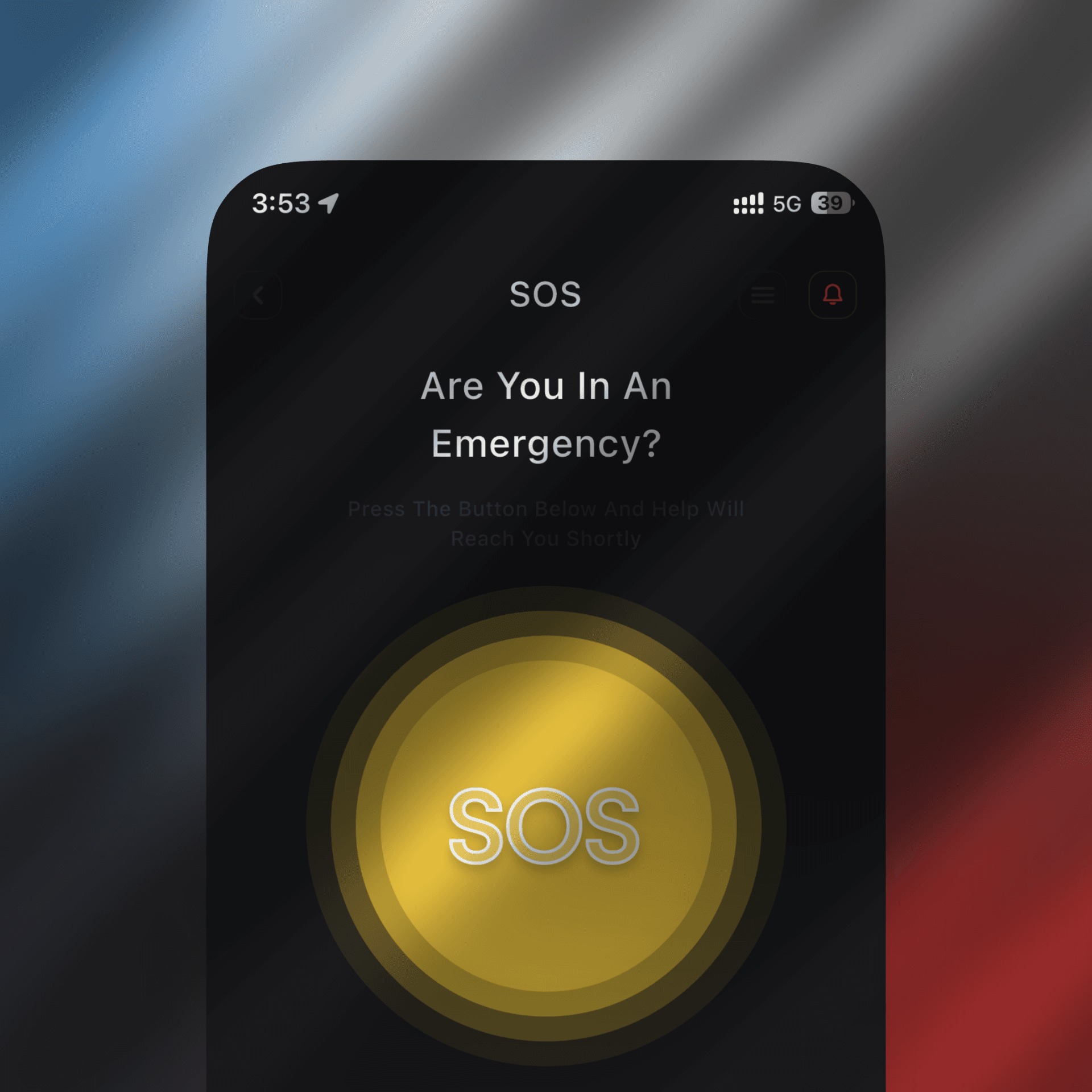
Any authorized staff member instantly triggers an SOS via mobile app with location, photos, and emergency type
The Security Manager validates and broadcasts the alert to response teams in real-time
Live location tracking of all staff and rescue teams appears on an interactive map
Teams acknowledge alerts, coordinate responses, and update staff status ("Safe" or "Not Safe")
After resolution, comprehensive incident timelines are automatically generated for review and training
SOS
How It Works
Any authorized staff member instantly triggers an SOS via mobile app with location, photos, and emergency type
The Security Manager validates and broadcasts the alert to response teams in real-time
Live location tracking of all staff and rescue teams appears on an interactive map
Teams acknowledge alerts, coordinate responses, and update staff status ("Safe" or "Not Safe")
After resolution, comprehensive incident timelines are automatically generated for review and training
SOS
Key Features
Instant location-tagged SOS alerts with photo/text descriptions
Real-time team notifications and task assignment
Live staff and responder location tracking on interactive map
Real-time status updates: "I'm Safe" or "I'm Not Safe"
Automated post-incident reporting with complete timeline
Privacy-respecting: Location access granted only during emergencies
SOS
Key Features
Instant location-tagged SOS alerts with photo/text descriptions
Real-time team notifications and task assignment
Live staff and responder location tracking on interactive map
Real-time status updates: "I'm Safe" or "I'm Not Safe"
Automated post-incident reporting with complete timeline
Privacy-respecting: Location access granted only during emergencies
SOS
Use Cases
Emergency response in any organization—hospitality, healthcare, manufacturing, government, critical infrastructure, corporate offices, educational institutions
SOS
Use Cases
Emergency response in any organization—hospitality, healthcare, manufacturing, government, critical infrastructure, corporate offices, educational institutions
Incident Management
How It Works
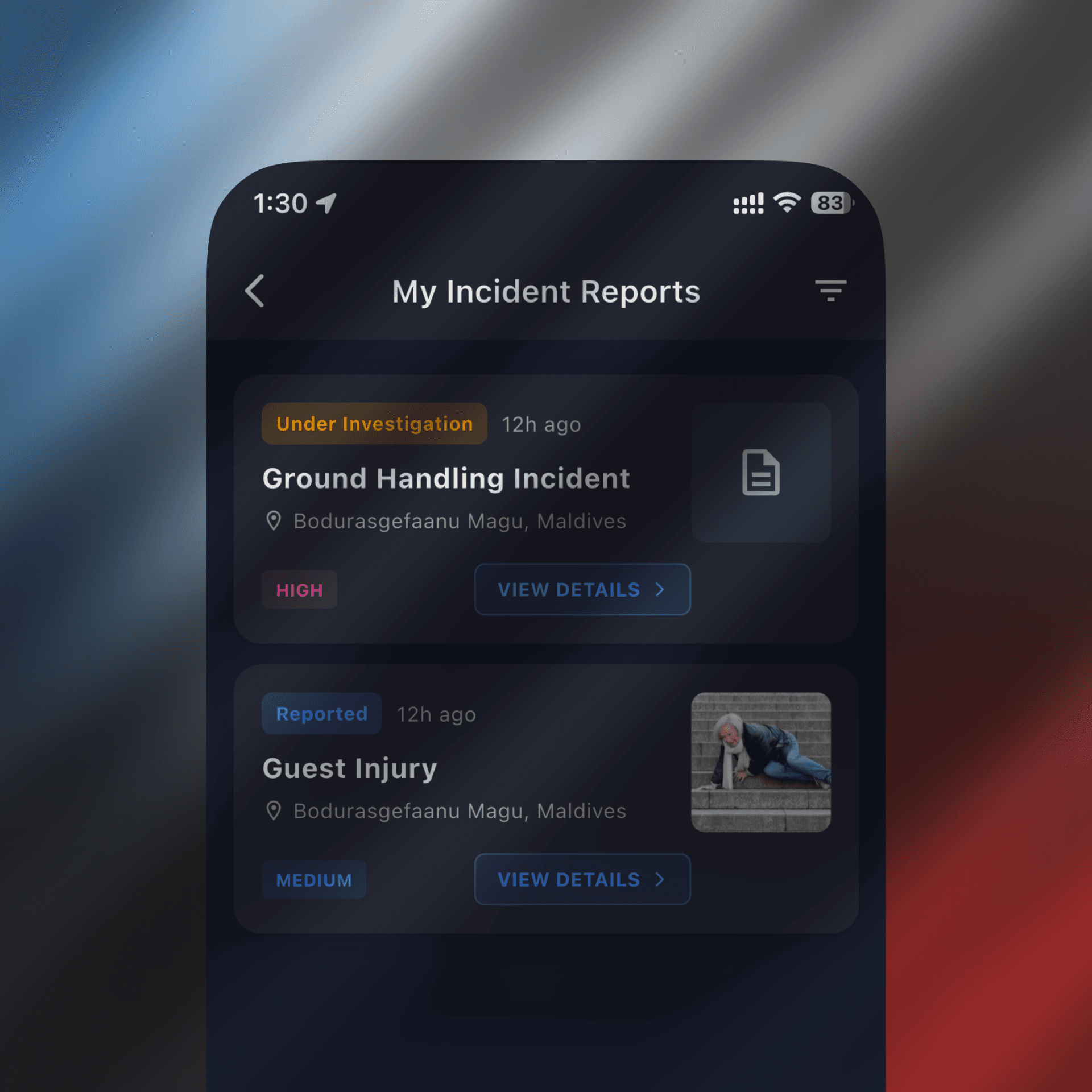
Staff or supervisors report an incident with photos, descriptions, type classification, and people involved
The system creates a unified incident record accessible from web and mobile
Assigned investigators add findings, conclusions, and corrective actions
AI-assisted narrative enhancement ensures incident reports are clear, complete, and well-documented
Complete audit trail and historical reporting support compliance and continuous improvement
Incident Management
How It Works
Staff or supervisors report an incident with photos, descriptions, type classification, and people involved
The system creates a unified incident record accessible from web and mobile
Assigned investigators add findings, conclusions, and corrective actions
AI-assisted narrative enhancement ensures incident reports are clear, complete, and well-documented
Complete audit trail and historical reporting support compliance and continuous improvement
Incident Management
Key Features
Real-time incident reporting with attachments and classification
Multi-step investigation workflow: reporting → investigation → findings → conclusions → corrective actions
AI-enhanced documentation for clarity and completeness
Historical incident tracking and trend analysis
Comprehensive audit trails for compliance
Mobile and web access for incident documentation anywhere, anytime
Incident Management
Key Features
Real-time incident reporting with attachments and classification
Multi-step investigation workflow: reporting → investigation → findings → conclusions → corrective actions
AI-enhanced documentation for clarity and completeness
Historical incident tracking and trend analysis
Comprehensive audit trails for compliance
Mobile and web access for incident documentation anywhere, anytime
Incident Management
Use Cases
Incident tracking and investigation across all industries and operational environments
Incident Management
Use Cases
Incident tracking and investigation across all industries and operational environments
Secure Chat
How It Works
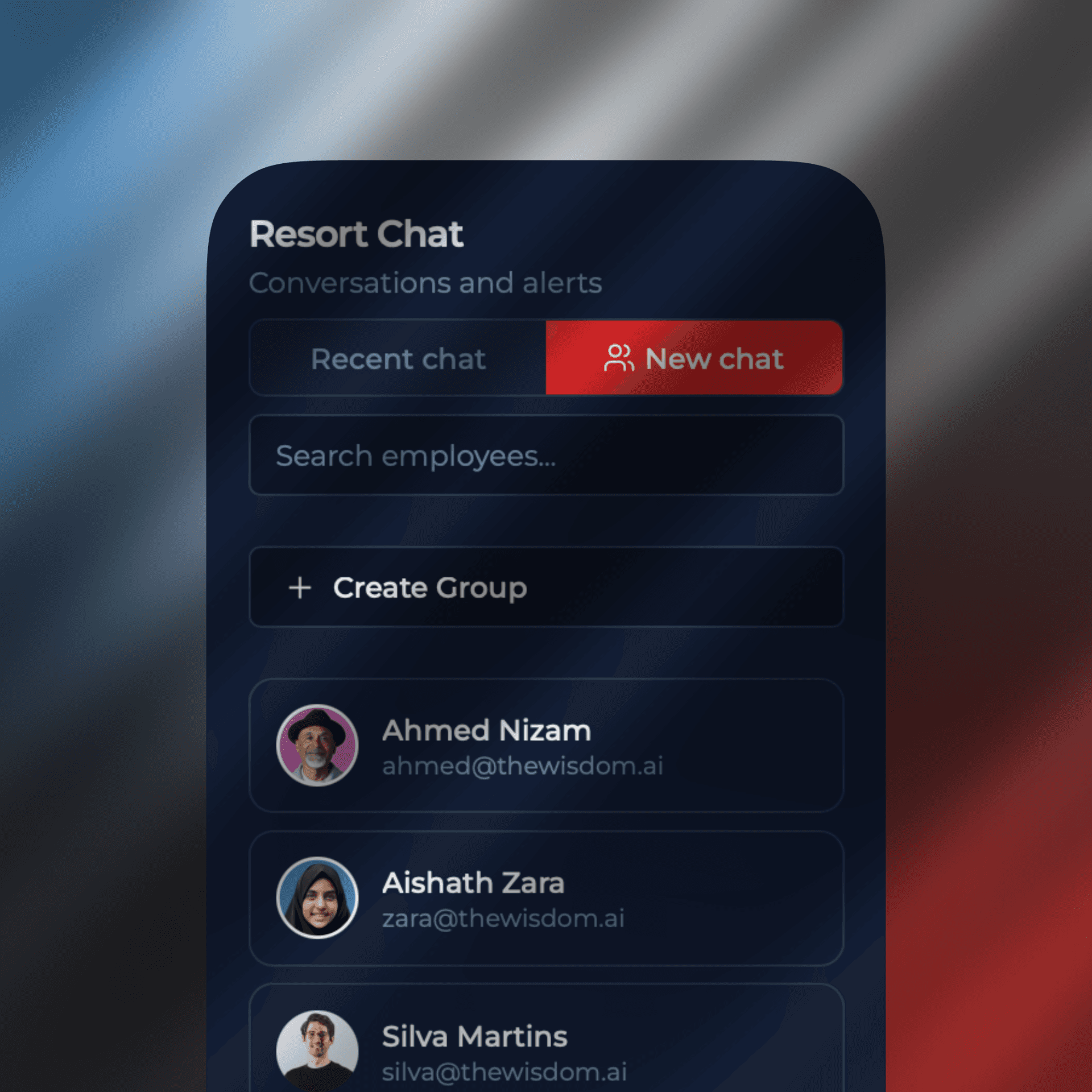
One-on-one and group chat available to all users directly in Tyros®
End-to-end encryption ensures confidential conversations stay private
Files and images shared through the platform remain cloud-based—preventing unauthorized downloads
Screenshot restrictions protect sensitive information from being captured
Complete message and file history stays within your organization, never on external servers
Secure Chat
How It Works
One-on-one and group chat available to all users directly in Tyros®
End-to-end encryption ensures confidential conversations stay private
Files and images shared through the platform remain cloud-based—preventing unauthorized downloads
Screenshot restrictions protect sensitive information from being captured
Complete message and file history stays within your organization, never on external servers
Secure Chat
Key Features
End-to-end encrypted messaging (1-on-1 and group)
Secure file and image sharing with download restrictions
Screenshot prevention for sensitive conversations
Cloud-based message history (nothing leaves your organization)
Mobile and web access to team communication
Multi-language support for global teams
Secure Chat
Key Features
End-to-end encrypted messaging (1-on-1 and group)
Secure file and image sharing with download restrictions
Screenshot prevention for sensitive conversations
Cloud-based message history (nothing leaves your organization)
Mobile and web access to team communication
Multi-language support for global teams
Secure Chat
Use Cases
Internal team coordination, confidential discussions, secure file sharing, operational communications in any organization
Secure Chat
Use Cases
Internal team coordination, confidential discussions, secure file sharing, operational communications in any organization
Location & Visibility
How It Works
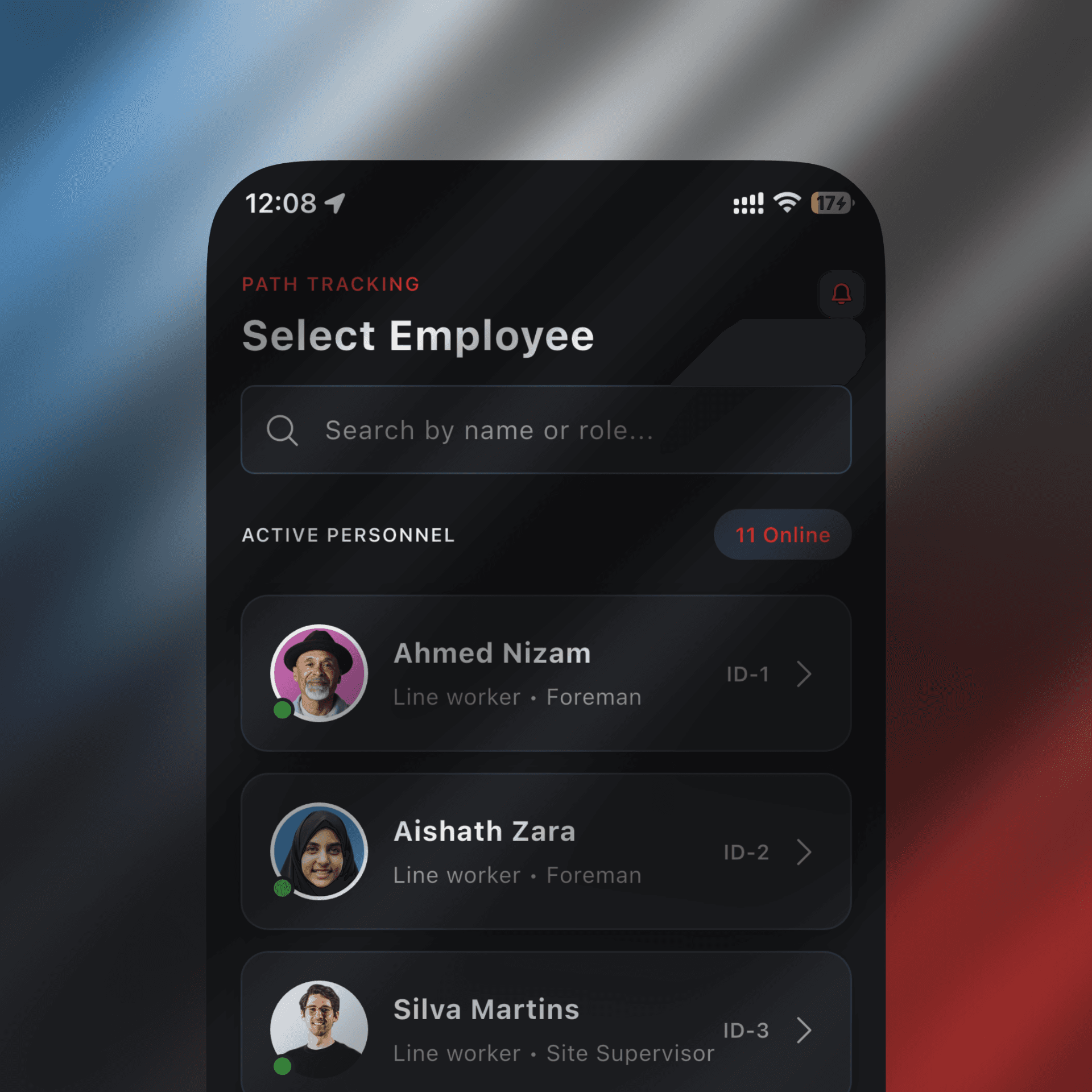
Organizations can opt to track specific employees during working hours (with employee consent)
Location data is visible only during defined work hours; access is automatically revoked after hours
Geo-fencing allows creation of virtual boundaries around critical locations
System automatically logs when anyone enters or exits a geofenced area, including timestamps and duration
Emergency situations override standard privacy controls: during active SOS events, full location visibility is instantly available
Once emergency is resolved, location access restrictions return to normal
Location & Visibility
How It Works
Organizations can opt to track specific employees during working hours (with employee consent)
Location data is visible only during defined work hours; access is automatically revoked after hours
Geo-fencing allows creation of virtual boundaries around critical locations
System automatically logs when anyone enters or exits a geofenced area, including timestamps and duration
Emergency situations override standard privacy controls: during active SOS events, full location visibility is instantly available
Once emergency is resolved, location access restrictions return to normal
Location & Visibility
Key Features
Work-hour-based location tracking with employee consent
Geo-fencing with entry/exit alerts and time tracking
Interactive map view of team locations
Automatic privacy controls: access granted/revoked based on work hours
Emergency override: full visibility during SOS situations
Historical location logs for compliance and operational review
Location & Visibility
Key Features
Work-hour-based location tracking with employee consent
Geo-fencing with entry/exit alerts and time tracking
Interactive map view of team locations
Automatic privacy controls: access granted/revoked based on work hours
Emergency override: full visibility during SOS situations
Historical location logs for compliance and operational review
Location & Visibility
Use Cases
Field operations, site management, asset tracking, work-hour accountability, geolocation-based operational insights
Location & Visibility
Use Cases
Field operations, site management, asset tracking, work-hour accountability, geolocation-based operational insights
Digital Flow
How It Works
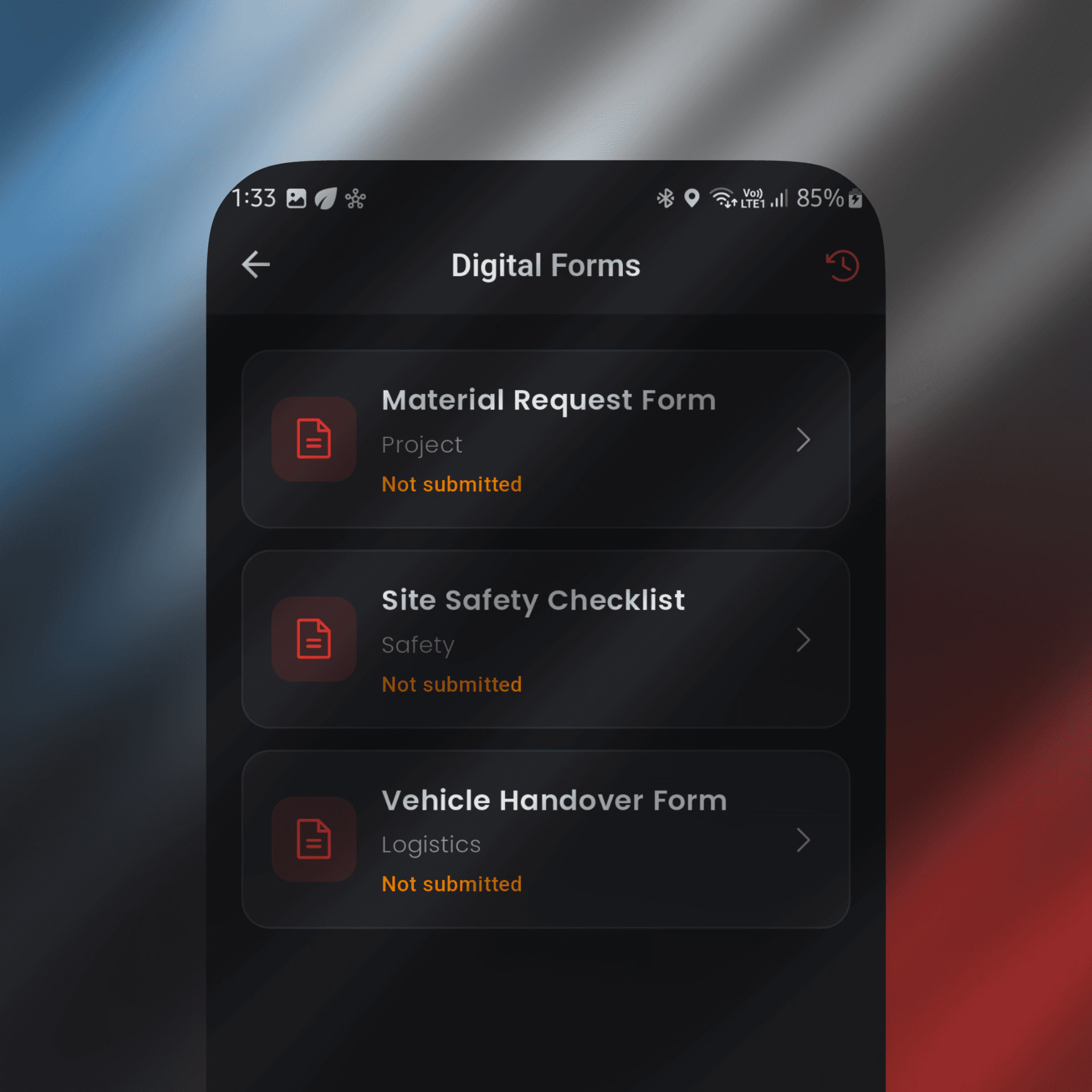
Businesses create custom digital forms for any workflow (checklists, inspections, reports, compliance, etc.)
Forms are accessible from both web and mobile app
Users fill forms in real-time, add attachments, and submit for review
Data is automatically stored and organized in the system
Historical form submissions provide audit trails and trending data
Organizations eliminate paper, improve data consistency, and reduce manual errors
Digital Flow
How It Works
Businesses create custom digital forms for any workflow (checklists, inspections, reports, compliance, etc.)
Forms are accessible from both web and mobile app
Users fill forms in real-time, add attachments, and submit for review
Data is automatically stored and organized in the system
Historical form submissions provide audit trails and trending data
Organizations eliminate paper, improve data consistency, and reduce manual errors
Digital Flow
Key Features
Custom form builder with drag-and-drop interface
Mobile and web form access
Multi-step workflows and conditional logic
Photo/document attachment support
Automated form submission workflows
Form response history and trend analysis
Green initiative: eliminate paper-based processes
Digital Flow
Key Features
Custom form builder with drag-and-drop interface
Mobile and web form access
Multi-step workflows and conditional logic
Photo/document attachment support
Automated form submission workflows
Form response history and trend analysis
Green initiative: eliminate paper-based processes
Digital Flow
Use Cases
Safety inspections, daily checklists, compliance documentation, incident reporting, operational workflows, guest feedback, asset management
Digital Flow
Use Cases
Safety inspections, daily checklists, compliance documentation, incident reporting, operational workflows, guest feedback, asset management
Dashboard
How It Works
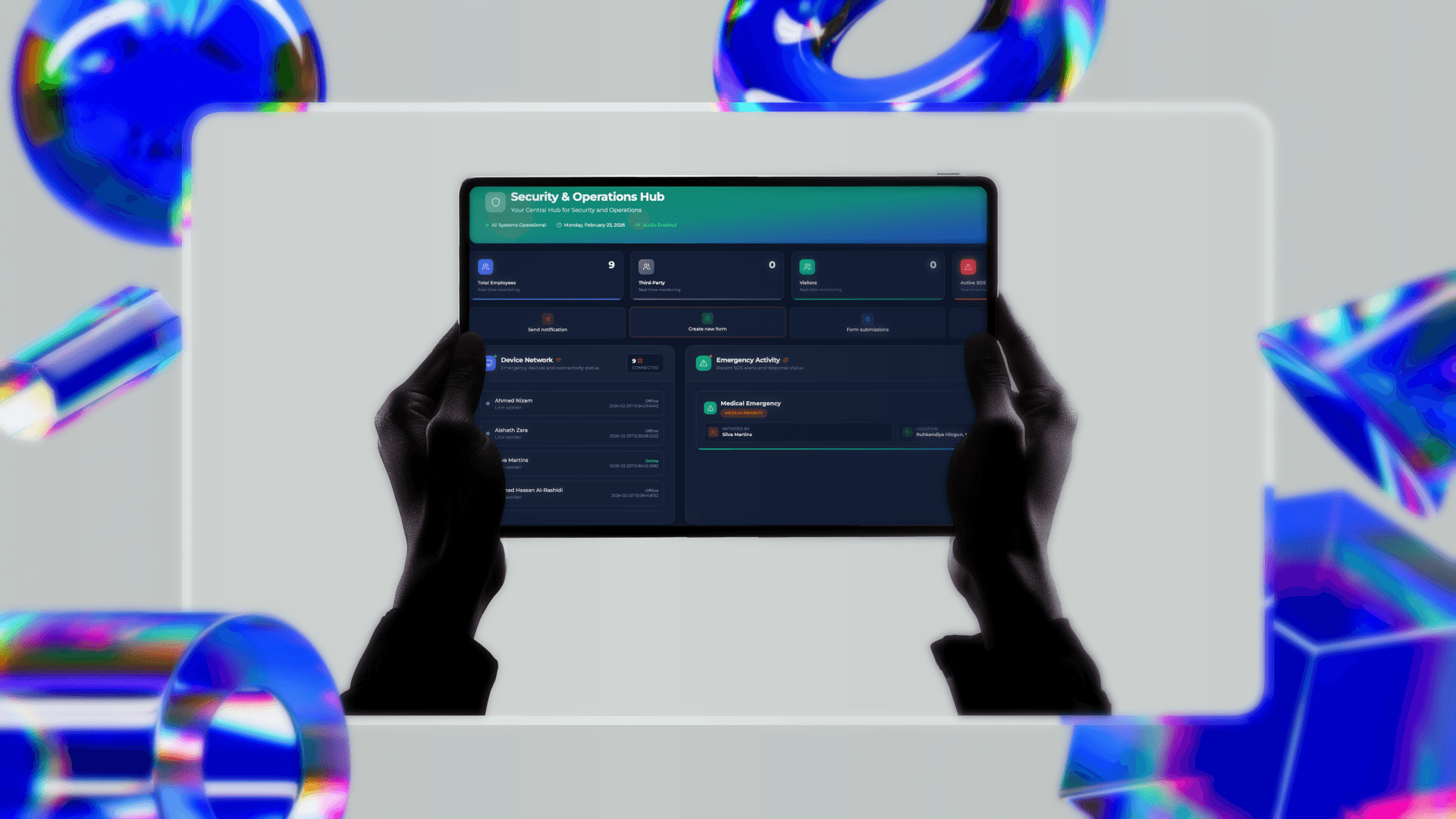
Dashboard displays active SOS situations, ongoing incidents, team locations, and operational metrics in real-time
Managers and security teams can assign tasks, broadcast instructions, and track response progress
Historical data and reporting help with post-incident analysis and continuous improvement
Accessible from desktop and mobile for on-the-go command and control
Customizable views based on user role and operational needs
Dashboard
How It Works
Dashboard displays active SOS situations, ongoing incidents, team locations, and operational metrics in real-time
Managers and security teams can assign tasks, broadcast instructions, and track response progress
Historical data and reporting help with post-incident analysis and continuous improvement
Accessible from desktop and mobile for on-the-go command and control
Customizable views based on user role and operational needs
Dashboard
Key Features
Real-time SOS and incident status monitoring
Live team location tracking and status visibility
Task assignment and tracking
Historical incident and SOS data for analysis
Role-based dashboard customization
Mobile and web access for command and control anywhere
Multi-language support for global operations
Dashboard
Key Features
Real-time SOS and incident status monitoring
Live team location tracking and status visibility
Task assignment and tracking
Historical incident and SOS data for analysis
Role-based dashboard customization
Mobile and web access for command and control anywhere
Multi-language support for global operations
Dashboard
Use Cases
Emergency coordination, operational oversight, incident response command, team management
Dashboard
Use Cases
Emergency coordination, operational oversight, incident response command, team management