Construction Industry Use Cases
A Day in the Life: How a Safety Incident Gets Managed
A Day in the Life: How a Safety Incident Gets Managed
The Day Begins
The Day Begins

Digital Forms
Your Team Starts the Day
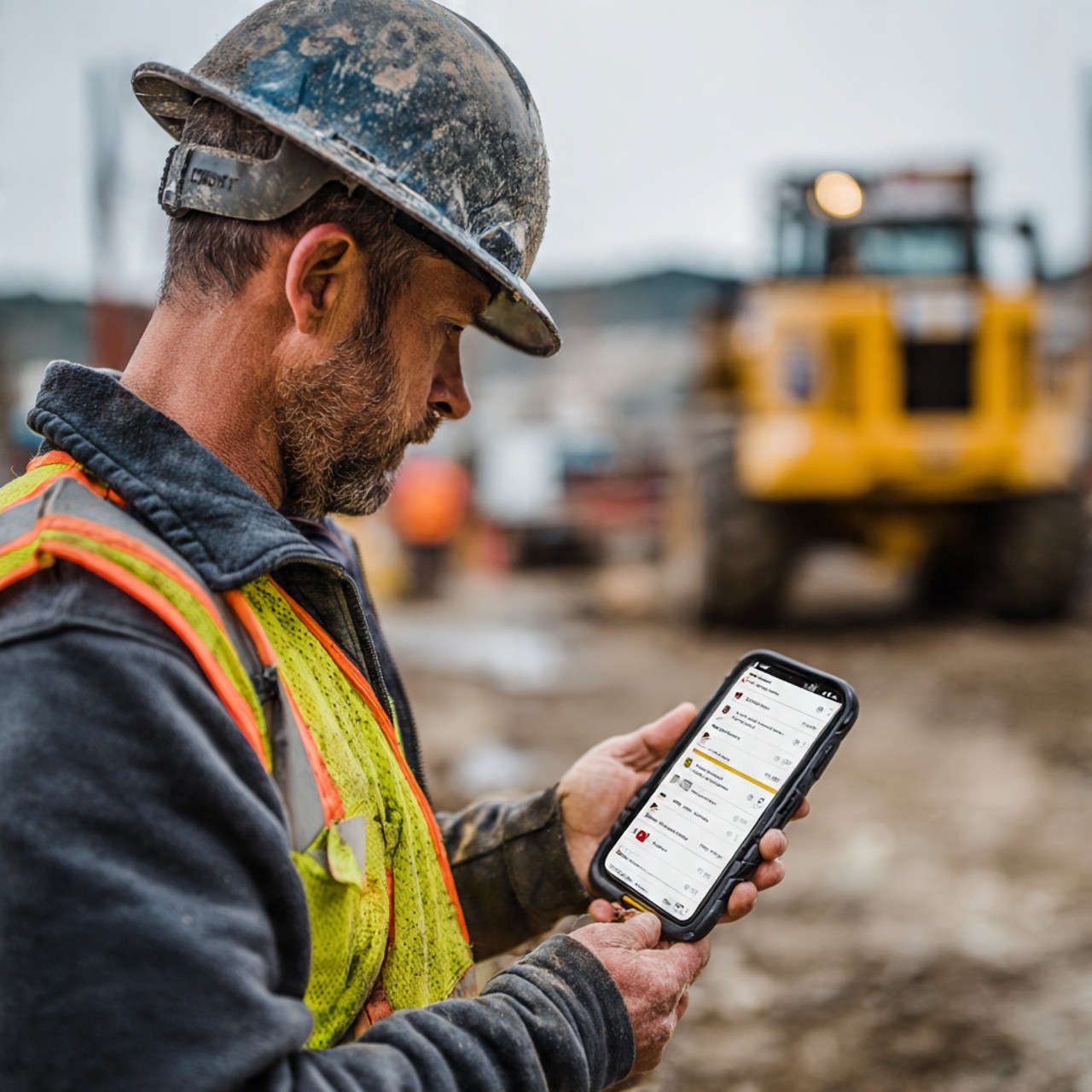
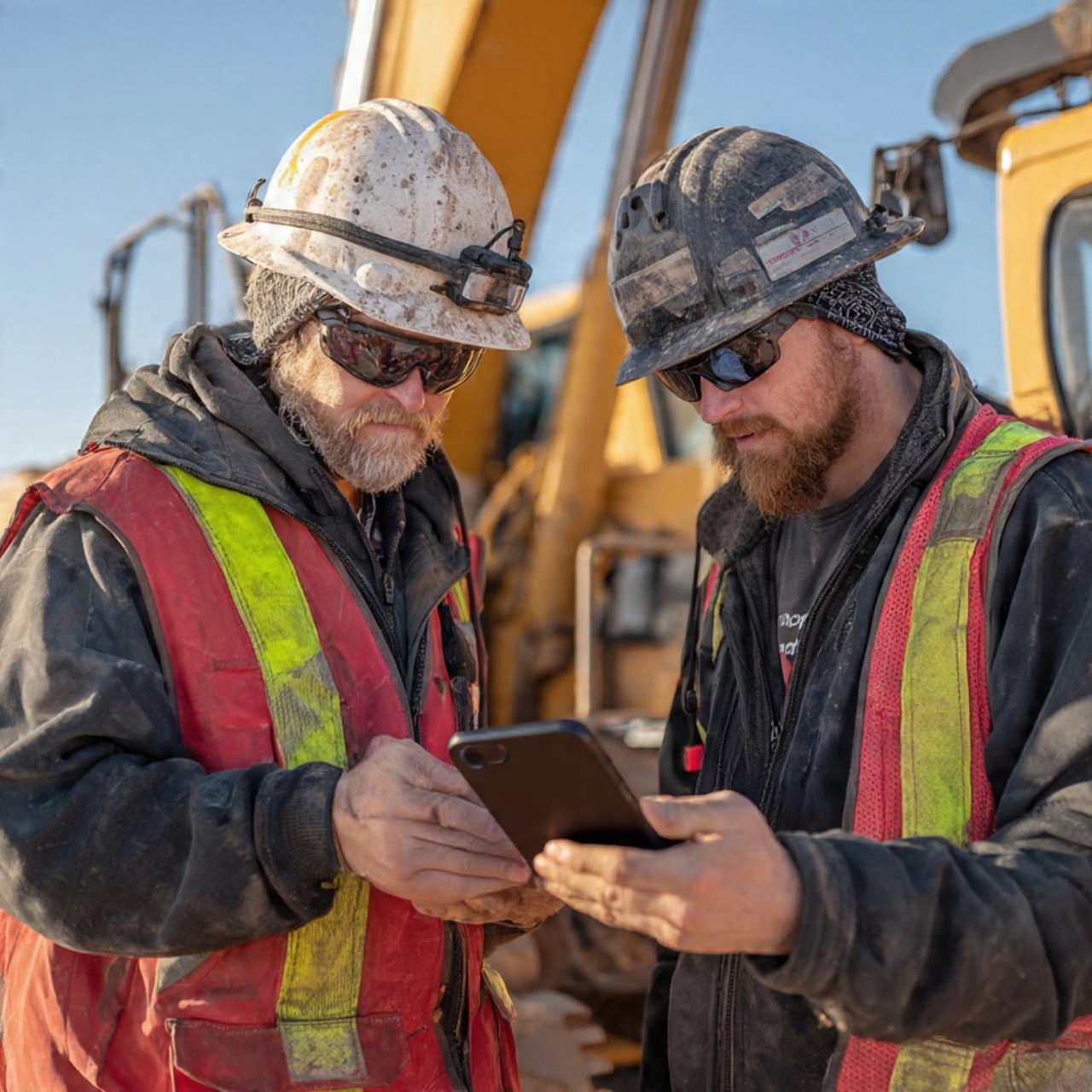
It's 8:00 AM on a busy construction site. Your site supervisor opens the Tyros® app on his mobile phone. Before the team spreads across different areas of the site, he quickly checks the morning briefing—equipment locations, crew assignments, and today's focus areas.
His team includes equipment operators, safety officers, and field coordinators scattered across a large construction site in Hulhumalé. Without a unified system, keeping track of who's where and what's happening would be chaos.
Digital Forms
Your Team Starts the Day
It's 8:00 AM on a busy construction site. Your site supervisor opens the Tyros® app on his mobile phone. Before the team spreads across different areas of the site, he quickly checks the morning briefing—equipment locations, crew assignments, and today's focus areas.
His team includes equipment operators, safety officers, and field coordinators scattered across a large construction site in Hulhumalé. Without a unified system, keeping track of who's where and what's happening would be chaos.
Digital Forms
Equipment Inspections Go Digital
At 8:30 AM, the safety team conducts their daily equipment inspection. Instead of using printed checklists and clipboards, they use the Digital Forms module in Tyros®.
They quickly go through their mobile app: crane safety ✓, excavator condition ✓, tool inventory ✓. Each checkpoint is marked, photos are attached, and the form is submitted. Instantly, the system stores the inspection record.
No more lost forms. No more guessing if yesterday's inspection was completed. Everything is documented and searchable.
Digital Forms
Equipment Inspections Go Digital
At 8:30 AM, the safety team conducts their daily equipment inspection. Instead of using printed checklists and clipboards, they use the Digital Forms module in Tyros®.
They quickly go through their mobile app: crane safety ✓, excavator condition ✓, tool inventory ✓. Each checkpoint is marked, photos are attached, and the form is submitted. Instantly, the system stores the inspection record.
No more lost forms. No more guessing if yesterday's inspection was completed. Everything is documented and searchable.
Location Tracking
Team Disperses—But You Can See Everything
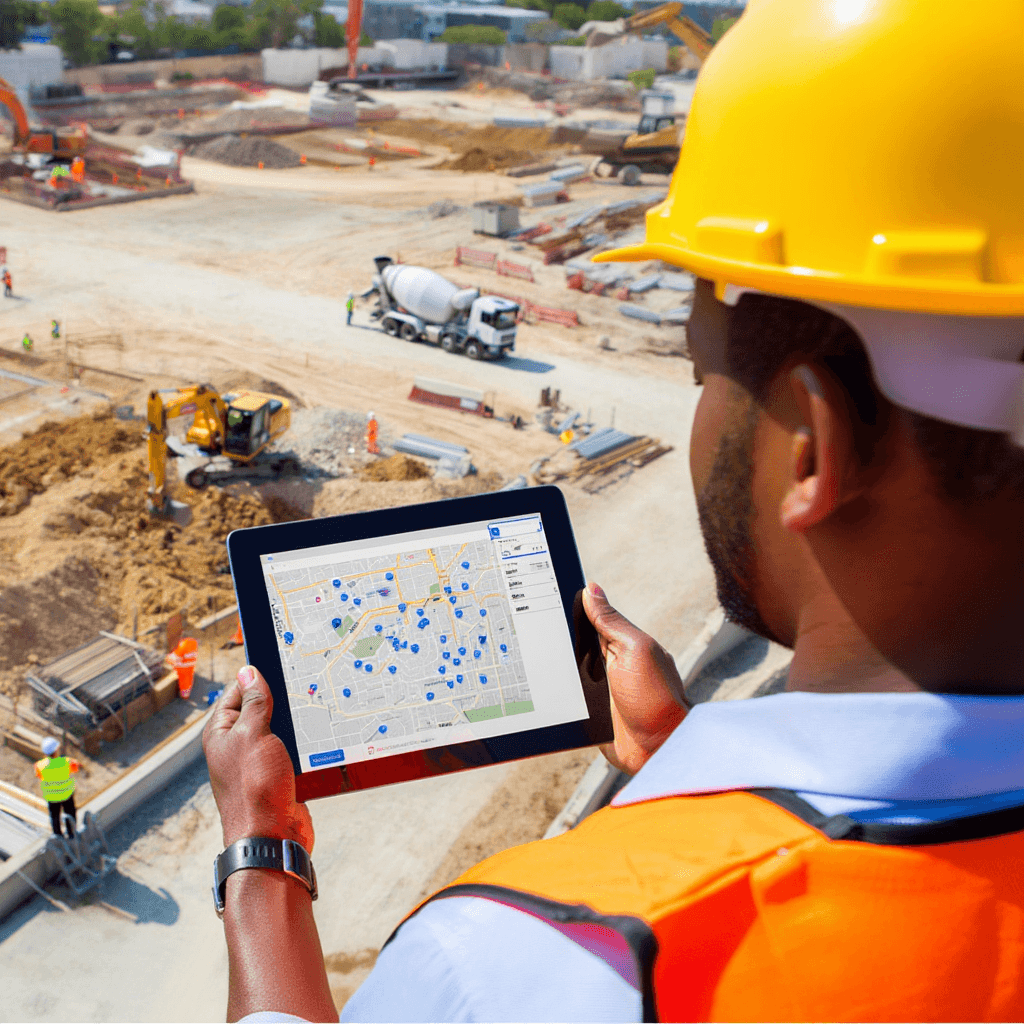
By 8:30 AM, crews are deployed across the site. Equipment is moving. Teams are working in different zones. Your site supervisor can see real-time location tracking of all vehicles and key personnel on an interactive map in Tyros®.
Excavator #3 is at the foundation zone. Concrete mixer arrived at the designated area. Safety officer is positioned for supervision. Supervisor can optimize operations, ensure proper spacing, and know exactly who's where if anything urgent happens.
Location Tracking
Team Disperses—But You Can See Everything
By 8:30 AM, crews are deployed across the site. Equipment is moving. Teams are working in different zones. Your site supervisor can see real-time location tracking of all vehicles and key personnel on an interactive map in Tyros®.
Excavator #3 is at the foundation zone. Concrete mixer arrived at the designated area. Safety officer is positioned for supervision. Supervisor can optimize operations, ensure proper spacing, and know exactly who's where if anything urgent happens.
⚠️ 10:30 AM: The Incident Happens
⚠️ 10:30 AM: The Incident Happens
Incident Management
A Worker Gets Injured
A worker operating equipment sustains a minor but notable injury. It's not life-threatening, but it needs immediate attention and documentation.
In the old way, someone would write notes on paper, maybe take a photo on their phone, and the supervisor would manually log it later—if they remembered. Details get lost. Timeline gets fuzzy. Documentation is incomplete.
But your site supervisor has Tyros®.
Incident Management
A Worker Gets Injured
A worker operating equipment sustains a minor but notable injury. It's not life-threatening, but it needs immediate attention and documentation.
In the old way, someone would write notes on paper, maybe take a photo on their phone, and the supervisor would manually log it later—if they remembered. Details get lost. Timeline gets fuzzy. Documentation is incomplete.
But your site supervisor has Tyros®.

Incident Management
Reporting Happens Instantly
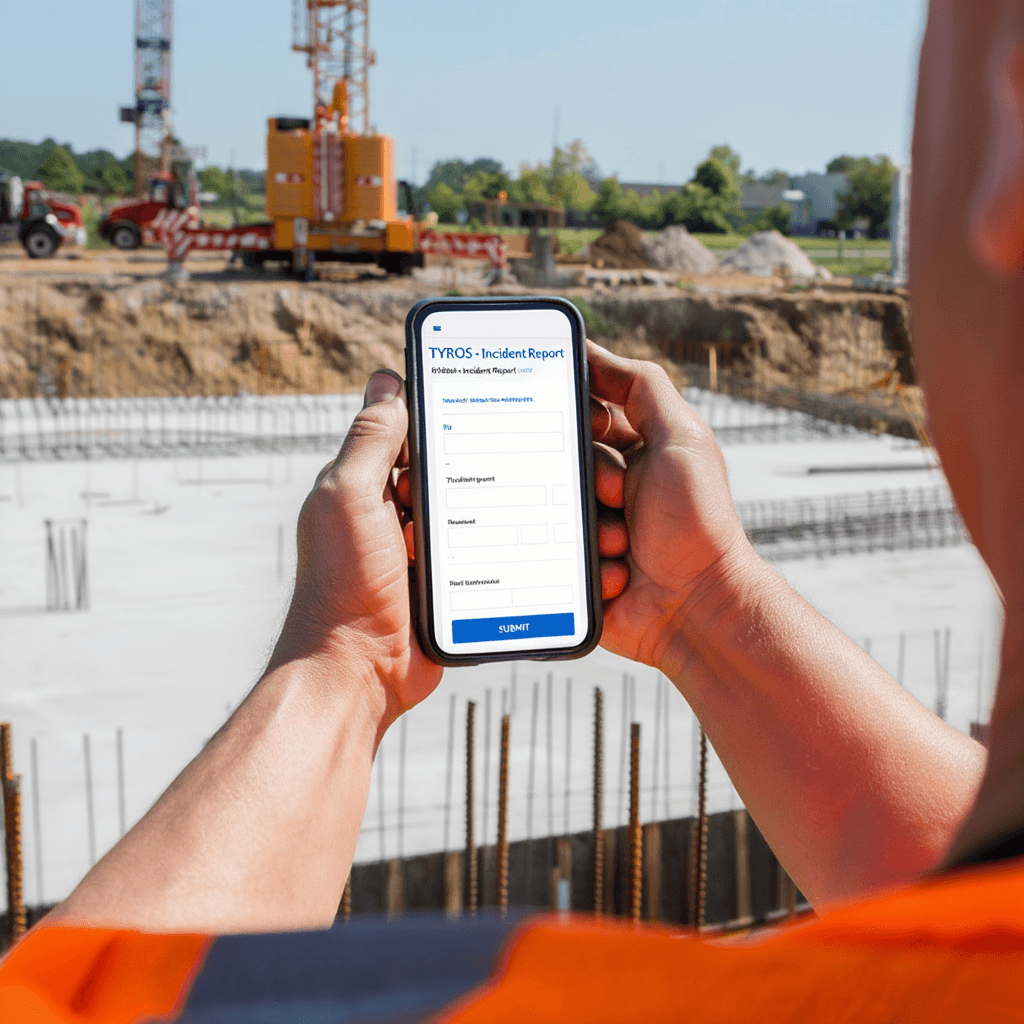
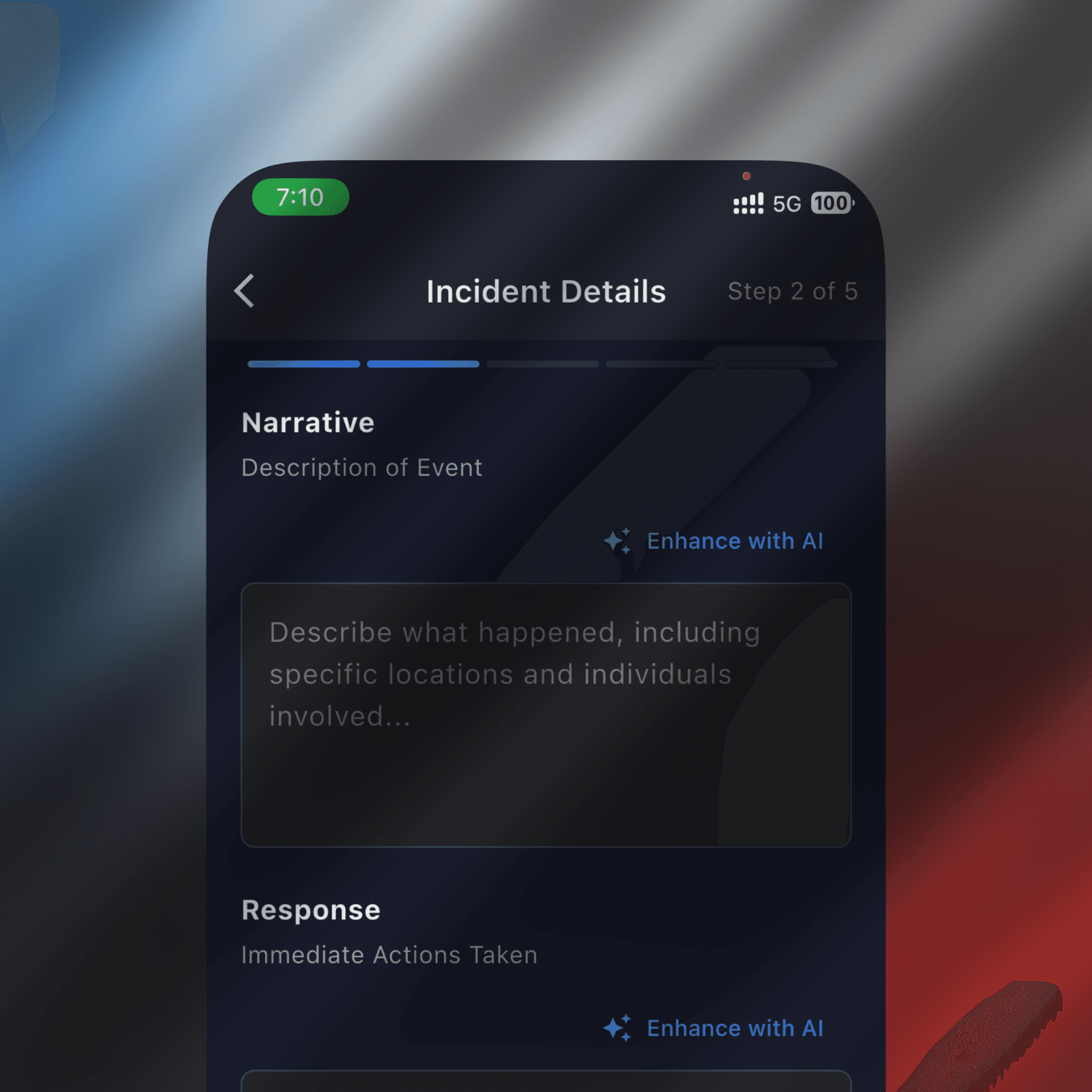
The supervisor immediately opens the Incident Management module in Tyros®. In 30 seconds, he captures:
✓ Incident type: "Worker Injury"
✓ Location: "Foundation Zone, Equipment Area"
✓ Time: Automatically recorded (10:32 AM)
✓ Description: "Worker struck by equipment arm during operation"
✓ Photos: 2 photos attached showing location and injury area
✓ Severity: "Moderate"
✓ Witnesses: Names of two other workers present
He hits submit. The system captures everything, automatically, with timestamps.
Incident Management
Reporting Happens Instantly
The supervisor immediately opens the Incident Management module in Tyros®. In 30 seconds, he captures:
✓ Incident type: "Worker Injury"
✓ Location: "Foundation Zone, Equipment Area"
✓ Time: Automatically recorded (10:32 AM)
✓ Description: "Worker struck by equipment arm during operation"
✓ Photos: 2 photos attached showing location and injury area
✓ Severity: "Moderate"
✓ Witnesses: Names of two other workers present
He hits submit. The system captures everything, automatically, with timestamps.
Secure Cha
Management Gets Instant Visibility
The moment the incident is submitted, your site manager and safety director are notified. They see the incident details immediately and can assess the situation.
Secure Cha
Management Gets Instant Visibility
The moment the incident is submitted, your site manager and safety director are notified. They see the incident details immediately and can assess the situation.
Secure Chat
They use Secure Chat to quickly communicate about response:
Supervisor: "Injury reported at foundation zone. Worker being treated. Recommend pause equipment ops in that area until investigation."
Safety Director: "Approved. I'm coming to site in 15 min. Mark area clear."
Supervisor: "Done. Area cleared and marked."
Secure Chat
They use Secure Chat to quickly communicate about response:
Supervisor: "Injury reported at foundation zone. Worker being treated. Recommend pause equipment ops in that area until investigation."
Safety Director: "Approved. I'm coming to site in 15 min. Mark area clear."
Supervisor: "Done. Area cleared and marked."
🔍 Investigation & Documentation
🔍 Investigation & Documentation

Incident Management
The Safety Director Investigates
The safety director arrives at the site and accesses the incident in Tyros® on her tablet. She can see:
The exact time the incident occurred
Supervisor's initial assessment and photos
Witness information
Equipment location data (where was the machinery at that time?)
Any recent equipment inspection reports
She interviews the worker and witnesses. She writes her findings directly in the Incident Management module, adding her own observations and analysis.
Incident Management
The Safety Director Investigates
The safety director arrives at the site and accesses the incident in Tyros® on her tablet. She can see:
The exact time the incident occurred
Supervisor's initial assessment and photos
Witness information
Equipment location data (where was the machinery at that time?)
Any recent equipment inspection reports
She interviews the worker and witnesses. She writes her findings directly in the Incident Management module, adding her own observations and analysis.
AI Enhancement
AI-Enhanced Documentation
The safety director completes her investigation and types her findings into the incident report. But here's where Tyros® becomes powerful:
AI-Assisted Enhancement kicks in. The system reviews her investigation notes and helps ensure the narrative is clear, complete, and well-documented. It highlights any missing information and suggests clearer language.
The result? A professional, comprehensive incident report that's:
✓ Clear and easy to understand
✓ Complete with all relevant details
✓ Properly formatted for compliance
✓ Searchable and easily retrievable
No more "I can't read the supervisor's handwriting" or "What happened again?"
AI Enhancement
AI-Enhanced Documentation
The safety director completes her investigation and types her findings into the incident report. But here's where Tyros® becomes powerful:
AI-Assisted Enhancement kicks in. The system reviews her investigation notes and helps ensure the narrative is clear, complete, and well-documented. It highlights any missing information and suggests clearer language.
The result? A professional, comprehensive incident report that's:
✓ Clear and easy to understand
✓ Complete with all relevant details
✓ Properly formatted for compliance
✓ Searchable and easily retrievable
No more "I can't read the supervisor's handwriting" or "What happened again?"
Incident Management
The Complete Record Exists
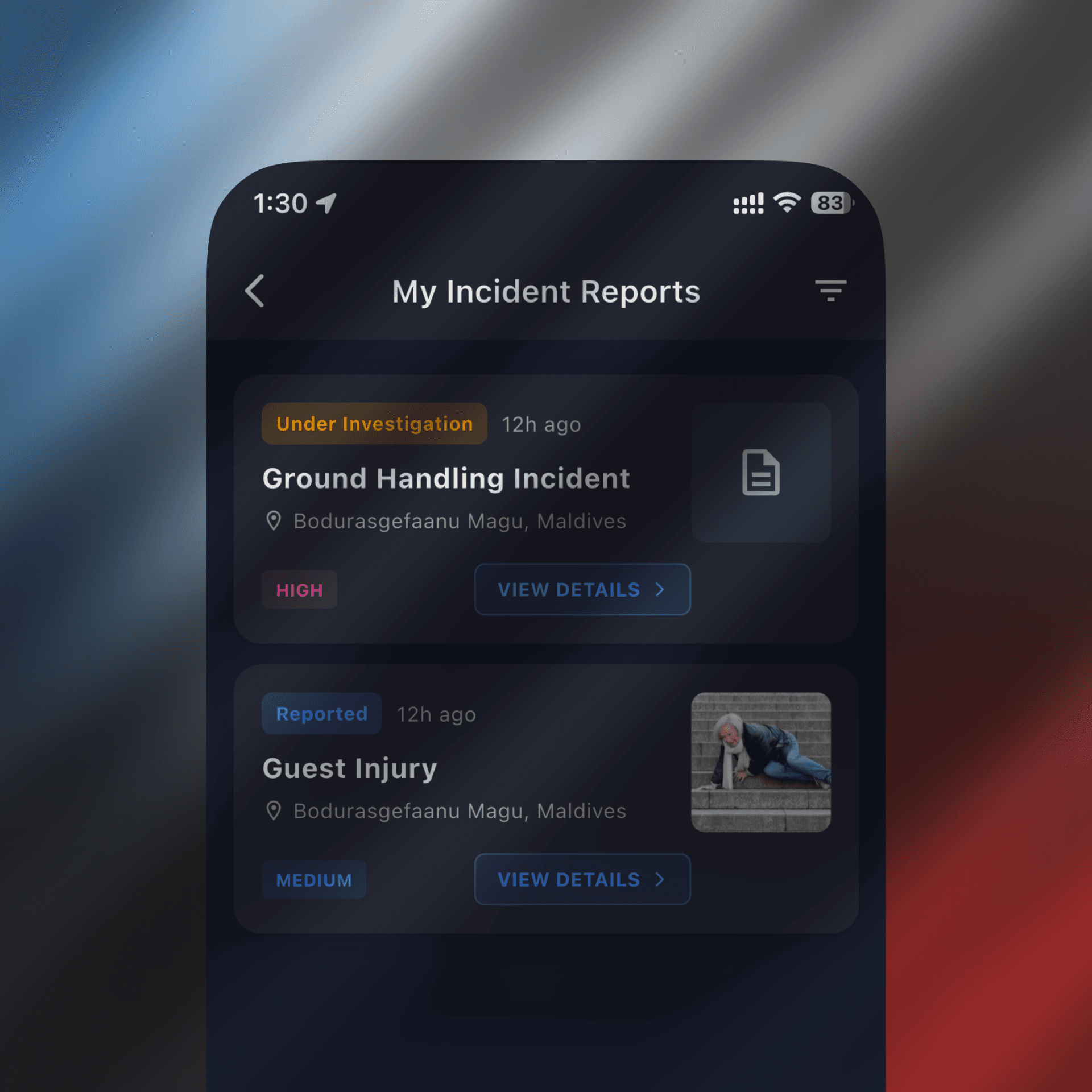
By noon, a complete incident record exists in Tyros®:
Incident reported: 10:32 AM
Initial supervisor assessment with photos
Equipment location data at time of incident
All communication about response
Safety director's investigation and findings
Immediate actions taken
Corrective measures identified
Worker status and follow-up
For compliance, audits, workers' compensation, and future prevention—everything is there. No missing pieces. No "I can't remember what happened."
Incident Management
The Complete Record Exists
By noon, a complete incident record exists in Tyros®:
Incident reported: 10:32 AM
Initial supervisor assessment with photos
Equipment location data at time of incident
All communication about response
Safety director's investigation and findings
Immediate actions taken
Corrective measures identified
Worker status and follow-up
For compliance, audits, workers' compensation, and future prevention—everything is there. No missing pieces. No "I can't remember what happened."
📊 Later: Learning & Prevention
📊 Later: Learning & Prevention
Analytics & Patterns
Your Safety Team Gets Smarter
A week later, your safety director reviews all incidents from the month in Tyros®. She can see patterns:
Equipment arm collisions happened 3 times this month
They all involved the same type of equipment
Most occurred between 10 AM - noon
Root cause: Operator fatigue and inadequate warning systems
Because every incident is documented in Tyros®, patterns become visible. Your team can identify risks before they become serious problems.
You implement improved warning systems and adjust shift timing. The next month? Zero incidents of this type.
Analytics & Patterns
Your Safety Team Gets Smarter
A week later, your safety director reviews all incidents from the month in Tyros®. She can see patterns:
Equipment arm collisions happened 3 times this month
They all involved the same type of equipment
Most occurred between 10 AM - noon
Root cause: Operator fatigue and inadequate warning systems
Because every incident is documented in Tyros®, patterns become visible. Your team can identify risks before they become serious problems.
You implement improved warning systems and adjust shift timing. The next month? Zero incidents of this type.

Why This Matters for Construction Companies
Why This Matters for Construction Companies
Digital Forms
Why Digital Forms Matter for Construction
Faster Response: Incidents are reported instantly, not hours later
Complete Documentation: Every detail captured automatically with timestamps and photos
Compliance Ready: Professional documentation protects you in audits and investigations
Continuous Improvement: See patterns, identify risks, prevent future incidents
Team Coordination: Supervisors, safety directors, and management all in sync via Secure Chat
Real-Time Visibility: Know where your teams and equipment are, even on large sites
No More Paper: Digital forms, digital documentation, zero lost records
Digital Forms
Why Digital Forms Matter for Construction
Faster Response: Incidents are reported instantly, not hours later
Complete Documentation: Every detail captured automatically with timestamps and photos
Compliance Ready: Professional documentation protects you in audits and investigations
Continuous Improvement: See patterns, identify risks, prevent future incidents
Team Coordination: Supervisors, safety directors, and management all in sync via Secure Chat
Real-Time Visibility: Know where your teams and equipment are, even on large sites
No More Paper: Digital forms, digital documentation, zero lost records
Construction Industry Use Cases
How Digital Forms Transform Daily Site Operations
How Digital Forms Transform Daily Site Operations
The Paper Problem
The Paper Problem
Digital Forms
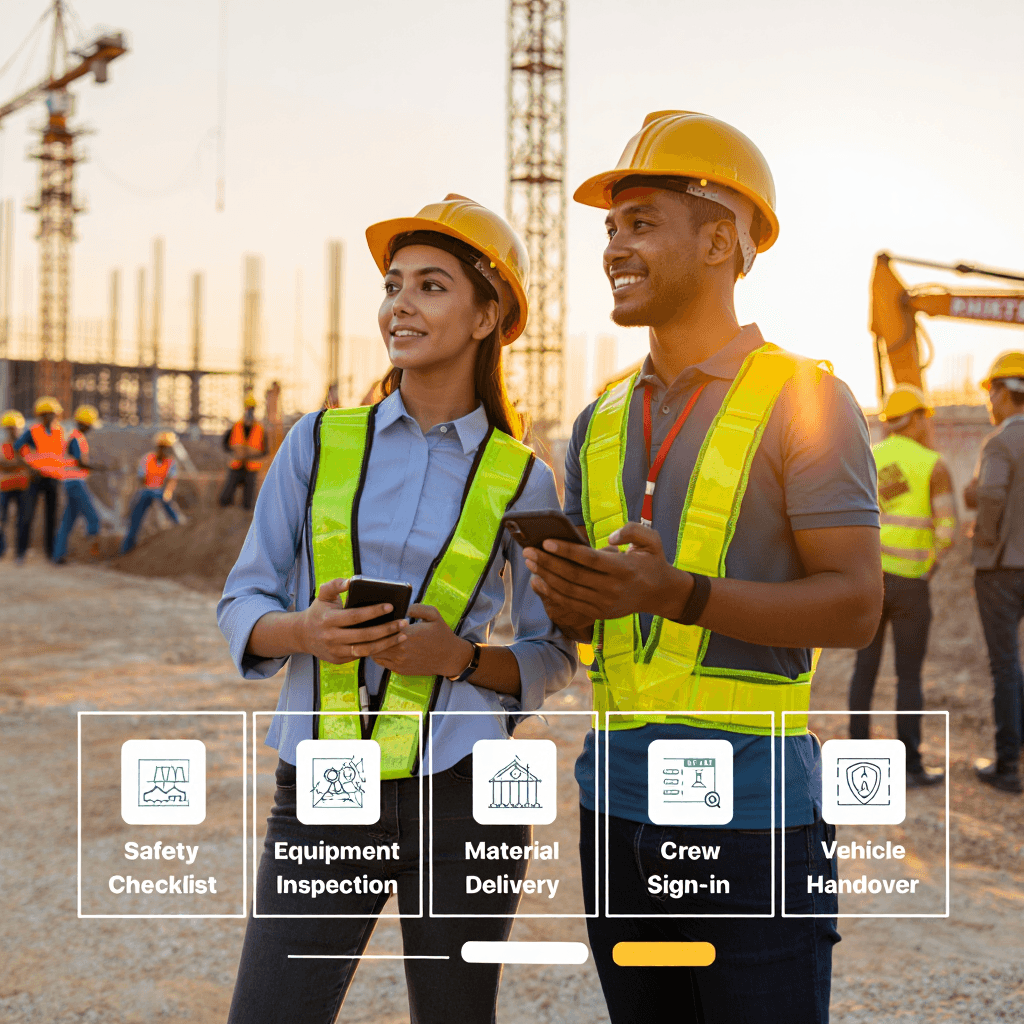
Site Starts. Forms Begin.
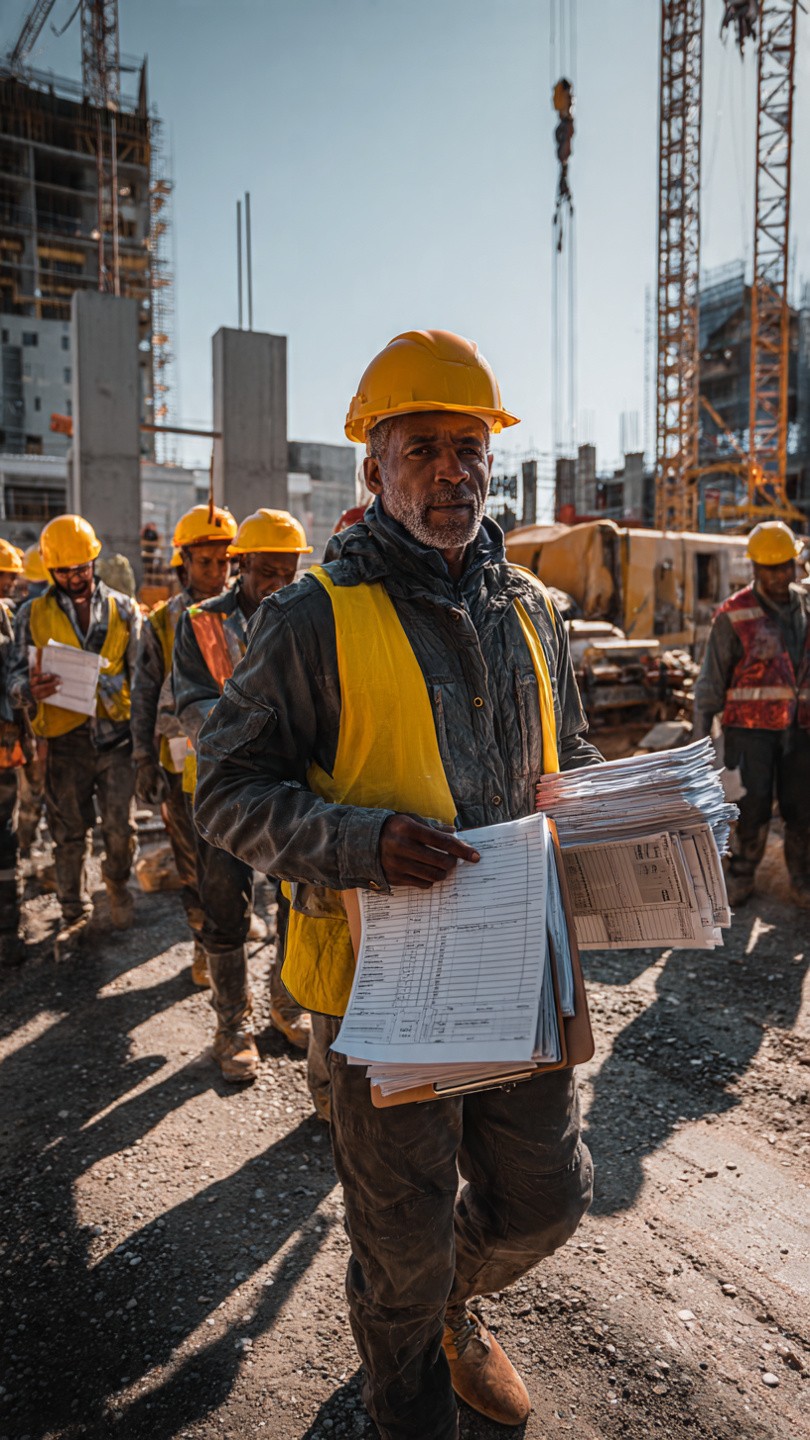
It's 7:00 AM at a busy construction site. The site supervisor arrives and immediately faces the daily routine:
Site safety checklist (printed form)
Equipment inspection report (printed form)
Material delivery verification (printed form)
Daily crew sign-in sheet (printed form)
Vehicle handover form (printed form)
The supervisor knows this is inefficient. Forms get lost. Information gets misplaced. Transcribing data from paper takes hours.
Digital Forms
Site Starts. Forms Begin.
It's 7:00 AM at a busy construction site. The site supervisor arrives and immediately faces the daily routine:
Site safety checklist (printed form)
Equipment inspection report (printed form)
Material delivery verification (printed form)
Daily crew sign-in sheet (printed form)
Vehicle handover form (printed form)
The supervisor knows this is inefficient. Forms get lost. Information gets misplaced. Transcribing data from paper takes hours.
Digital Forms
With Tyros®, It's Different
The supervisor opens Tyros® on his mobile app. All five forms are there—digital, organized, ready to use.
He doesn't print anything. He doesn't carry clipboards. He just opens the app.
The forms automatically fill in some information (date, site location, supervisor name). He only enters what's new.
Digital Forms
With Tyros®, It's Different
The supervisor opens Tyros® on his mobile app. All five forms are there—digital, organized, ready to use.
He doesn't print anything. He doesn't carry clipboards. He just opens the app.
The forms automatically fill in some information (date, site location, supervisor name). He only enters what's new.

☀️ Throughout the Day: Forms in Motion
☀️ Throughout the Day: Forms in Motion
Safety Checklist
8:30 AM - Safety Checklist
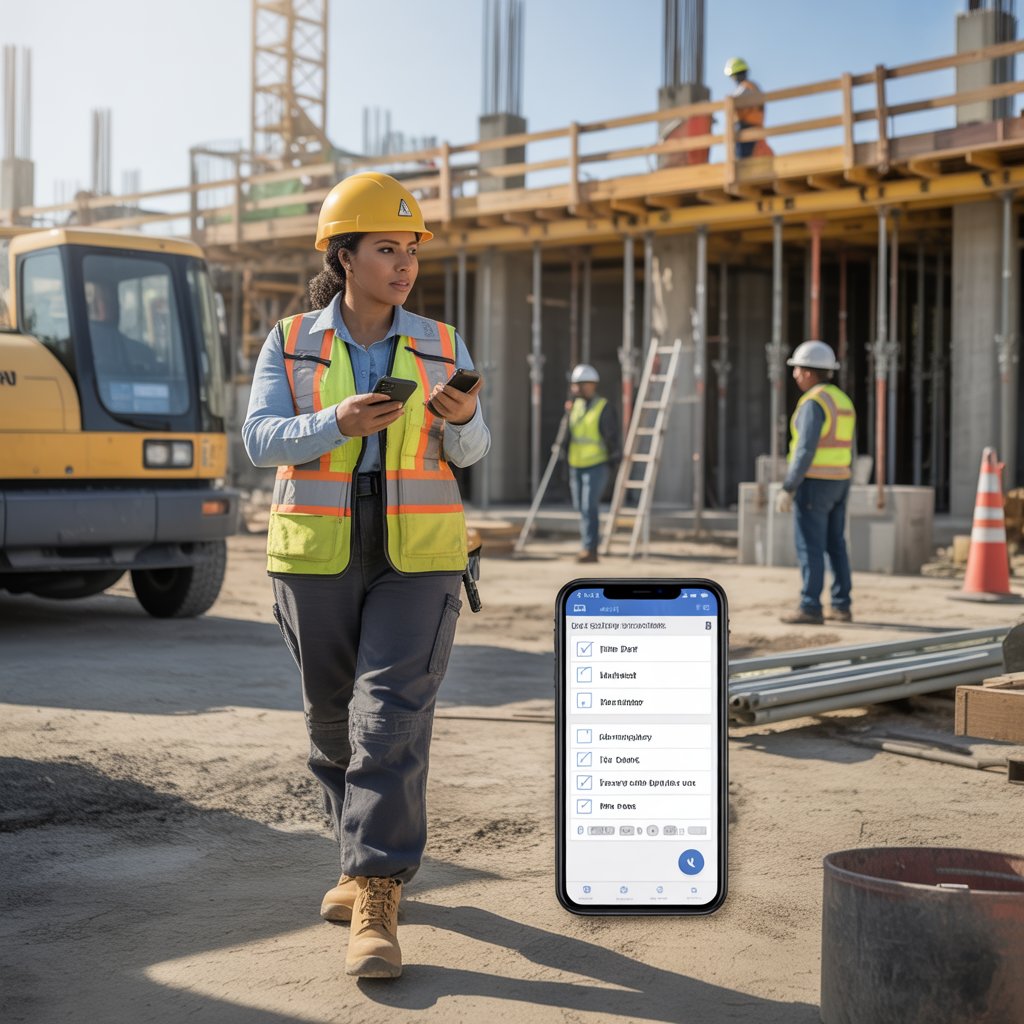
The safety officer completes the daily safety checklist on her phone while walking the site. She checks equipment, marks hazards, takes photos of anything that needs attention.
She submits the form. Instantly, it's recorded with a timestamp and saved permanently.
No paper lost. No data forgotten.
Safety Checklist
8:30 AM - Safety Checklist
The safety officer completes the daily safety checklist on her phone while walking the site. She checks equipment, marks hazards, takes photos of anything that needs attention.
She submits the form. Instantly, it's recorded with a timestamp and saved permanently.
No paper lost. No data forgotten.
Material Delivery
10:15 AM - Material Delivery
Truck arrives with construction materials. The supervisor opens the Material Delivery form in Tyros®.
He verifies items against the order, notes any damage, signs off digitally. Photo of delivery taken automatically with timestamp.
Material documentation is complete in 3 minutes. No paper to lose. No errors from manual transcription.
Material Delivery
10:15 AM - Material Delivery
Truck arrives with construction materials. The supervisor opens the Material Delivery form in Tyros®.
He verifies items against the order, notes any damage, signs off digitally. Photo of delivery taken automatically with timestamp.
Material documentation is complete in 3 minutes. No paper to lose. No errors from manual transcription.

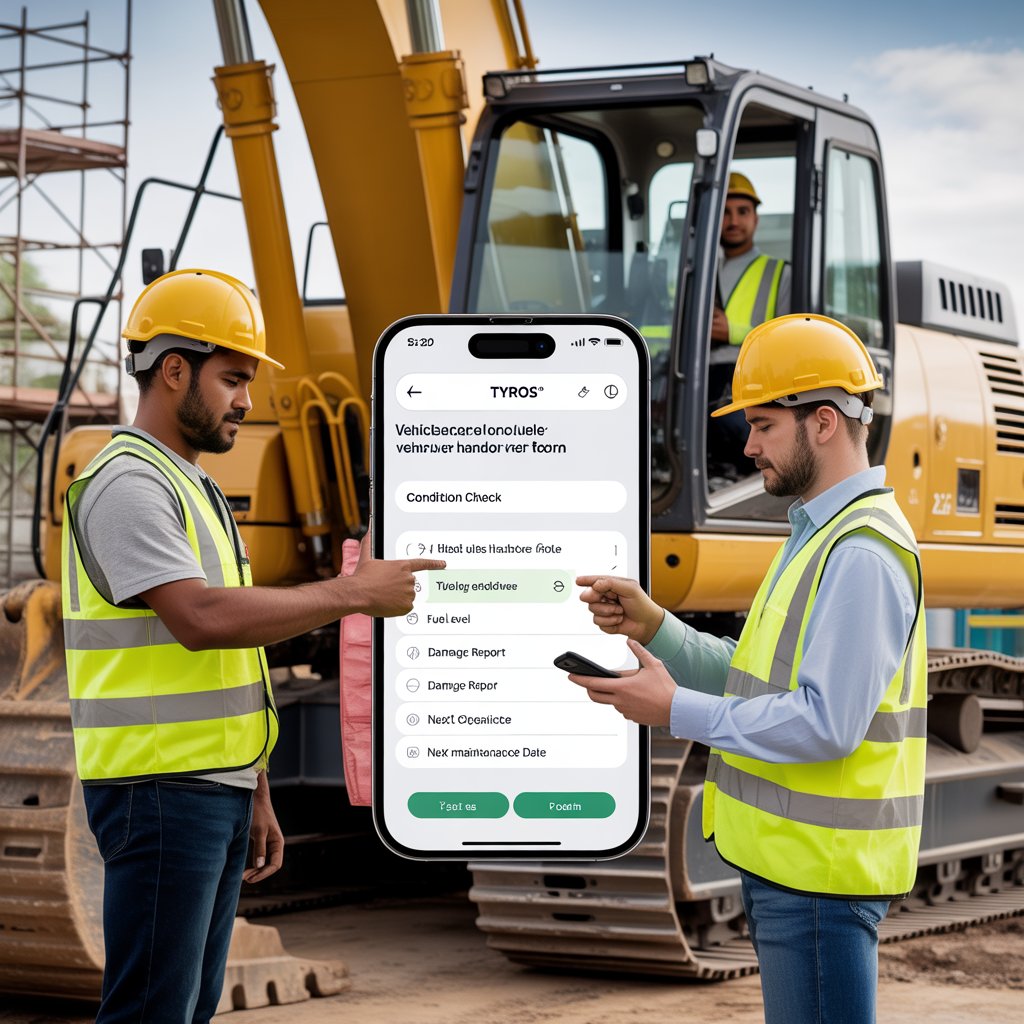
Vehicle Handover
2:00 PM - Vehicle Handover
Equipment operator handing over the excavator to the next shift operator. They open the Vehicle Handover form.
Condition check: ✓ Fuel level ✓ Damage report ✓ Next maintenance date ✓ Both operators sign digitally.
Complete handover record exists. No disputes about equipment condition. Everything documented.
Vehicle Handover
2:00 PM - Vehicle Handover
Equipment operator handing over the excavator to the next shift operator. They open the Vehicle Handover form.
Condition check: ✓ Fuel level ✓ Damage report ✓ Next maintenance date ✓ Both operators sign digitally.
Complete handover record exists. No disputes about equipment condition. Everything documented.
🌆 End of Day: The Real Benefit
🌆 End of Day: The Real Benefit
All Forms Submitted
5:00 PM - All Forms Submitted
By end of day, all five forms have been submitted through Tyros®:
Safety checklist - ✓ Submitted
Equipment inspection - ✓ Submitted
Material delivery - ✓ Submitted
Crew sign-in - ✓ Submitted
Vehicle handover - ✓ Submitted
No forms lost. No papers misplaced. No manual data entry.
Everything is organized, timestamped, and searchable.
All Forms Submitted
5:00 PM - All Forms Submitted
By end of day, all five forms have been submitted through Tyros®:
Safety checklist - ✓ Submitted
Equipment inspection - ✓ Submitted
Material delivery - ✓ Submitted
Crew sign-in - ✓ Submitted
Vehicle handover - ✓ Submitted
No forms lost. No papers misplaced. No manual data entry.
Everything is organized, timestamped, and searchable.

The Time Saved
The Time Saved
The old way: 90 minutes of paperwork, filing, transcription, searching for lost forms.
With Tyros®: Forms submitted as work happens. No extra time. Automated organization.
Result: 1-2 hours saved per day. That's 5-10 hours per week. 20-40 hours per month.
Your team focuses on actual work, not paperwork
The Time Saved
The Time Saved
The old way: 90 minutes of paperwork, filing, transcription, searching for lost forms.
With Tyros®: Forms submitted as work happens. No extra time. Automated organization.
Result: 1-2 hours saved per day. That's 5-10 hours per week. 20-40 hours per month.
Your team focuses on actual work, not paperwork
📈 One Week Later: The Bigger Picture
📈 One Week Later: The Bigger Picture
The Bigger Picture
One Week Later: The Bigger Picture
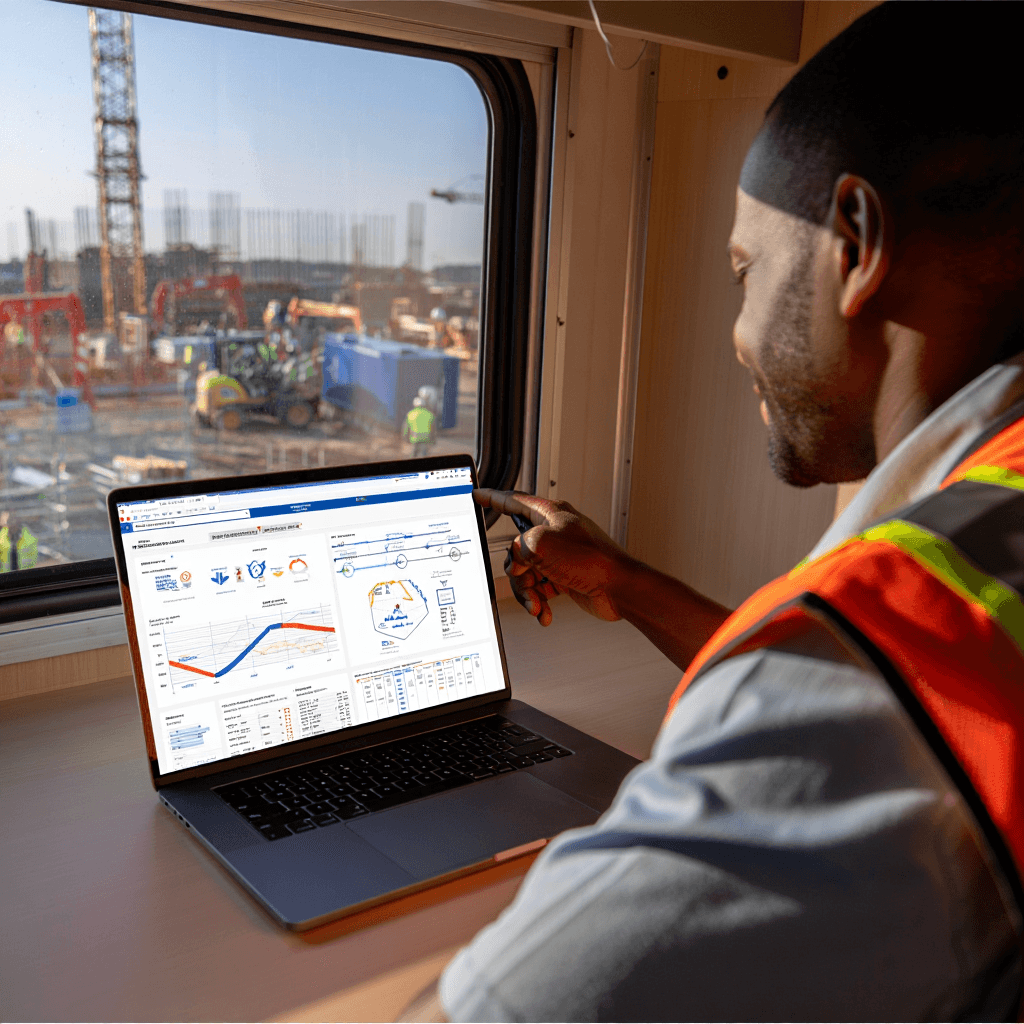
The site manager reviews the week in Tyros®. Instead of sorting through stacks of paper, he sees:
All safety incidents documented with photos
Material delivery records organized by date
Equipment maintenance patterns visible
Complete audit trail for every decision
He identifies a pattern: Equipment failures on Fridays. He adjusts maintenance schedule.
He spots a safety concern: One area of the site has repeated hazards. He implements controls.
With paper forms, this insight would be buried in stacks of paper. With Tyros®, patterns are obvious.
The Bigger Picture
One Week Later: The Bigger Picture
The site manager reviews the week in Tyros®. Instead of sorting through stacks of paper, he sees:
All safety incidents documented with photos
Material delivery records organized by date
Equipment maintenance patterns visible
Complete audit trail for every decision
He identifies a pattern: Equipment failures on Fridays. He adjusts maintenance schedule.
He spots a safety concern: One area of the site has repeated hazards. He implements controls.
With paper forms, this insight would be buried in stacks of paper. With Tyros®, patterns are obvious.
Why Digital Forms Matter for Construction
Why Digital Forms Matter for Construction
Digital Forms
Why Digital Forms Matter for Construction
No paper to lose or damage on muddy worksites
Forms filled while work happens, not after
1-2 hours saved per day on paperwork
Complete record of every decision and checklist
Easy to identify patterns and improve safety
Compliance documentation automatic and organized
No more transcription errors or lost information
Site supervisor uses phone, not paper and clipboard
Digital Forms
Why Digital Forms Matter for Construction
No paper to lose or damage on muddy worksites
Forms filled while work happens, not after
1-2 hours saved per day on paperwork
Complete record of every decision and checklist
Easy to identify patterns and improve safety
Compliance documentation automatic and organized
No more transcription errors or lost information
Site supervisor uses phone, not paper and clipboard
Resort Industry Use Cases
How SOS Coordinates Emergency Response: A Fire at Water Villa
How SOS Coordinates Emergency Response: A Fire at Water Villa
🔥 The Incident: Fire Detected in Water Villa
🔥 The Incident: Fire Detected in Water Villa
SOS
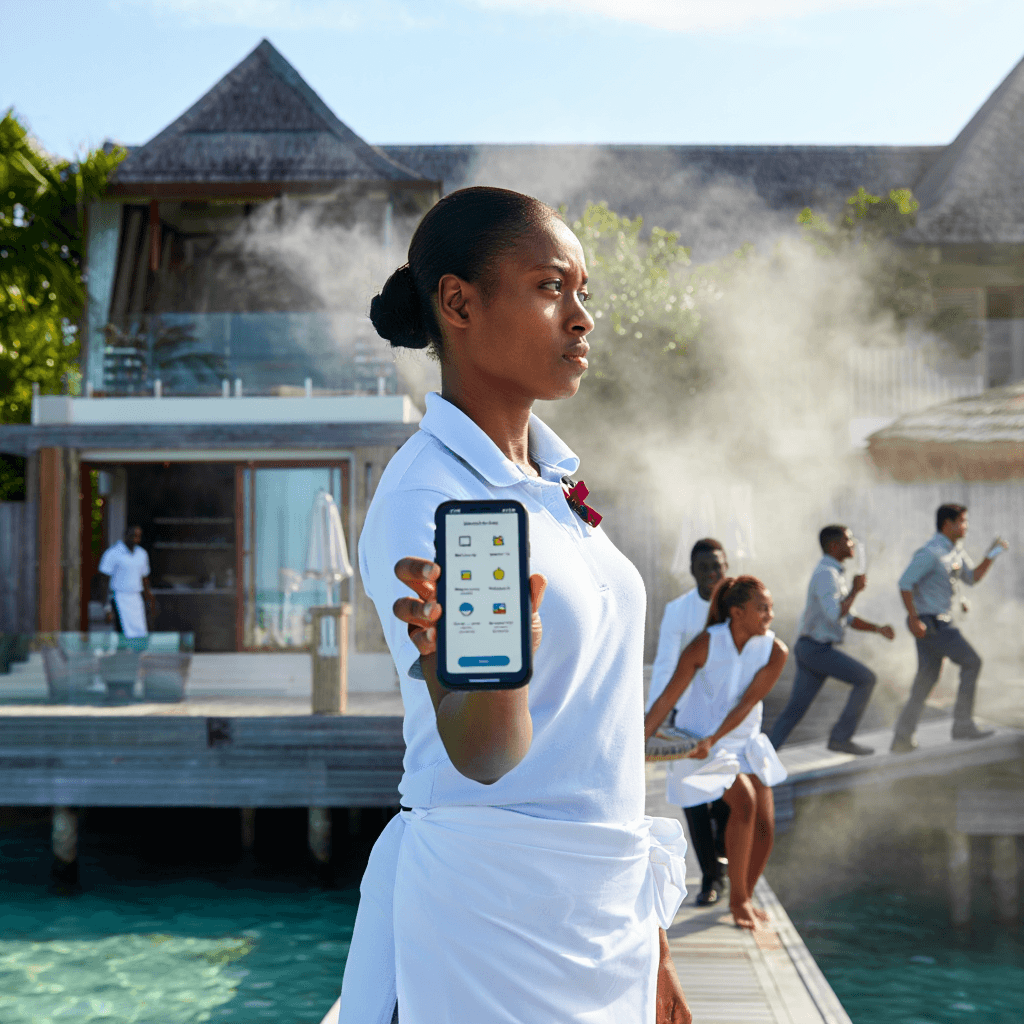
3:15 PM - Fire Spotted
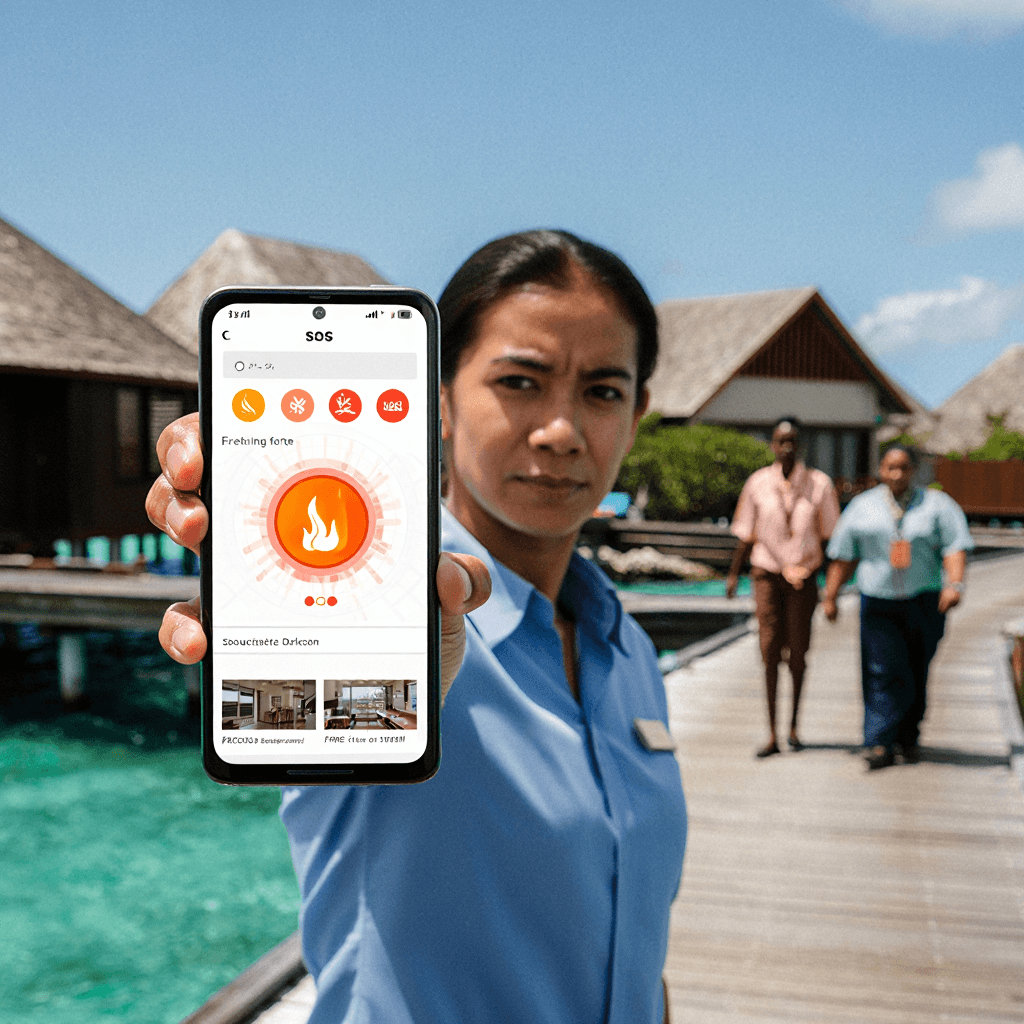
A housekeeping staff member is cleaning near Water Villa 47. She notices smoke coming from the villa's kitchen area.
She immediately recognizes this is an emergency. She pulls out her phone and opens the Tyros® mobile app.
No phone calls. No confusion. One app. One action.
SOS
3:15 PM - Fire Spotted
A housekeeping staff member is cleaning near Water Villa 47. She notices smoke coming from the villa's kitchen area.
She immediately recognizes this is an emergency. She pulls out her phone and opens the Tyros® mobile app.
No phone calls. No confusion. One app. One action.
SOS
SOS Initiated
She taps the SOS button in Tyros® and immediately sees the incident type options:
🔥 Fire
🏥 Medical Emergency
🚨 Security Threat
⚠️ Other
She selects "Fire" and fills in the details:
✓ Location: Water Villa 47
✓ Description: Fire in kitchen, smoke visible
✓ Photos: 2 photos of the fire area
✓ Status: Guests may be in villa
She hits submit. The SOS is live across the entire system.
SOS
SOS Initiated
She taps the SOS button in Tyros® and immediately sees the incident type options:
🔥 Fire
🏥 Medical Emergency
🚨 Security Threat
⚠️ Other
She selects "Fire" and fills in the details:
✓ Location: Water Villa 47
✓ Description: Fire in kitchen, smoke visible
✓ Photos: 2 photos of the fire area
✓ Status: Guests may be in villa
She hits submit. The SOS is live across the entire system.
🎛️ 3:15 PM - Command Center Receives Alert
🎛️ 3:15 PM - Command Center Receives Alert
SM / CC
Security Manager Gets Instant Alert
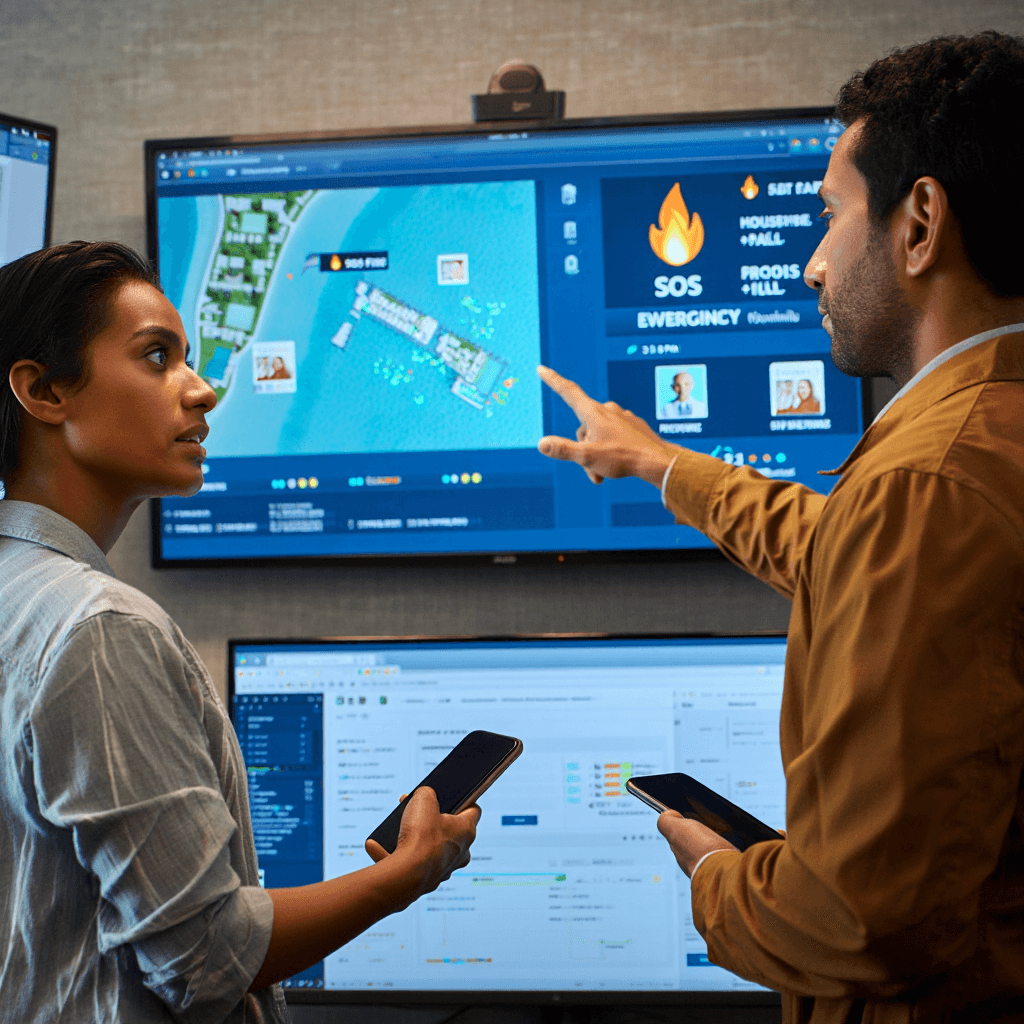
The Security Manager and Command Center are monitoring Tyros® on their devices—both mobile and web portal.
The moment the SOS is submitted, they see:
ACTIVE SOS ALERT
Type: Fire
Location: Water Villa 47
Reporter: Housekeeping Staff
Time: 3:15 PM
Photos: Available for review
Description: Fire in kitchen, smoke visible
They see the exact location on the resort map. They see photos of the fire. They know who reported it.
Total time from fire detection to command center awareness: 30 seconds.
SM / CC
Security Manager Gets Instant Alert
The Security Manager and Command Center are monitoring Tyros® on their devices—both mobile and web portal.
The moment the SOS is submitted, they see:
ACTIVE SOS ALERT
Type: Fire
Location: Water Villa 47
Reporter: Housekeeping Staff
Time: 3:15 PM
Photos: Available for review
Description: Fire in kitchen, smoke visible
They see the exact location on the resort map. They see photos of the fire. They know who reported it.
Total time from fire detection to command center awareness: 30 seconds.
👥 3:16 PM - Teams Assigned and Mobilized
👥 3:16 PM - Teams Assigned and Mobilized
Assigns Teams
Security Manager Assigns Teams
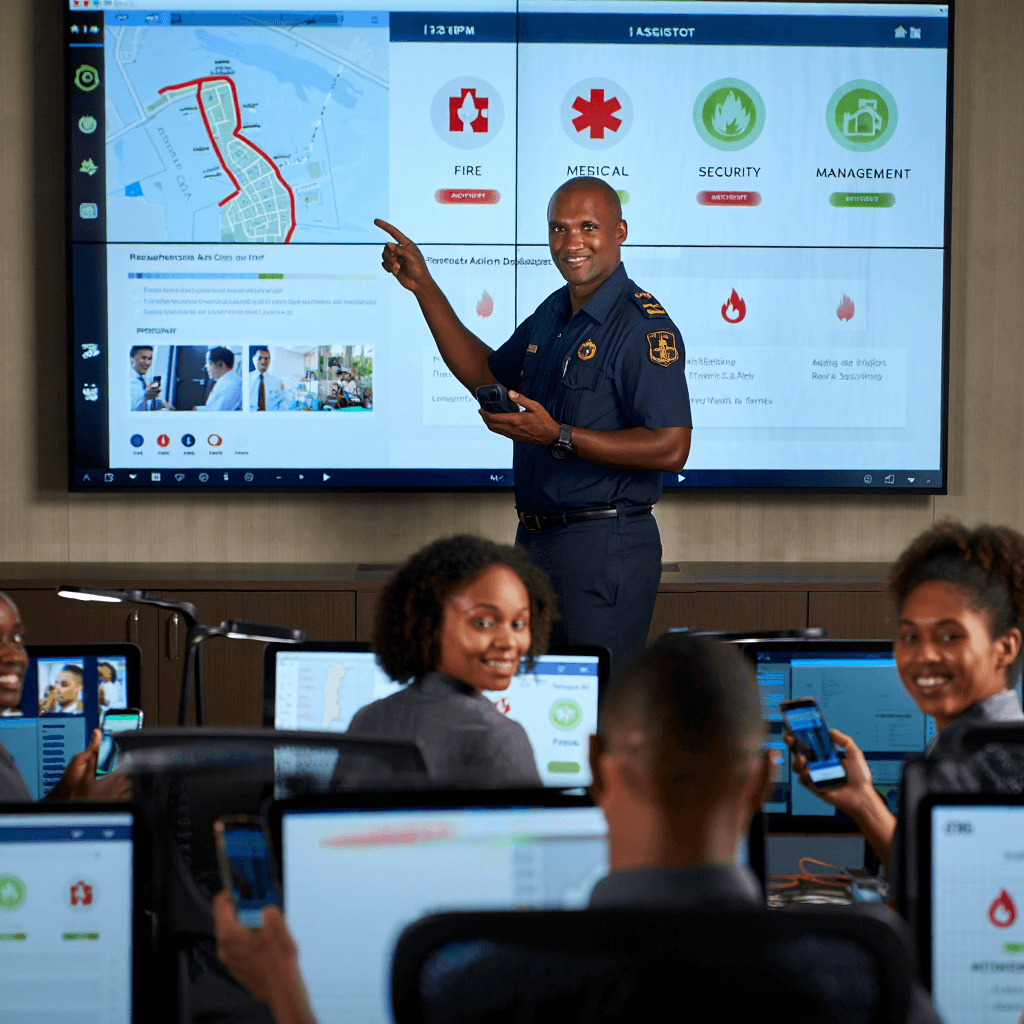
The Security Manager immediately assigns teams through Tyros®:
🚒 Fire Response Team - Priority 1
🏥 Medical Team - Standby
🛡️ Security Team - Evacuation & Crowd Control
👔 Management Team - Coordination
Each team receives an instant notification with:
✓ Exact location (Water Villa 47)
✓ Incident type (Fire)
✓ Photos of the scene
✓ Assigned role for their team
✓ Emergency protocols
Teams begin mobilizing immediately.
Assigns Teams
Security Manager Assigns Teams
The Security Manager immediately assigns teams through Tyros®:
🚒 Fire Response Team - Priority 1
🏥 Medical Team - Standby
🛡️ Security Team - Evacuation & Crowd Control
👔 Management Team - Coordination
Each team receives an instant notification with:
✓ Exact location (Water Villa 47)
✓ Incident type (Fire)
✓ Photos of the scene
✓ Assigned role for their team
✓ Emergency protocols
Teams begin mobilizing immediately.
Live Location
Live Location Tracking
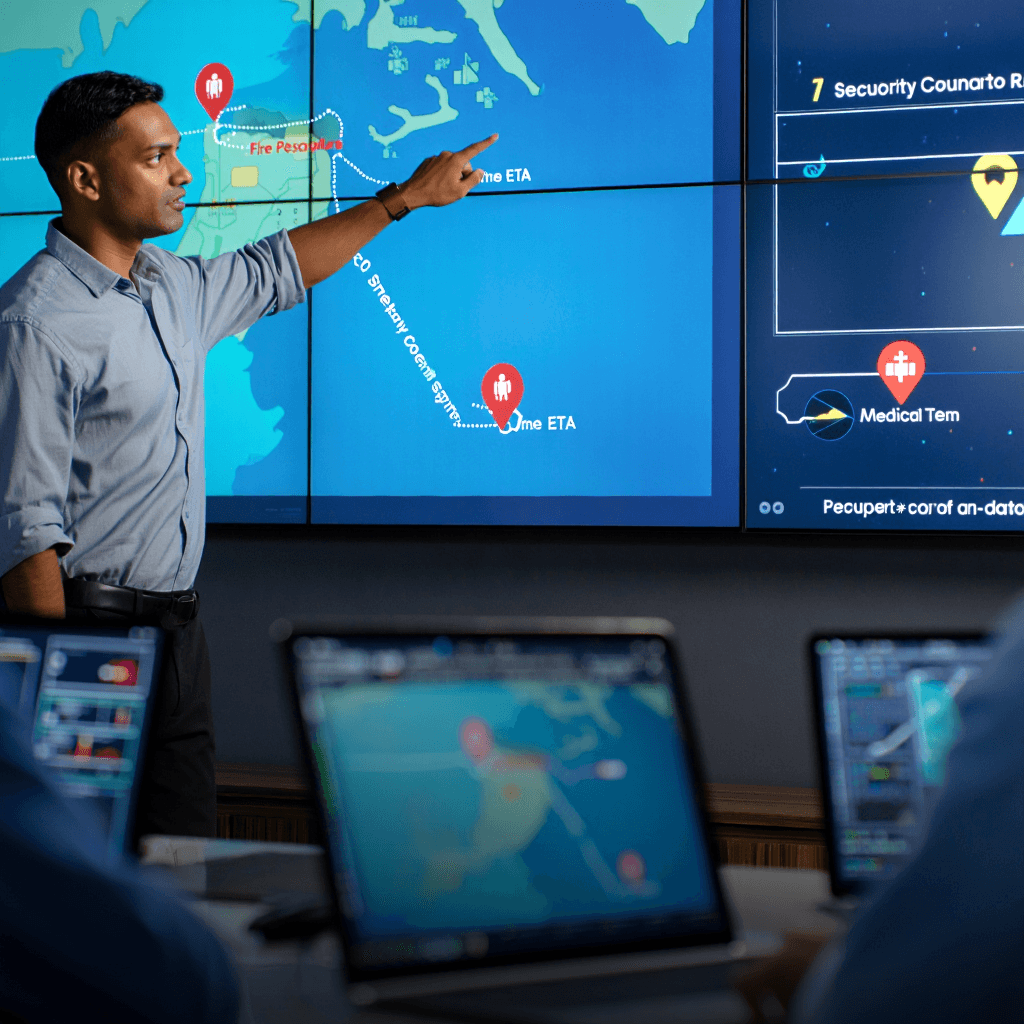
As teams move toward the villa, the Security Manager can see their locations in real-time on the Tyros® map:
📍 Fire Team: En route (2 min away)
📍 Medical Team: En route (3 min away)
📍 Security Team: En route (1 min away)
📍 Reporter: Water Villa 47 (at scene)
He can coordinate: "Security arrives first—start evacuation. Fire team 2 minutes away."
No guessing about who's where. No radio confusion. Complete visibility.
Live Location
Live Location Tracking
As teams move toward the villa, the Security Manager can see their locations in real-time on the Tyros® map:
📍 Fire Team: En route (2 min away)
📍 Medical Team: En route (3 min away)
📍 Security Team: En route (1 min away)
📍 Reporter: Water Villa 47 (at scene)
He can coordinate: "Security arrives first—start evacuation. Fire team 2 minutes away."
No guessing about who's where. No radio confusion. Complete visibility.
💬 3:17-3:25 PM - Real-Time Coordination
💬 3:17-3:25 PM - Real-Time Coordination
Communication
Walkie-Talkie & Group Chat
As teams arrive at the villa, they don't rely on external walkie-talkies or radios. Tyros® has built-in communication:
Fire Team Lead: "Arrived at villa. Smoke visible. Entering with extinguisher."
Security Manager: "Guests evacuating?"
Security Team: "Guests safe. Moving to assembly point."
Fire Team: "Fire contained. Using extinguisher."
Medical Team: "Standing by for injuries. None reported yet."
All communication is in one secure group chat. Everyone sees the same messages. No confusion about who said what.
Built-in feature: Walkie-talkie voice messages also available for hands-free communication.
Communication
Walkie-Talkie & Group Chat
As teams arrive at the villa, they don't rely on external walkie-talkies or radios. Tyros® has built-in communication:
Fire Team Lead: "Arrived at villa. Smoke visible. Entering with extinguisher."
Security Manager: "Guests evacuating?"
Security Team: "Guests safe. Moving to assembly point."
Fire Team: "Fire contained. Using extinguisher."
Medical Team: "Standing by for injuries. None reported yet."
All communication is in one secure group chat. Everyone sees the same messages. No confusion about who said what.
Built-in feature: Walkie-talkie voice messages also available for hands-free communication.

Safety Status
Staff Safety Status Updates
During the emergency, every staff member can mark their status in Tyros®:
✓ "I'm Safe" button
✓ "I'm Not Safe" button
Most staff mark "I'm Safe." But one staff member in nearby villa marks "I'm Not Safe."
The Security Manager immediately sees this and assigns a rescue team to check on them.
The affected staff member gets updated location and team information: "Help arriving in 2 minutes."
Safety Status
Staff Safety Status Updates
During the emergency, every staff member can mark their status in Tyros®:
✓ "I'm Safe" button
✓ "I'm Not Safe" button
Most staff mark "I'm Safe." But one staff member in nearby villa marks "I'm Not Safe."
The Security Manager immediately sees this and assigns a rescue team to check on them.
The affected staff member gets updated location and team information: "Help arriving in 2 minutes."
✅ 3:28 PM - Incident Under Control
✅ 3:28 PM - Incident Under Control
Incident Under Control
Resolution and Status Update
The Fire Team Leader updates the status in Tyros®:
Fire extinguished.
No injuries.
All guests evacuated safely.
All staff accounted for.
Villa cleared and secured.
The Security Manager marks the SOS as "Under Control" in Tyros®.
When SOS status changes to "Under Control," location tracking access automatically reverts to normal privacy settings.
Staff are no longer visible on the map. Privacy is restored immediately.
Incident Under Control
Resolution and Status Update
The Fire Team Leader updates the status in Tyros®:
Fire extinguished.
No injuries.
All guests evacuated safely.
All staff accounted for.
Villa cleared and secured.
The Security Manager marks the SOS as "Under Control" in Tyros®.
When SOS status changes to "Under Control," location tracking access automatically reverts to normal privacy settings.
Staff are no longer visible on the map. Privacy is restored immediately.
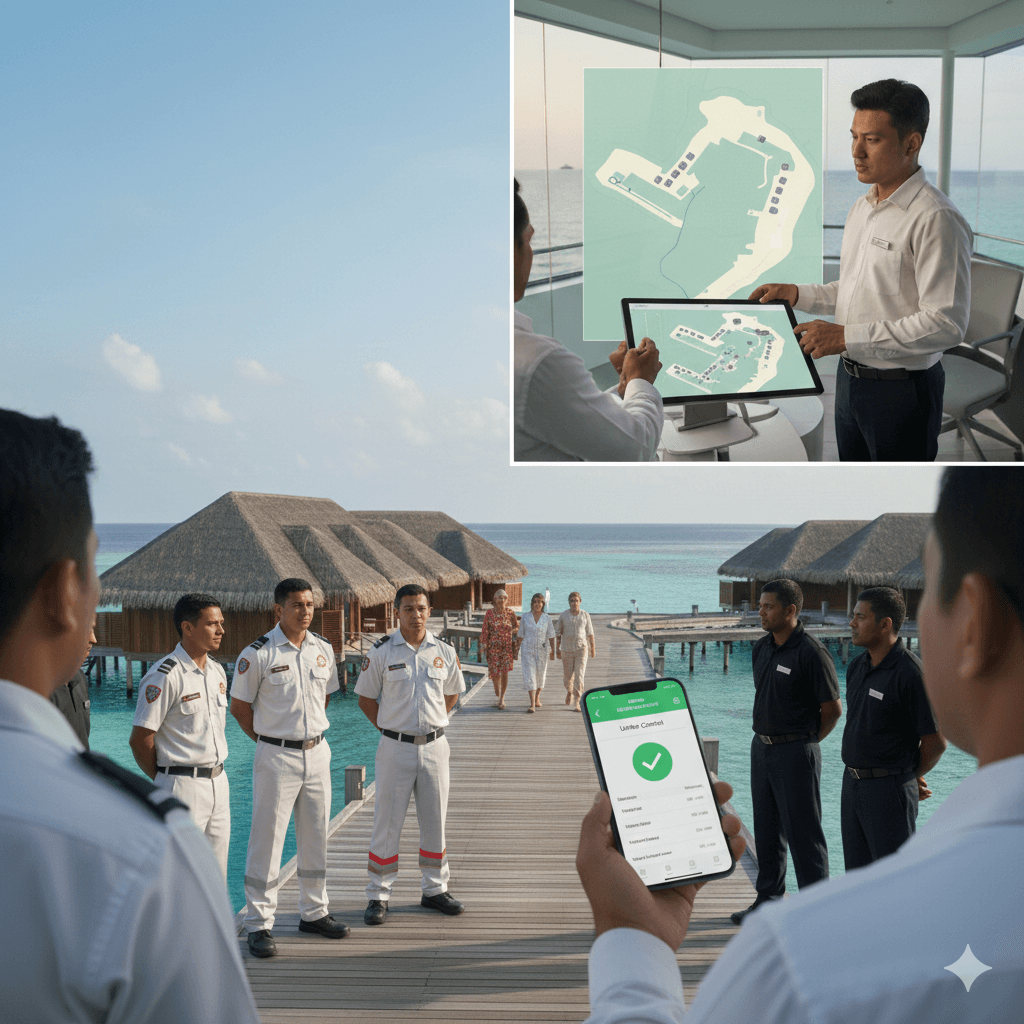
Safety Status
Staff Safety Status Updates
During the emergency, every staff member can mark their status in Tyros®:
✓ "I'm Safe" button
✓ "I'm Not Safe" button
Most staff mark "I'm Safe." But one staff member in nearby villa marks "I'm Not Safe."
The Security Manager immediately sees this and assigns a rescue team to check on them.
The affected staff member gets updated location and team information: "Help arriving in 2 minutes."
Safety Status
Staff Safety Status Updates
During the emergency, every staff member can mark their status in Tyros®:
✓ "I'm Safe" button
✓ "I'm Not Safe" button
Most staff mark "I'm Safe." But one staff member in nearby villa marks "I'm Not Safe."
The Security Manager immediately sees this and assigns a rescue team to check on them.
The affected staff member gets updated location and team information: "Help arriving in 2 minutes."
📊 3:30 PM - Automatic Report Generated
📊 3:30 PM - Automatic Report Generated
Automatic Report
Complete Incident Record Created
The moment the SOS is marked "Under Control," Tyros® automatically generates a complete incident report:
3:15 PM - SOS initiated by Housekeeping Staff
3:15 PM - Fire detected at Water Villa 47
3:16 PM - Teams assigned and notified
3:17 PM - Security Team arrived (1 min response)
3:18 PM - Fire Team arrived (3 min response)
3:20 PM - Fire extinguished
3:22 PM - All guests evacuated safely
3:25 PM - All staff accounted for
3:28 PM - Incident marked "Under Control"
The report includes:
✓ Complete timeline (auto-generated)
✓ All photos taken during incident
✓ All team communications & decisions
✓ Staff response times
✓ Outcome and resolution
✓ Follow-up actions needed
Automatic Report
Complete Incident Record Created
The moment the SOS is marked "Under Control," Tyros® automatically generates a complete incident report:
3:15 PM - SOS initiated by Housekeeping Staff
3:15 PM - Fire detected at Water Villa 47
3:16 PM - Teams assigned and notified
3:17 PM - Security Team arrived (1 min response)
3:18 PM - Fire Team arrived (3 min response)
3:20 PM - Fire extinguished
3:22 PM - All guests evacuated safely
3:25 PM - All staff accounted for
3:28 PM - Incident marked "Under Control"
The report includes:
✓ Complete timeline (auto-generated)
✓ All photos taken during incident
✓ All team communications & decisions
✓ Staff response times
✓ Outcome and resolution
✓ Follow-up actions needed
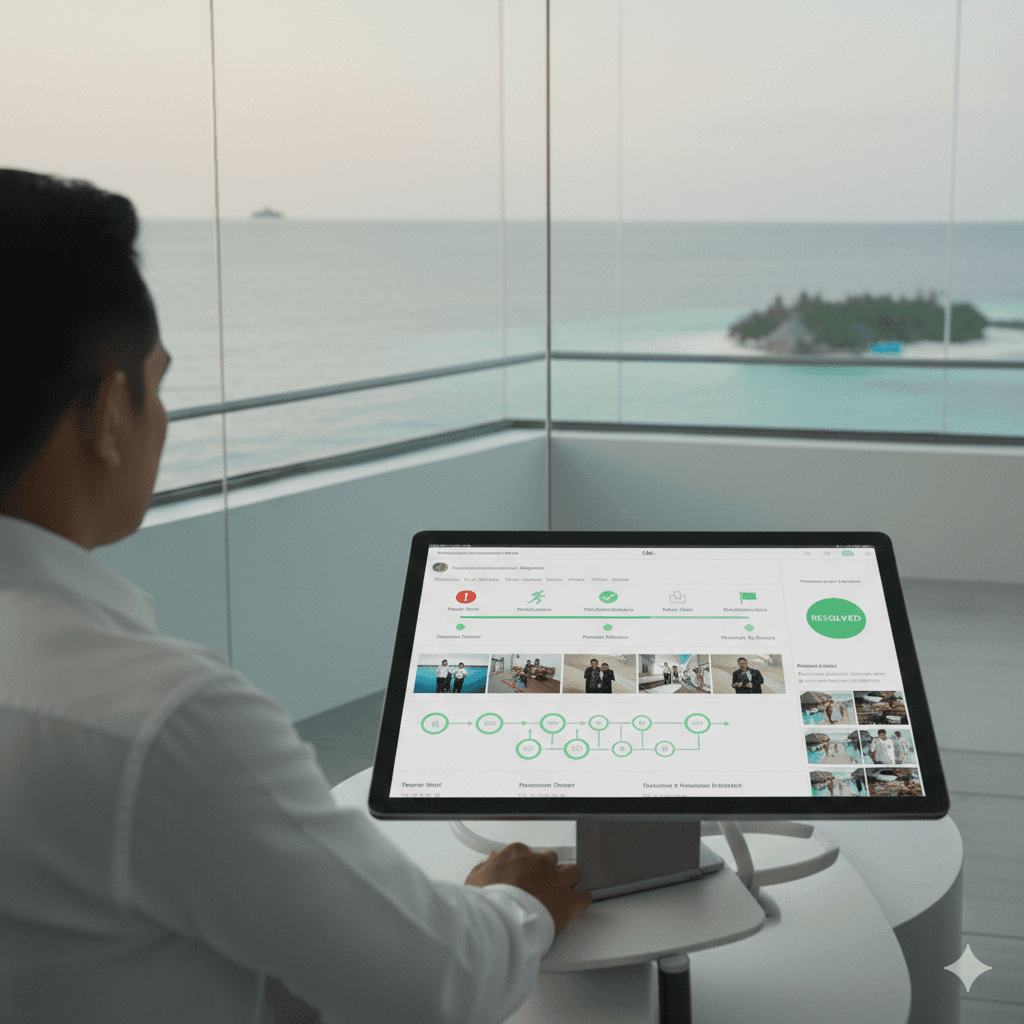
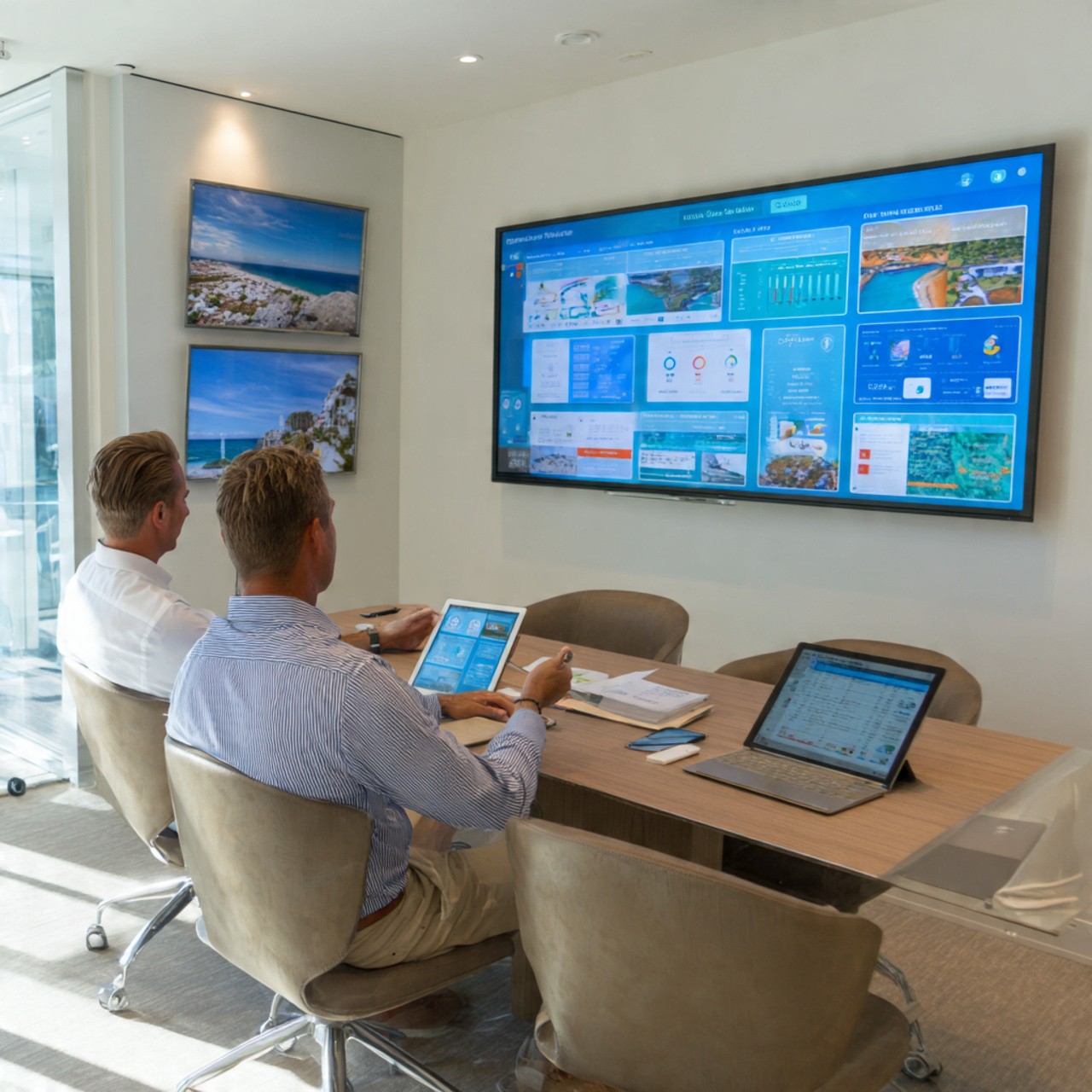
Management Review
Management Review and Learning
Later that day, the Operations Manager and General Manager review the incident in Tyros®:
Key Insights:
Response time: 3 minutes from detection to fire team arrival
Communication: All teams coordinated through one platform
Guest safety: Zero injuries, smooth evacuation
Decision audit: Every action logged and timestamped
They identify improvements: "Fire response time was good. Let's ensure all villas have fire extinguishers marked in the system."
Tyros® becomes your source of truth for incident review, compliance, and continuous improvement.
Management Review
Management Review and Learning
Later that day, the Operations Manager and General Manager review the incident in Tyros®:
Key Insights:
Response time: 3 minutes from detection to fire team arrival
Communication: All teams coordinated through one platform
Guest safety: Zero injuries, smooth evacuation
Decision audit: Every action logged and timestamped
They identify improvements: "Fire response time was good. Let's ensure all villas have fire extinguishers marked in the system."
Tyros® becomes your source of truth for incident review, compliance, and continuous improvement.
Why SOS Matters for Resorts
Why SOS Matters for Resorts
SOS
Why SOS Matters for Resorts
Emergencies detected and reported instantly—no delays
Command center sees photos and details within 30 seconds
Teams dispatched with complete information, not confusion
Real-time location tracking shows all teams and guests
One communication platform—no radio confusion or missed messages
Staff safety status visible—rescuers know who needs help
Location access automatically reverts when incident is resolved—privacy restored
Complete audit trail for compliance and insurance
Incident data guides future improvements
Guest confidence: Safe, coordinated, professional response
SOS
Why SOS Matters for Resorts
Emergencies detected and reported instantly—no delays
Command center sees photos and details within 30 seconds
Teams dispatched with complete information, not confusion
Real-time location tracking shows all teams and guests
One communication platform—no radio confusion or missed messages
Staff safety status visible—rescuers know who needs help
Location access automatically reverts when incident is resolved—privacy restored
Complete audit trail for compliance and insurance
Incident data guides future improvements
Guest confidence: Safe, coordinated, professional response
Resort Industry Use Cases
The Problem: Invisible Patrols
The Problem: Invisible Patrols
Today: Traditional Patrol Tracking
Today: Traditional Patrol Tracking

Path Visibility
Today: Traditional Patrol Tracking
The Security Manager reviews last night's patrol reports. Three security officers patrolled the island all night.
But here's the problem:
Old system: Officers check in at fixed points. You see only where they checked in, not where they actually went.
The gap: Did they actually patrol the beach? Or skip it and go straight to the safe checkpoint?
The risk: If the patrol route is predictable, security is vulnerable.
The manager has no visibility into the actual patrol paths taken.
Path Visibility
Today: Traditional Patrol Tracking
The Security Manager reviews last night's patrol reports. Three security officers patrolled the island all night.
But here's the problem:
Old system: Officers check in at fixed points. You see only where they checked in, not where they actually went.
The gap: Did they actually patrol the beach? Or skip it and go straight to the safe checkpoint?
The risk: If the patrol route is predictable, security is vulnerable.
The manager has no visibility into the actual patrol paths taken.
🗺️ With Tyros®: Complete Path Visibility
🗺️ With Tyros®: Complete Path Visibility
Complete Path Visibility
Next Day - Reviewing Last Night's Patrols
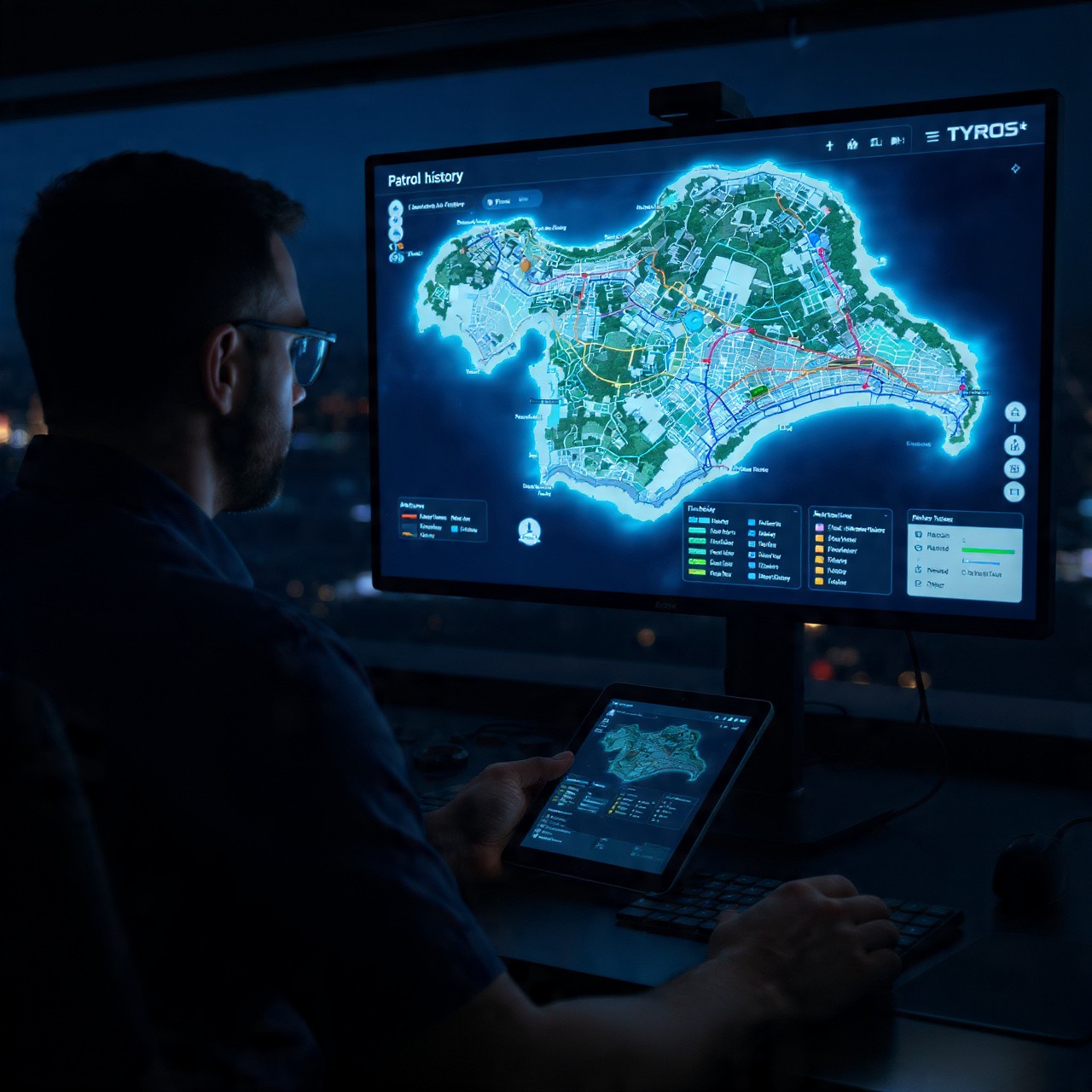
The Security Manager opens Tyros® on his command center dashboard.
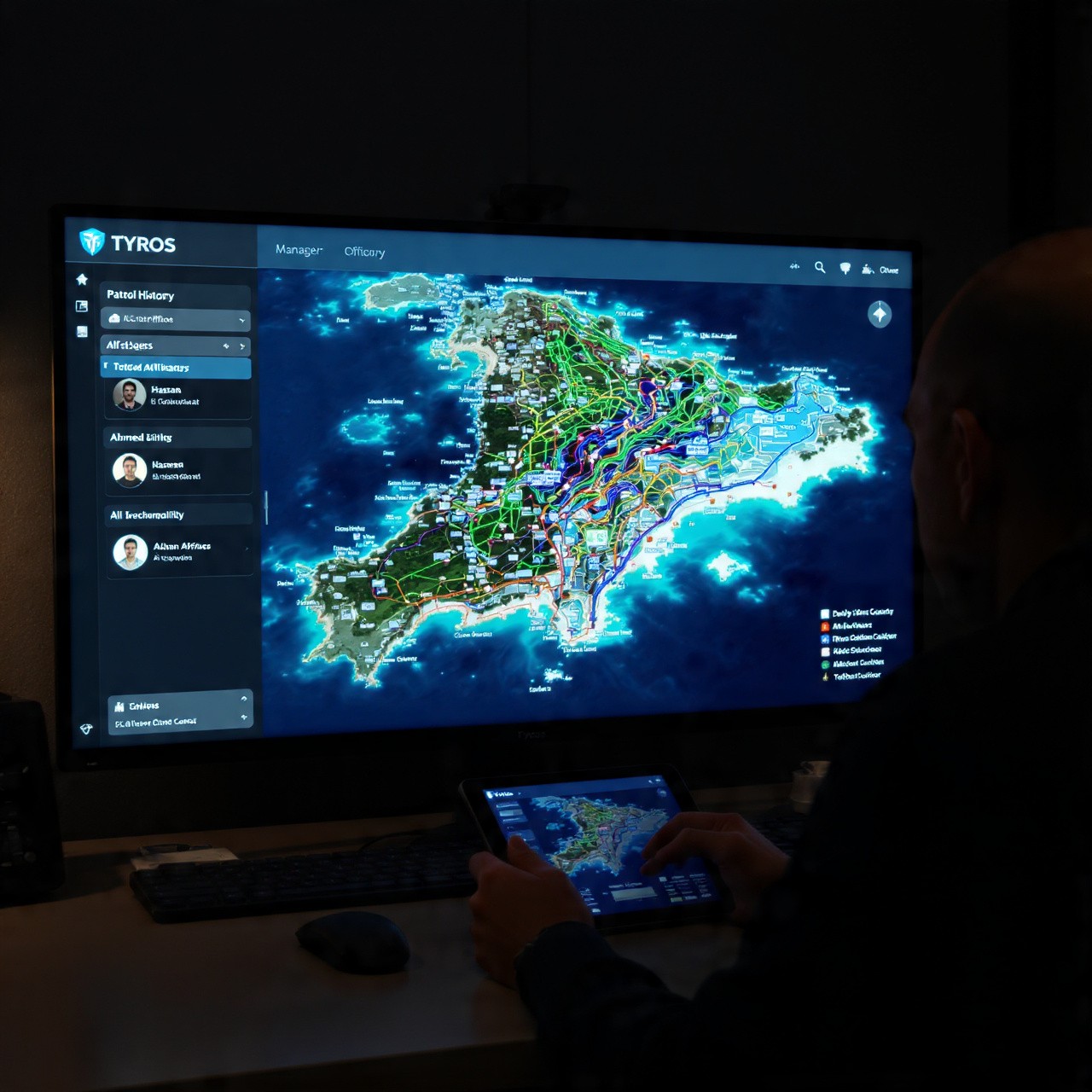
He selects "Patrol History" and chooses last night's shift. Instantly, he sees:
📍 Officer 1 (Hassan) - Complete path from start to finish
📍 Officer 2 (Ahmed) - Complete path from start to finish
📍 Officer 3 (Ali) - Complete path from start to finish
Not just checkpoints. The actual route each officer took, every step.
Complete Path Visibility
Next Day - Reviewing Last Night's Patrols
The Security Manager opens Tyros® on his command center dashboard.
He selects "Patrol History" and chooses last night's shift. Instantly, he sees:
📍 Officer 1 (Hassan) - Complete path from start to finish
📍 Officer 2 (Ahmed) - Complete path from start to finish
📍 Officer 3 (Ali) - Complete path from start to finish
Not just checkpoints. The actual route each officer took, every step.
📊 Analysis: Identifying Patterns and Gaps
📊 Analysis: Identifying Patterns and Gaps
Heatmap
Heatmap Shows Coverage
Tyros® creates an automatic heatmap of patrol coverage across the resort.
🔴 High Coverage Areas: Beach, Main Beach Landing, Lobby Entrance (patrolled 5+ times per night)
🟡 Medium Coverage: Tennis Courts, Spa Area (patrolled 2-3 times)
🟢 Low Coverage: Back Storage Area, Water Equipment Shed (only 1 patrol or none)
The manager immediately sees the gaps. The storage area is barely patrolled. This is a vulnerability.
Heatmap
Heatmap Shows Coverage
Tyros® creates an automatic heatmap of patrol coverage across the resort.
🔴 High Coverage Areas: Beach, Main Beach Landing, Lobby Entrance (patrolled 5+ times per night)
🟡 Medium Coverage: Tennis Courts, Spa Area (patrolled 2-3 times)
🟢 Low Coverage: Back Storage Area, Water Equipment Shed (only 1 patrol or none)
The manager immediately sees the gaps. The storage area is barely patrolled. This is a vulnerability.
Pattern Detection
Pattern Detection: Vulnerability Risk
The manager notices something concerning:
⚠️ Pattern Found: All three officers follow similar routes every night. Same order. Same timing. Same checkpoints.
This predictability is a security risk. If someone knows the patrol pattern, they know when and where officers won't be.
With Tyros®, this pattern is immediately visible. He can see the vulnerability.
Pattern Detection
Pattern Detection: Vulnerability Risk
The manager notices something concerning:
⚠️ Pattern Found: All three officers follow similar routes every night. Same order. Same timing. Same checkpoints.
This predictability is a security risk. If someone knows the patrol pattern, they know when and where officers won't be.
With Tyros®, this pattern is immediately visible. He can see the vulnerability.

🎯 Action: Redesigning Patrol Strategy
🎯 Action: Redesigning Patrol Strategy
Data-Driven
Data-Driven Security Improvements
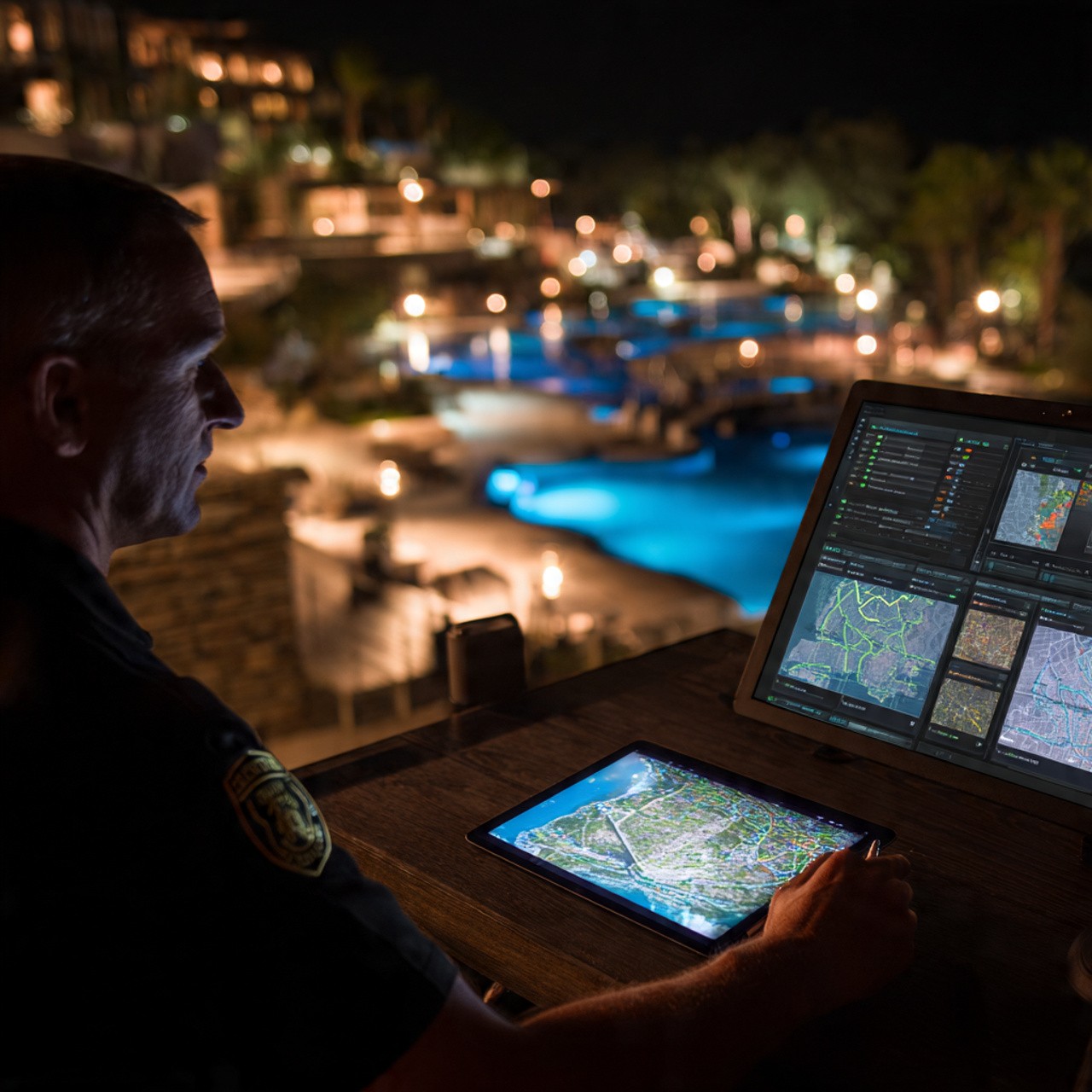
Based on Tyros® data, the Security Manager makes strategic decisions:
Issue 1 - Low Coverage: Storage area barely patrolled. Action: Add dedicated weekly inspection of storage area.
Issue 2 - Predictable Pattern: Same route every night is vulnerable. Action: Randomize patrol routes. Officers now get daily route assignments.
Issue 3 - Dead Times: 10 PM to midnight shows no patrol activity in certain zones. Action: Adjust shift overlap to cover dead times.
Each decision is based on real data from Tyros®, not guesswork.
Data-Driven
Data-Driven Security Improvements
Based on Tyros® data, the Security Manager makes strategic decisions:
Issue 1 - Low Coverage: Storage area barely patrolled. Action: Add dedicated weekly inspection of storage area.
Issue 2 - Predictable Pattern: Same route every night is vulnerable. Action: Randomize patrol routes. Officers now get daily route assignments.
Issue 3 - Dead Times: 10 PM to midnight shows no patrol activity in certain zones. Action: Adjust shift overlap to cover dead times.
Each decision is based on real data from Tyros®, not guesswork.
Improvement
Monitoring Improvement
Over the next week, the Security Manager monitors the new patrol strategy in Tyros®:
✓ Patrols are now randomized—no predictable pattern
✓ Storage area now covered daily
✓ Coverage is more balanced across all areas
✓ Dead times are eliminated
Security is stronger. The island is safer. All because Tyros® made patrol data visible and actionable.
Improvement
Monitoring Improvement
Over the next week, the Security Manager monitors the new patrol strategy in Tyros®:
✓ Patrols are now randomized—no predictable pattern
✓ Storage area now covered daily
✓ Coverage is more balanced across all areas
✓ Dead times are eliminated
Security is stronger. The island is safer. All because Tyros® made patrol data visible and actionable.
Why Path Tracing Matters for Resorts
Why Path Tracing Matters for Resorts
Path Tracing
Why Path Tracing Matters for Resorts
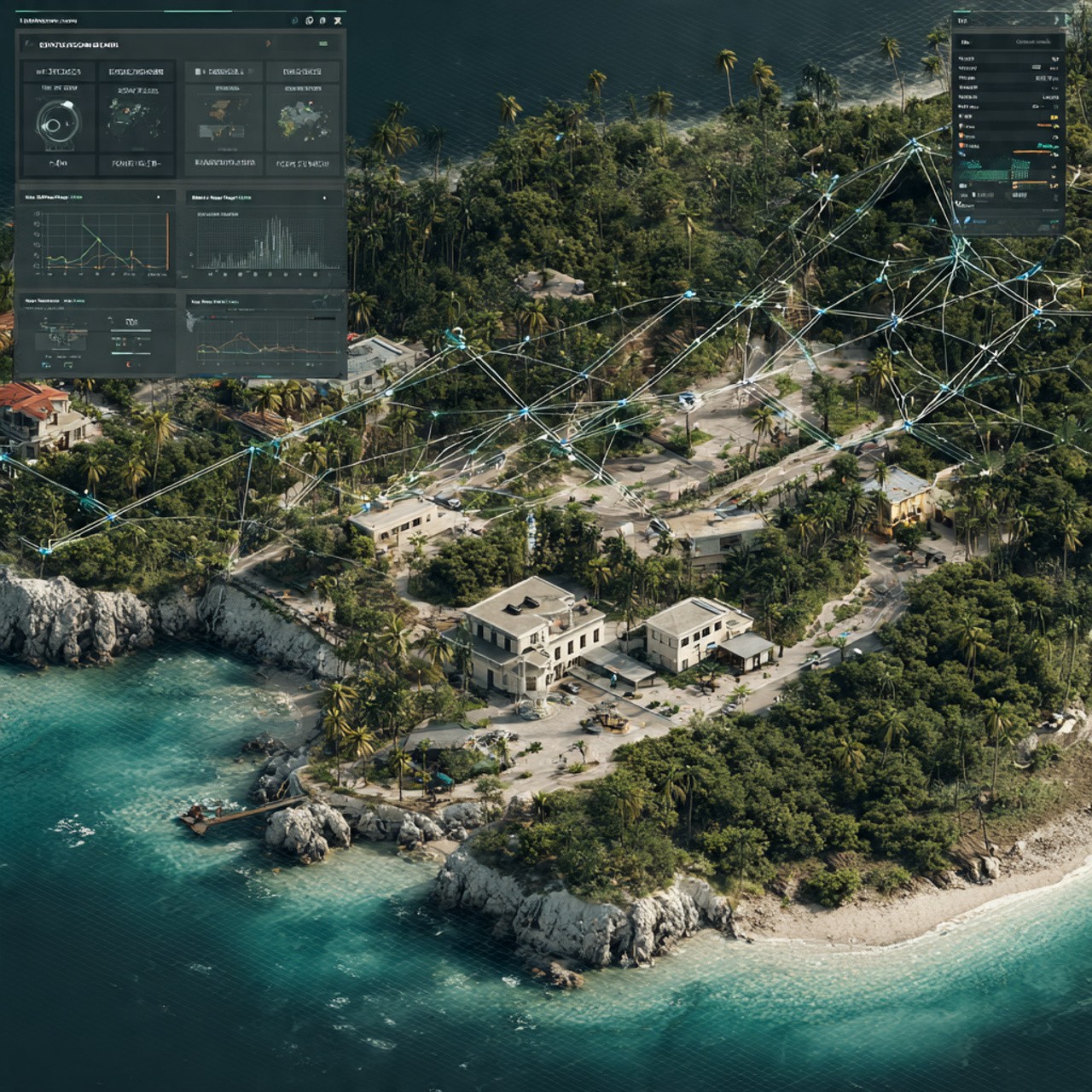
See the actual patrol path, not just checkpoints
Identify coverage gaps and vulnerable areas
Detect predictable patterns that create security risks
Heatmap shows which areas are over/under patrolled
Make data-driven decisions about patrol strategy
Randomize routes to eliminate predictability
Ensure no dead times or skipped areas
Monitor improvement over time
Audit historical patrol compliance
Build a stronger security posture
Path Tracing
Why Path Tracing Matters for Resorts
See the actual patrol path, not just checkpoints
Identify coverage gaps and vulnerable areas
Detect predictable patterns that create security risks
Heatmap shows which areas are over/under patrolled
Make data-driven decisions about patrol strategy
Randomize routes to eliminate predictability
Ensure no dead times or skipped areas
Monitor improvement over time
Audit historical patrol compliance
Build a stronger security posture
Government - City Council Operations
Daily Field Operations & Issue Reporting
Daily Field Operations & Issue Reporting
How field officers identify and track city maintenance issues in real-time
How field officers identify and track city maintenance issues in real-time
🚶 Field Officer on Patrol
Field Officer on Rounds
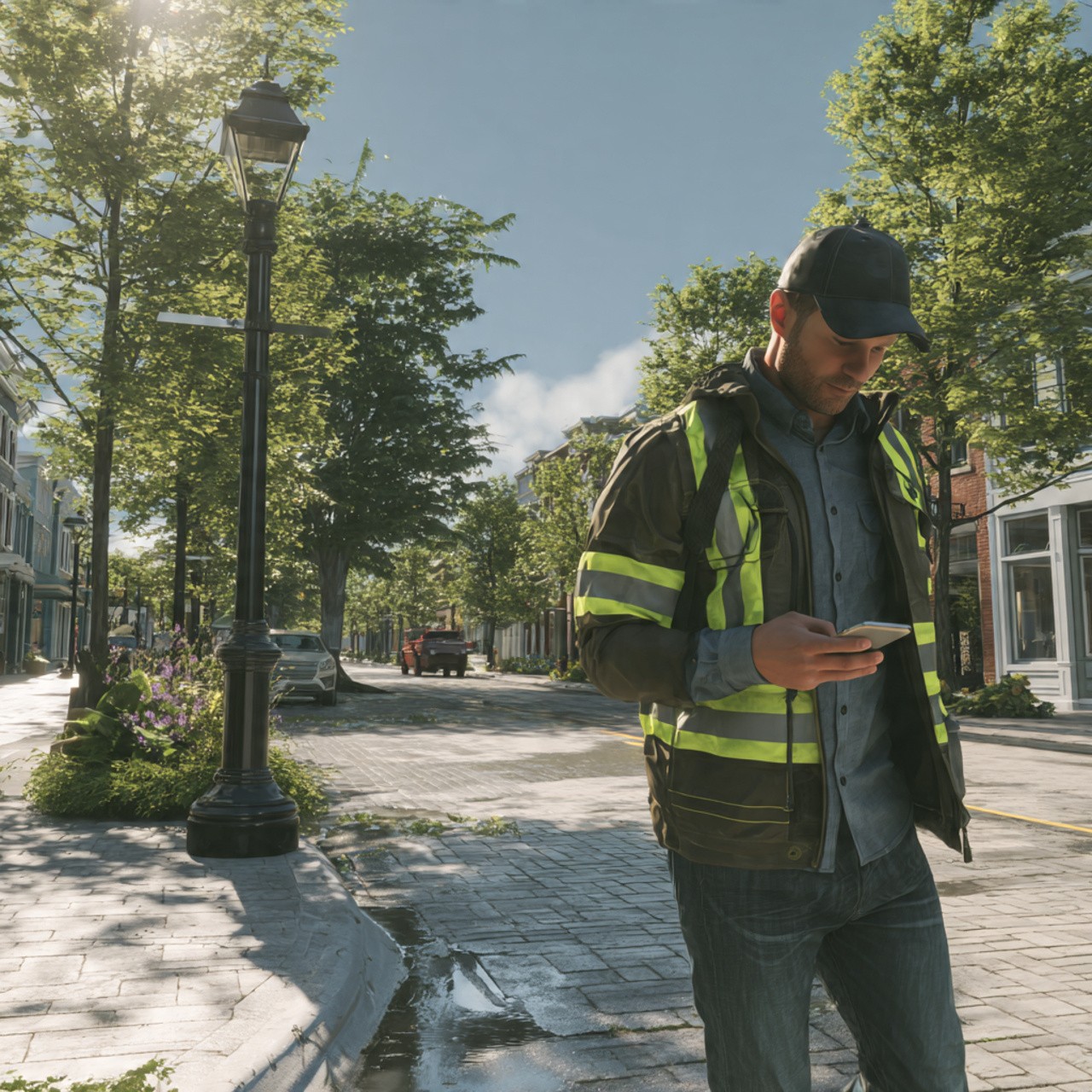
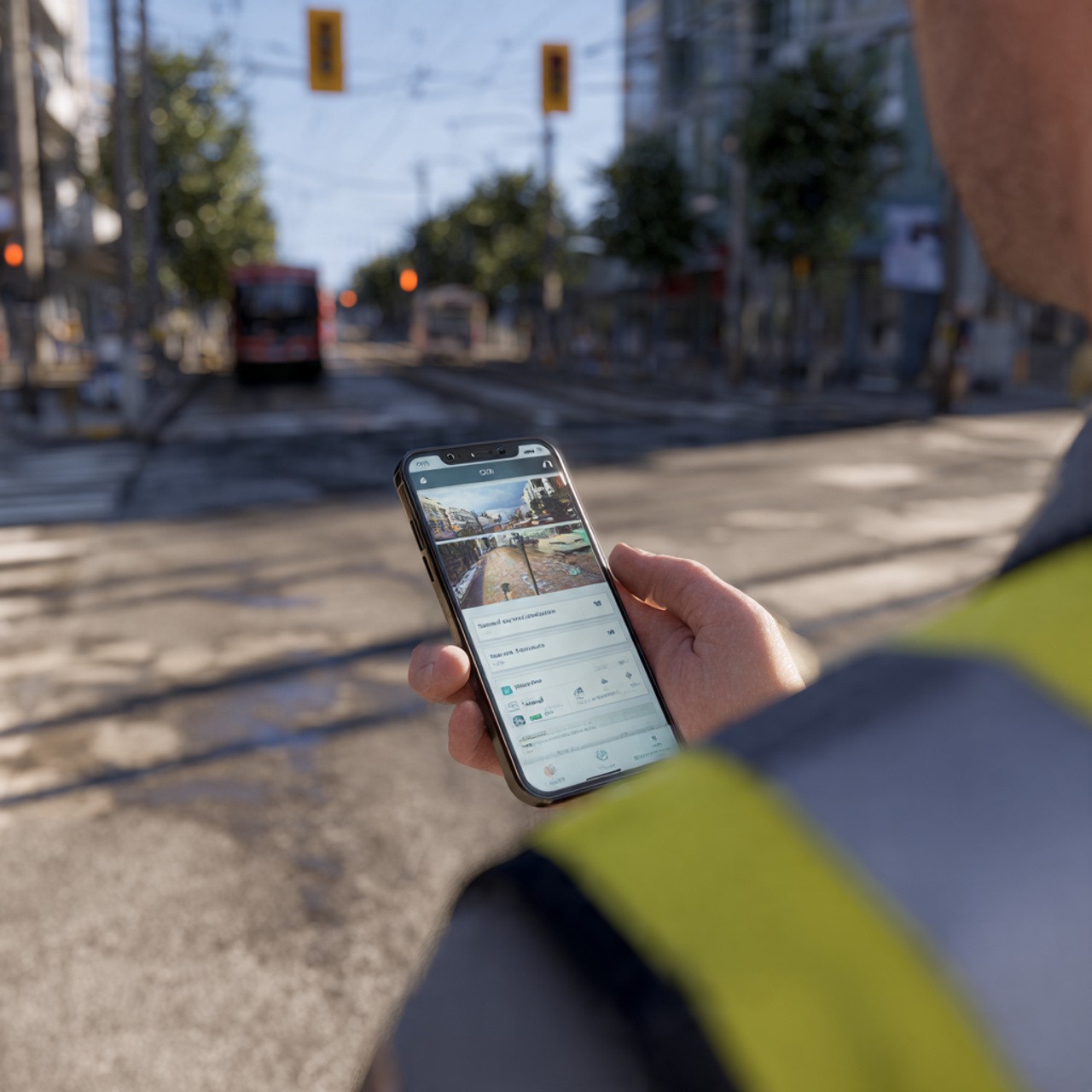
A city maintenance officer is inspecting different zones throughout the city. During his patrol, he identifies multiple issues:
Broken streetlight on Main Road
Debris blocking public walkway
Water drainage issue in central area
Instead of writing notes on paper, he opens Tyros® and files an incident for each issue.
🚶 Field Officer on Patrol
Field Officer on Rounds
A city maintenance officer is inspecting different zones throughout the city. During his patrol, he identifies multiple issues:
Broken streetlight on Main Road
Debris blocking public walkway
Water drainage issue in central area
Instead of writing notes on paper, he opens Tyros® and files an incident for each issue.
Incident Module
Reporting the Incident
For each issue, he files an incident in Tyros®:
✓ Issue type (broken light, debris, drainage)
✓ Location (exact address)
✓ Photos (showing the problem)
✓ Description (detailed notes)
✓ Priority level (urgent, standard)
All issues are instantly recorded with location and timestamp.
Incident Module
Reporting the Incident
For each issue, he files an incident in Tyros®:
✓ Issue type (broken light, debris, drainage)
✓ Location (exact address)
✓ Photos (showing the problem)
✓ Description (detailed notes)
✓ Priority level (urgent, standard)
All issues are instantly recorded with location and timestamp.
Coordination
Secure Chat + Path Tracking
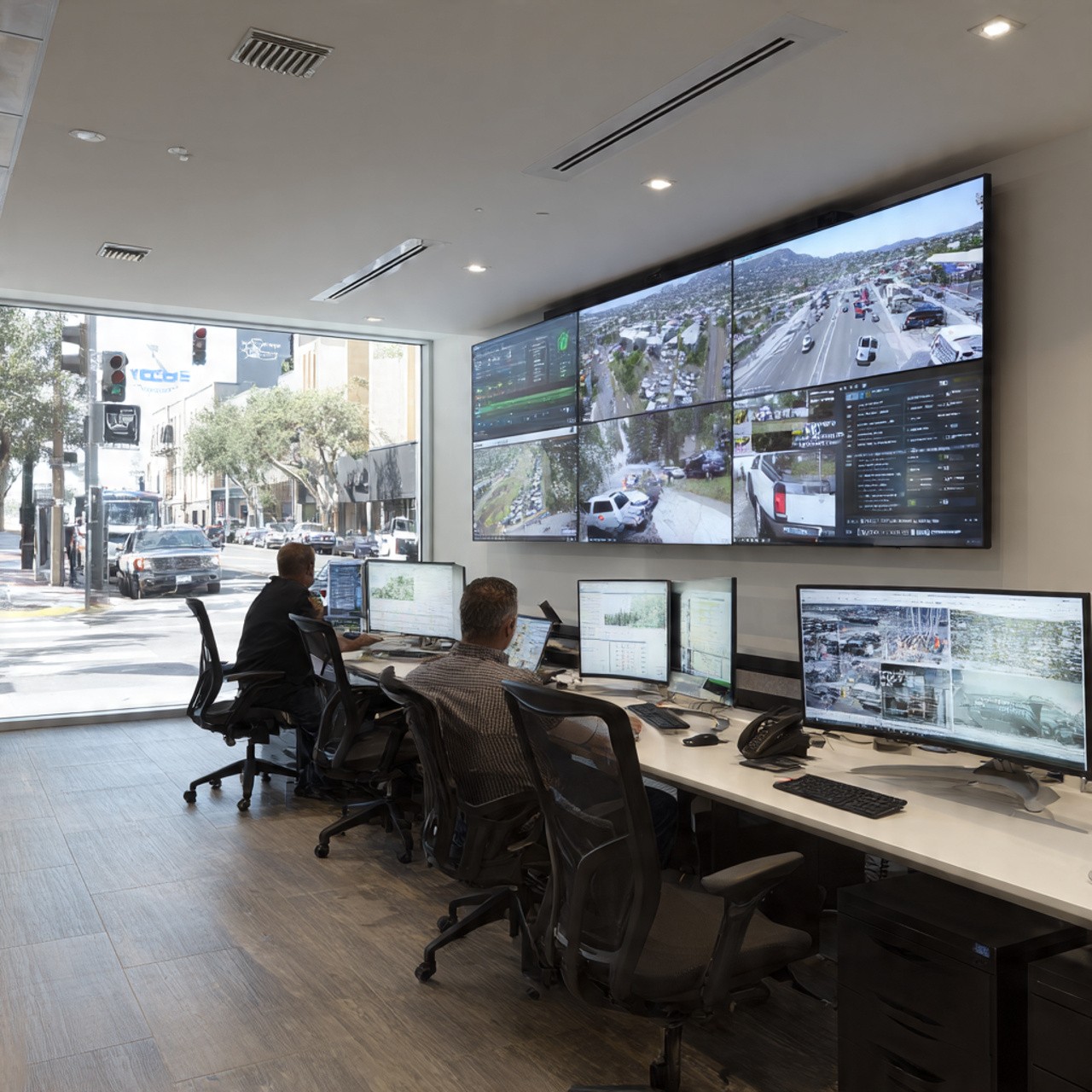
At city council office, supervisors see all reported issues in Tyros®.
They discuss via Secure Chat:
Supervisor: "Broken light on Main Road - urgent"
Maintenance Lead: "Assigning to electrical team now"
Officer: "Confirming - heading there next"
Meanwhile, supervisors track the officer's patrol path in real-time using Location Tracking. They see he's efficiently covering all zones.
Coordination
Secure Chat + Path Tracking
At city council office, supervisors see all reported issues in Tyros®.
They discuss via Secure Chat:
Supervisor: "Broken light on Main Road - urgent"
Maintenance Lead: "Assigning to electrical team now"
Officer: "Confirming - heading there next"
Meanwhile, supervisors track the officer's patrol path in real-time using Location Tracking. They see he's efficiently covering all zones.
Resolution & Geofencing
Resolution & Geofencing Benefits
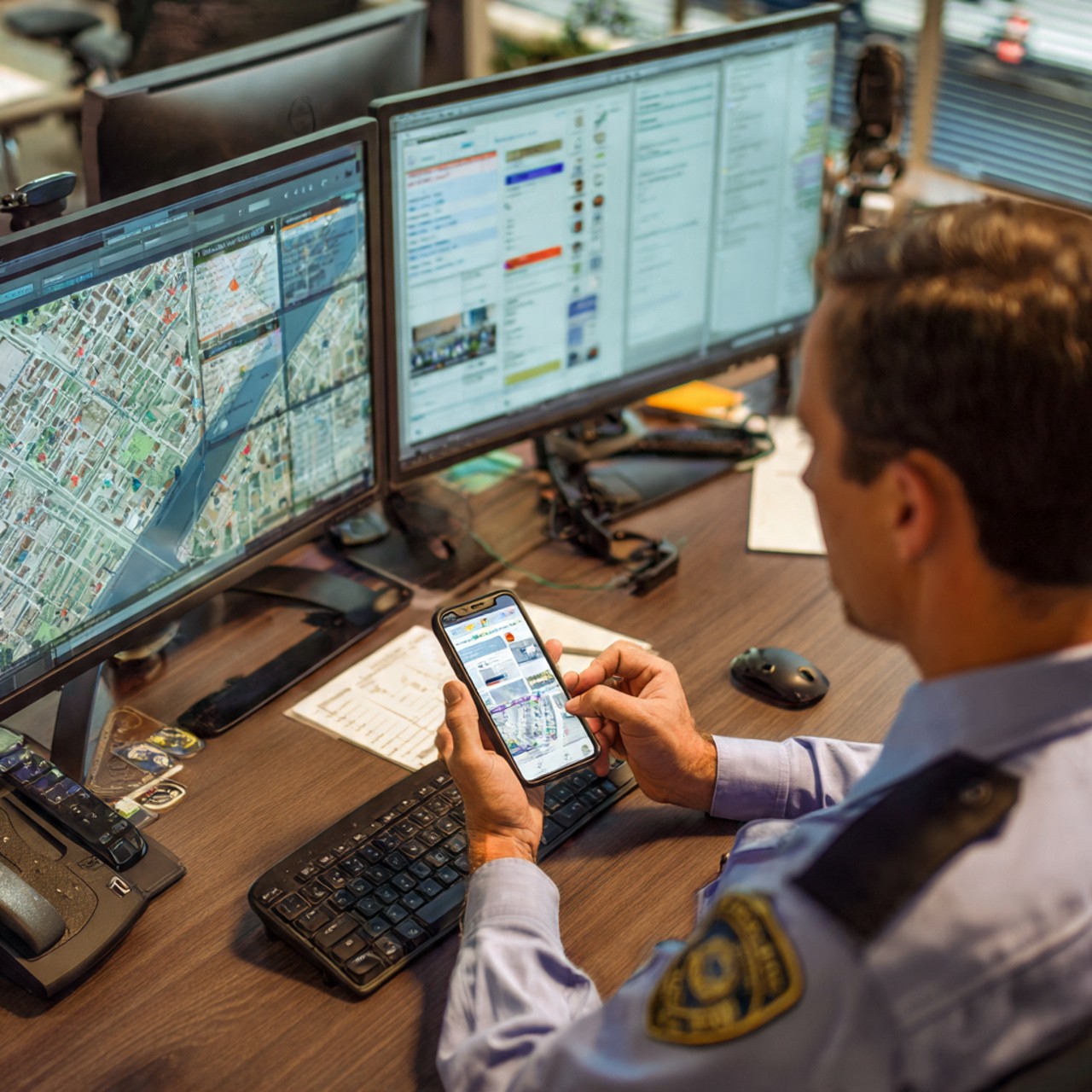
Issues are tracked from report to resolution. Supervisors also use Geofencing to understand:
📍 When did officers enter/exit specific zones?
📍 How long did they spend at each location?
📍 Are all areas being covered equally?
This data helps optimize future patrol routes and resource allocation.
Resolution & Geofencing
Resolution & Geofencing Benefits
Issues are tracked from report to resolution. Supervisors also use Geofencing to understand:
📍 When did officers enter/exit specific zones?
📍 How long did they spend at each location?
📍 Are all areas being covered equally?
This data helps optimize future patrol routes and resource allocation.
Benefits for City Council
Benefits for City Council
Benefits
Why Path Tracing Matters for Resorts
Field officers report issues instantly with photos
All issues tracked from report to resolution
Supervisors coordinate via secure chat
Live location tracking shows officer deployment
Geofencing reveals which zones are covered
Complete audit trail for accountability
Benefits
Why Path Tracing Matters for Resorts
Field officers report issues instantly with photos
All issues tracked from report to resolution
Supervisors coordinate via secure chat
Live location tracking shows officer deployment
Geofencing reveals which zones are covered
Complete audit trail for accountability
Government - City Council Operations
National Disaster Emergency Response
National Disaster Emergency Response
How city council mobilizes all teams during a natural disaster
How city council mobilizes all teams during a natural disaster
SOS
Disaster Declared
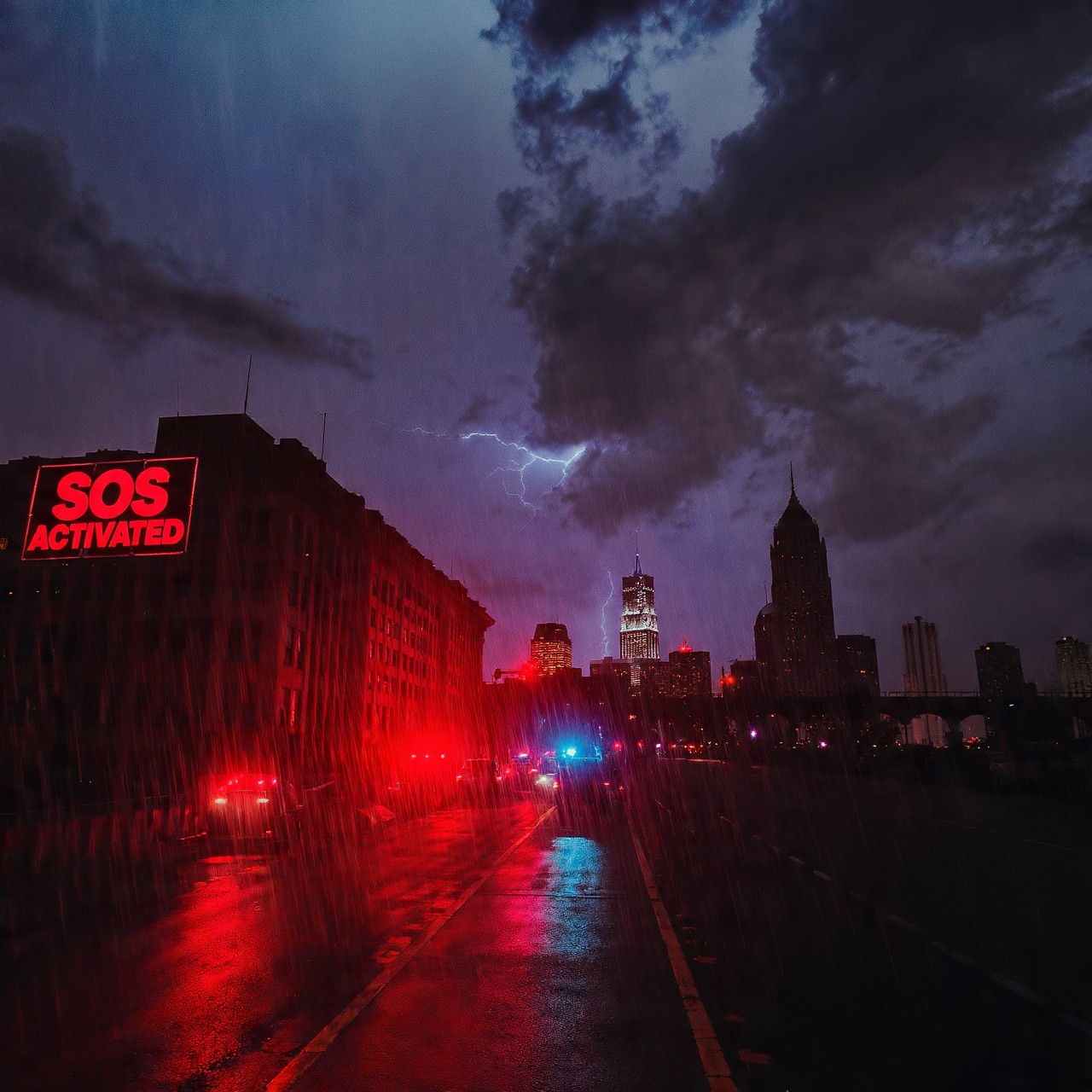
A tropical storm warning is issued. City Council needs to activate emergency response immediately.
Any authorized staff member can trigger SOS in Tyros® to activate city-wide emergency protocol.
SOS
Disaster Declared
A tropical storm warning is issued. City Council needs to activate emergency response immediately.
Any authorized staff member can trigger SOS in Tyros® to activate city-wide emergency protocol.
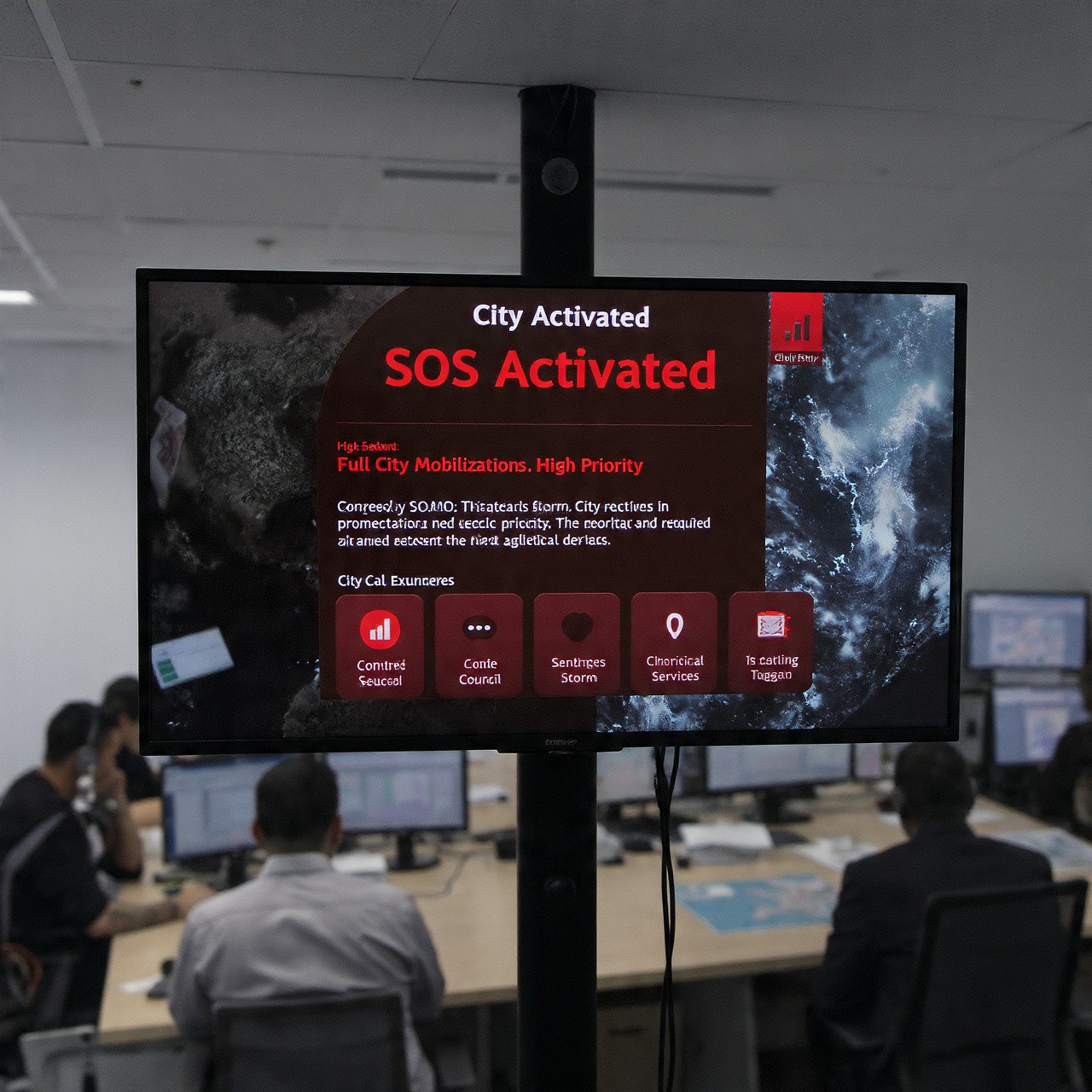
SOS
SOS Activated
City officials file SOS in Tyros®:
✓ Incident: Natural disaster (tropical storm)
✓ Severity: High priority
✓ Required action: Full city mobilization
Instantly, all city council employees and emergency teams receive the alert.
SOS
SOS Activated
City officials file SOS in Tyros®:
✓ Incident: Natural disaster (tropical storm)
✓ Severity: High priority
✓ Required action: Full city mobilization
Instantly, all city council employees and emergency teams receive the alert.
Location + Chat
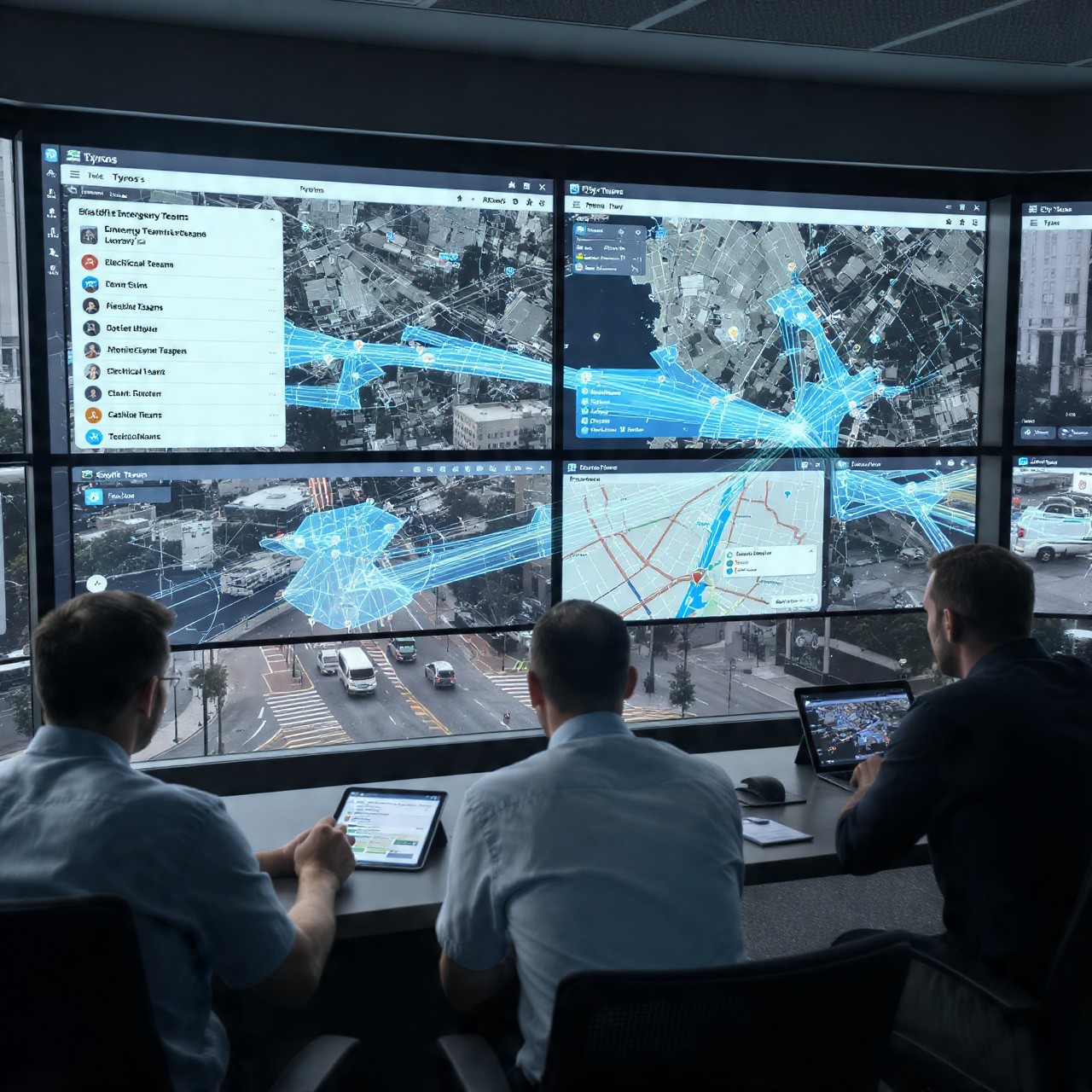
Team Deployment
City Command Center immediately sees:
🗺️ All staff locations in real-time
📍 Deployed teams moving to assigned zones
💬 Communication channel for coordination
Command center assigns teams: "Electrical team - secure power lines. Roads team - clear debris. Rescue team - standby."
Teams coordinate via Tyros® chat, not external systems.
Location + Chat
Team Deployment
City Command Center immediately sees:
🗺️ All staff locations in real-time
📍 Deployed teams moving to assigned zones
💬 Communication channel for coordination
Command center assigns teams: "Electrical team - secure power lines. Roads team - clear debris. Rescue team - standby."
Teams coordinate via Tyros® chat, not external systems.
Resolution & Geofencing
Resolution & Geofencing Benefits
Issues are tracked from report to resolution. Supervisors also use Geofencing to understand:
📍 When did officers enter/exit specific zones?
📍 How long did they spend at each location?
📍 Are all areas being covered equally?
This data helps optimize future patrol routes and resource allocation.
Resolution & Geofencing
Resolution & Geofencing Benefits
Issues are tracked from report to resolution. Supervisors also use Geofencing to understand:
📍 When did officers enter/exit specific zones?
📍 How long did they spend at each location?
📍 Are all areas being covered equally?
This data helps optimize future patrol routes and resource allocation.
Complete Visibility
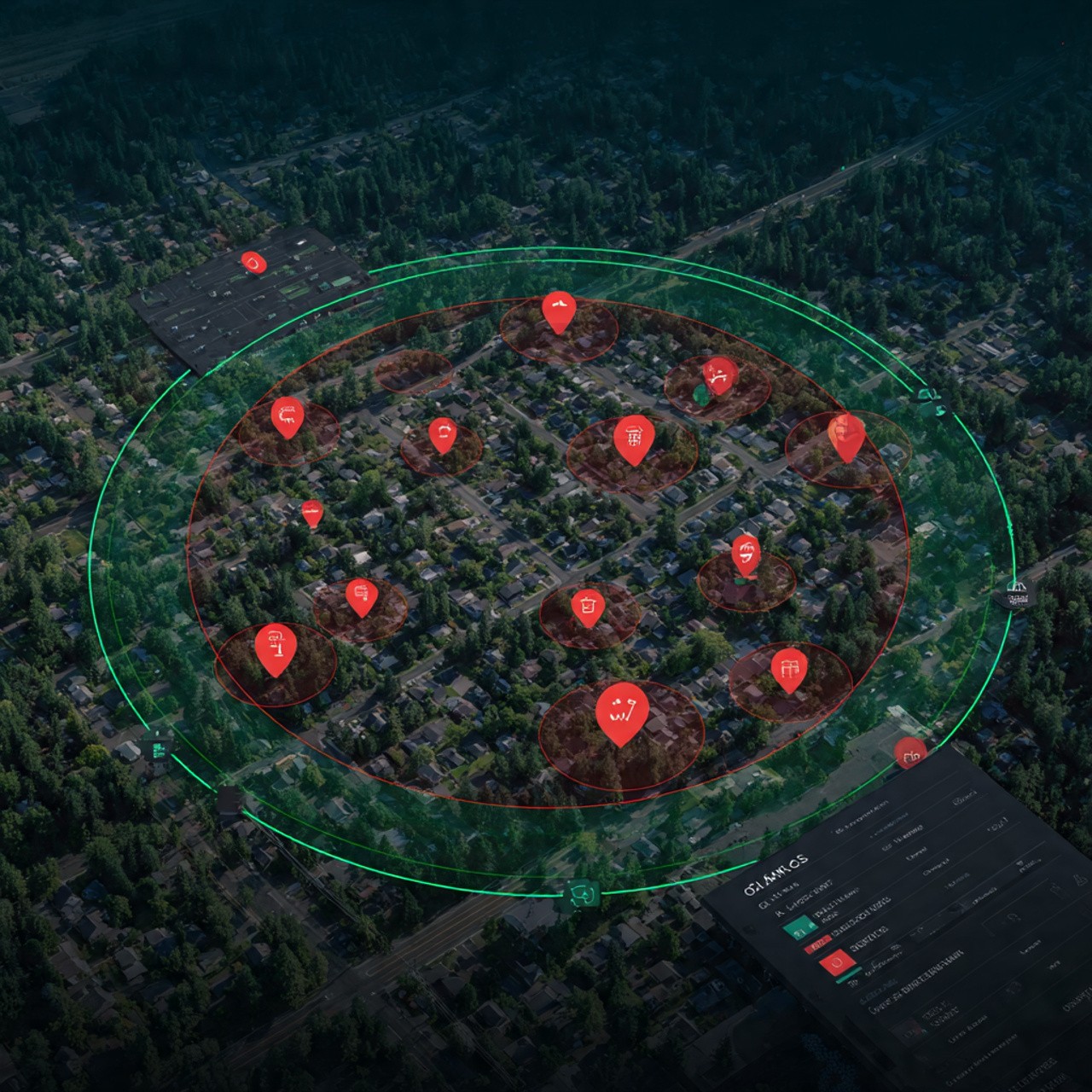
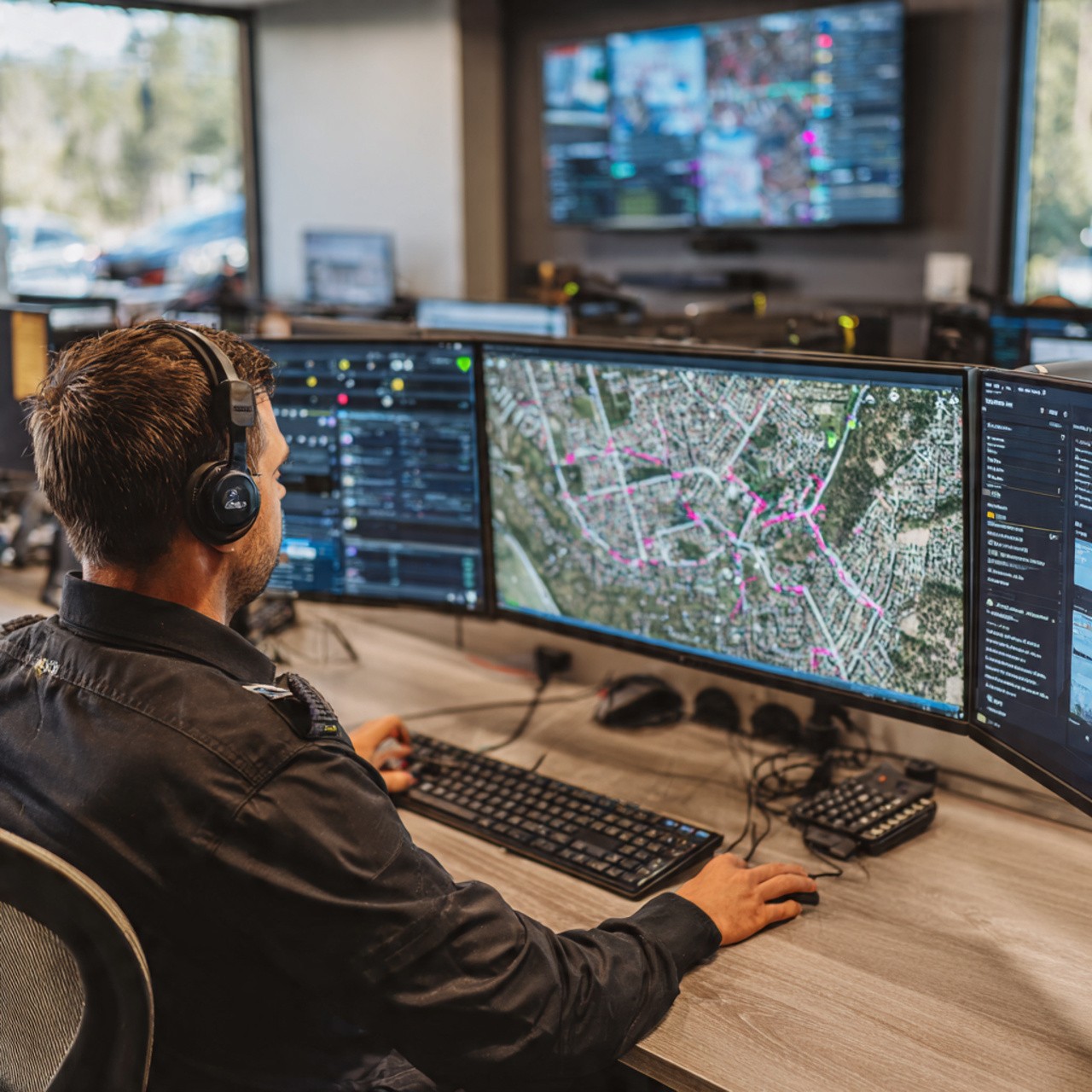
Complete Workforce Visibility
Using Geofencing and Location Tracking, command center sees:
📍 Which zones are covered
📍 Where teams are positioned
📍 Response time to each area
📍 Any gaps in coverage
When emergency is resolved, SOS is closed and location access reverts to normal.
Complete Visibility
Complete Workforce Visibility
Using Geofencing and Location Tracking, command center sees:
📍 Which zones are covered
📍 Where teams are positioned
📍 Response time to each area
📍 Any gaps in coverage
When emergency is resolved, SOS is closed and location access reverts to normal.
Benefits for City Council
Benefits for City Council
Benefits
Why SOS Matters for City Council
Instant emergency activation via SOS
All staff notified simultaneously
Real-time location visibility of all teams
Geofencing shows coverage and gaps
Secure chat for team coordination
Complete audit trail of emergency response
Benefits
Why SOS Matters for City Council
Instant emergency activation via SOS
All staff notified simultaneously
Real-time location visibility of all teams
Geofencing shows coverage and gaps
Secure chat for team coordination
Complete audit trail of emergency response
Use Case for Airports
Rapid Response to Security Incidents: Unidentified Bag Detection
Rapid Response to Security Incidents: Unidentified Bag Detection
The Incident: Unidentified Bag Found
The Incident: Unidentified Bag Found
Incident
Ground Staff Spots Unidentified Bag
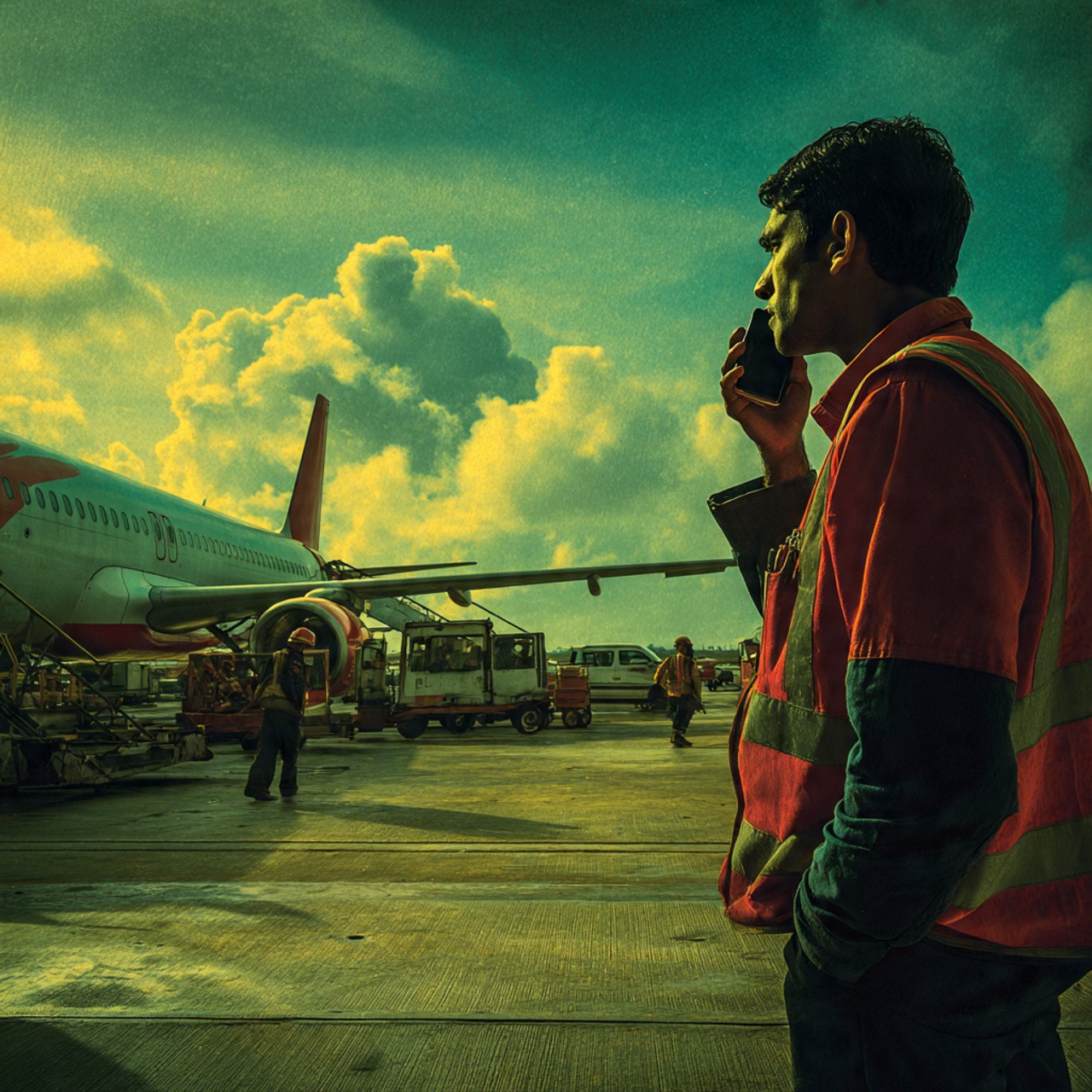
It's 2:30 PM at the airport. Multiple ground handlers are working near Gate 5. A baggage handler notices an unidentified bag sitting on the tarmac near the aircraft.
He immediately recognizes this is a security concern. Time is critical.
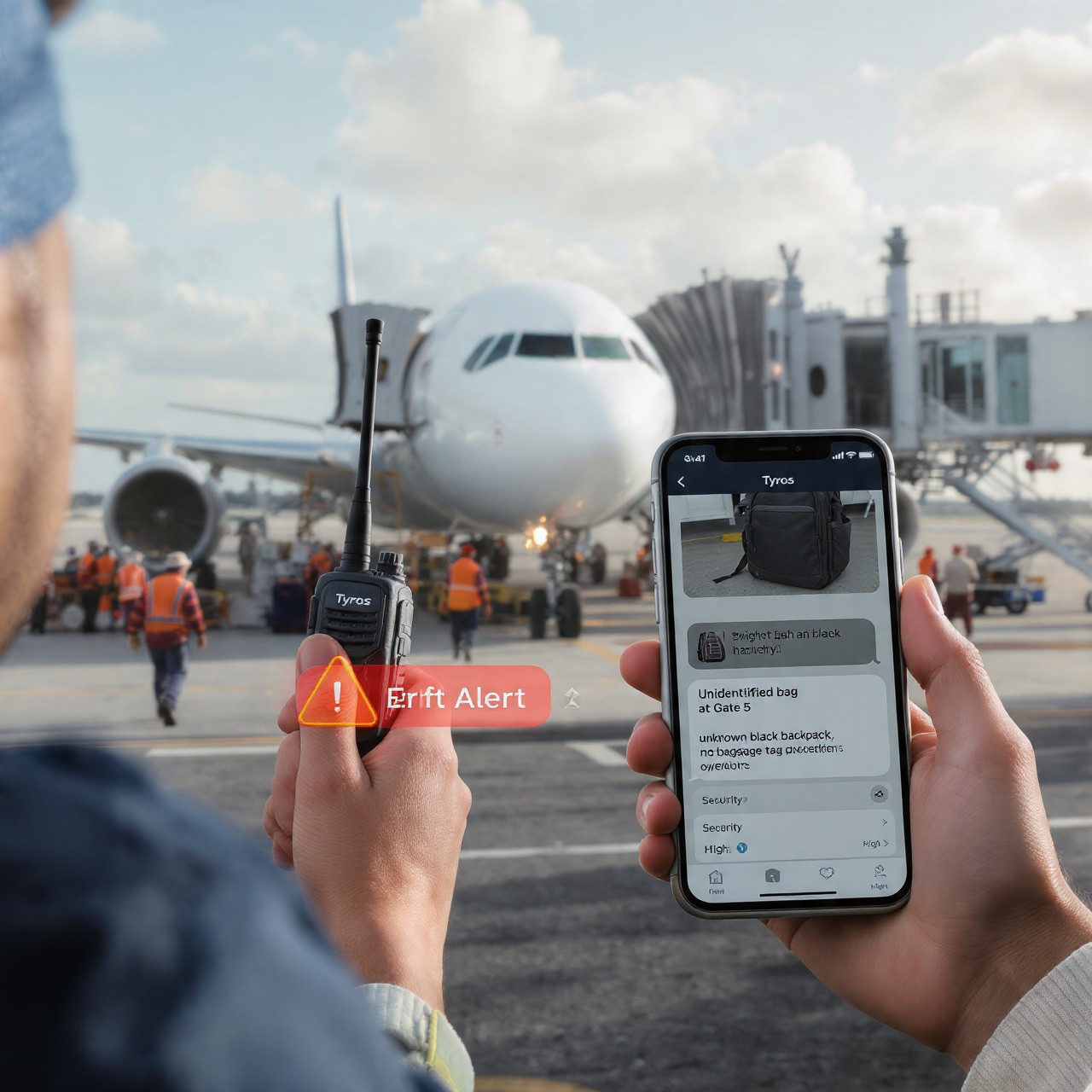
He has two options in Tyros®:
🎙️ Use Walkie-Talkie feature for immediate voice alert
📋 File Incident Report with photos and details
He does both.
Incident
Ground Staff Spots Unidentified Bag
It's 2:30 PM at the airport. Multiple ground handlers are working near Gate 5. A baggage handler notices an unidentified bag sitting on the tarmac near the aircraft.
He immediately recognizes this is a security concern. Time is critical.
He has two options in Tyros®:
🎙️ Use Walkie-Talkie feature for immediate voice alert
📋 File Incident Report with photos and details
He does both.
SOS
Immediate Alert + Incident Report
Step 1: Walkie-Talkie Alert (Instant Voice)
He presses the walkie-talkie button in Tyros® and broadcasts instantly:
Ground Handler: "Unidentified bag found at Gate 5, near aircraft. Stopping all ground operations in area."
Step 2: Incident Report (Detailed Documentation)
He immediately files an incident report with:
✓ Incident Type: Security - Unidentified Baggage
✓ Location: Gate 5, Tarmac
✓ Photo: Clear image of the bag
✓ Description: "Unknown black backpack, no baggage tag"
✓ Severity: High
The report is submitted in seconds with all details.
SOS
Immediate Alert + Incident Report
Step 1: Walkie-Talkie Alert (Instant Voice)
He presses the walkie-talkie button in Tyros® and broadcasts instantly:
Ground Handler: "Unidentified bag found at Gate 5, near aircraft. Stopping all ground operations in area."
Step 2: Incident Report (Detailed Documentation)
He immediately files an incident report with:
✓ Incident Type: Security - Unidentified Baggage
✓ Location: Gate 5, Tarmac
✓ Photo: Clear image of the bag
✓ Description: "Unknown black backpack, no baggage tag"
✓ Severity: High
The report is submitted in seconds with all details.
🎛️ Command Center: Immediate Response
🎛️ Command Center: Immediate Response

Command Center Alert
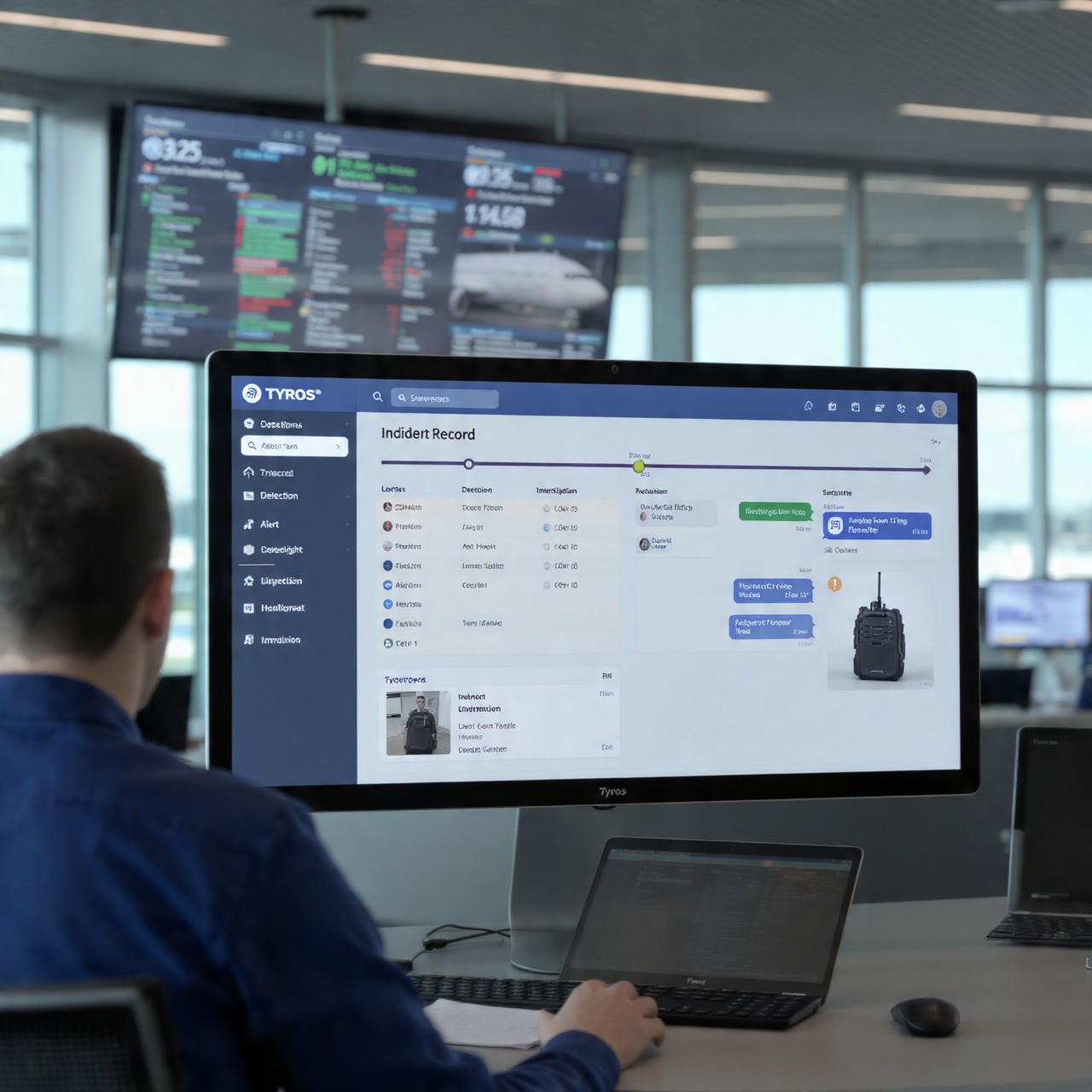
Operations Control Receives Alert
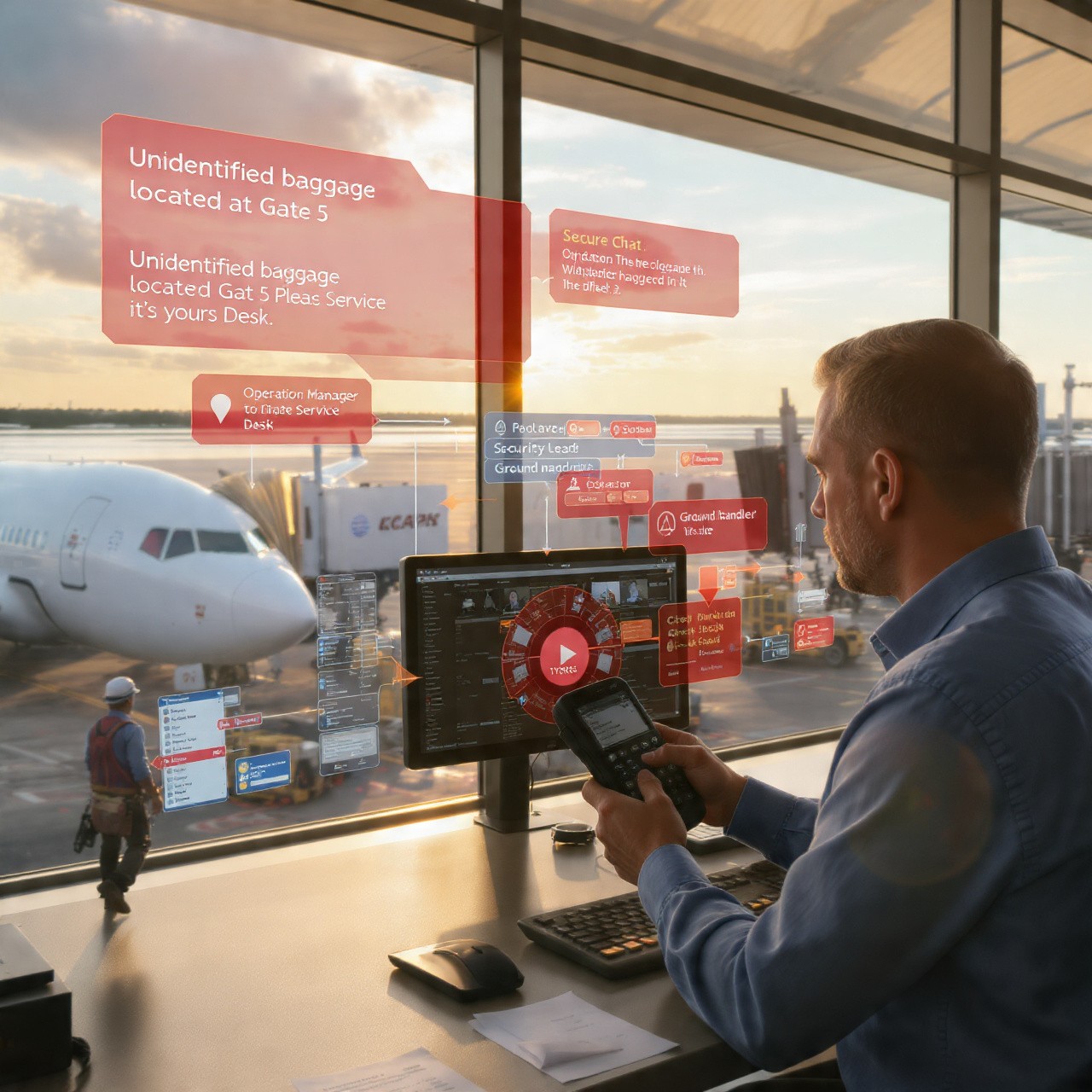
The Airport Operations Control Center receives TWO alerts simultaneously:
Alert 1: Walkie-Talkie Voice Message - Real-time audio broadcast to all ground teams
Alert 2: Incident Report - Full details with photo visible in command center dashboard
The Operations Manager immediately sees:
✓ What: Unidentified baggage
✓ Where: Gate 5, exact location on map
✓ Photo: Clear visual of the bag
✓ Status: Active security concern
Response time: 15 seconds from detection to command center awareness.
Command Center Alert
Operations Control Receives Alert
The Airport Operations Control Center receives TWO alerts simultaneously:
Alert 1: Walkie-Talkie Voice Message - Real-time audio broadcast to all ground teams
Alert 2: Incident Report - Full details with photo visible in command center dashboard
The Operations Manager immediately sees:
✓ What: Unidentified baggage
✓ Where: Gate 5, exact location on map
✓ Photo: Clear visual of the bag
✓ Status: Active security concern
Response time: 15 seconds from detection to command center awareness.
💬 Coordination: Teams Mobilized
💬 Coordination: Teams Mobilized
Communication
Multi-Channel Communication
Option A: Make An Announcement
Operations Manager can inform PSA (Public Address System) to announce:
Airport Announcement: "Attention: Unidentified baggage located at Gate 5. If this is your bag, please report to Gate Service Desk immediately."
Option B: Deploy Security Teams
Operations Manager uses Secure Chat to coordinate with security teams:
Operations Manager: "Security - Unidentified bag at Gate 5. Secure the area and investigate."
Security Lead: "Received. Team responding. ETA 2 minutes."
Ground Handler: "Area secured. Standing by for security team."
All communication is in one place. No confusion. Complete record.
Communication
Multi-Channel Communication
Option A: Make An Announcement
Operations Manager can inform PSA (Public Address System) to announce:
Airport Announcement: "Attention: Unidentified baggage located at Gate 5. If this is your bag, please report to Gate Service Desk immediately."
Option B: Deploy Security Teams
Operations Manager uses Secure Chat to coordinate with security teams:
Operations Manager: "Security - Unidentified bag at Gate 5. Secure the area and investigate."
Security Lead: "Received. Team responding. ETA 2 minutes."
Ground Handler: "Area secured. Standing by for security team."
All communication is in one place. No confusion. Complete record.
✅ Resolution & Documentation
✅ Resolution & Documentation
Incident Resolved
Incident Resolved
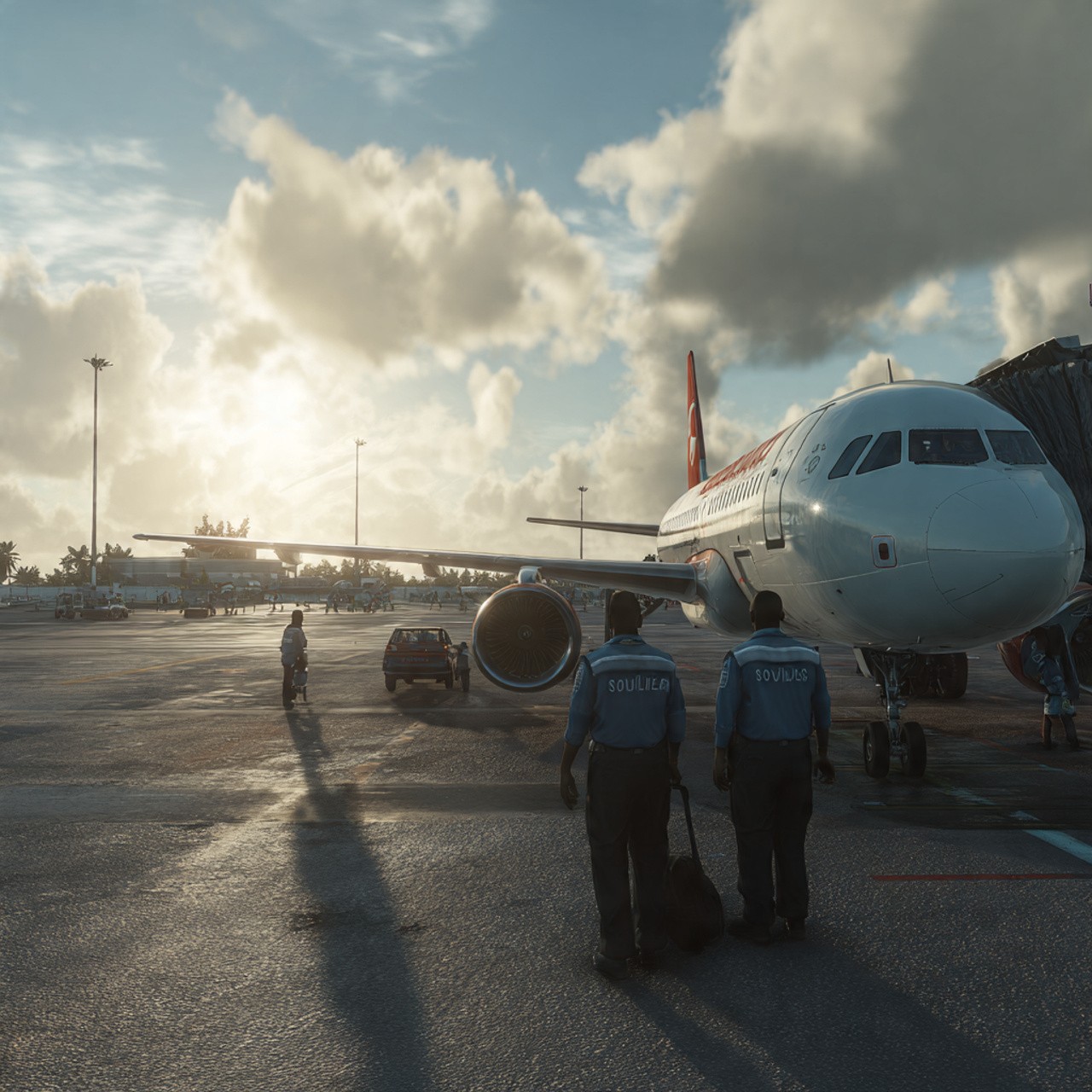
Security team arrives and investigates. The bag belongs to a passenger who left it by mistake. Owner is identified and bag is returned.
The incident is closed in Tyros®:
✓ Resolution: Bag identified and returned to owner
✓ Time taken: 8 minutes from detection to resolution
✓ All actions documented
✓ Complete audit trail created
Incident Resolved
Incident Resolved
Security team arrives and investigates. The bag belongs to a passenger who left it by mistake. Owner is identified and bag is returned.
The incident is closed in Tyros®:
✓ Resolution: Bag identified and returned to owner
✓ Time taken: 8 minutes from detection to resolution
✓ All actions documented
✓ Complete audit trail created
Complete Record
Complete Record for Compliance
Tyros® automatically generates a complete incident record:
📋 Timeline: Detection → Alert → Investigation → Resolution
🎙️ All walkie-talkie messages recorded
💬 All chat communications logged
📸 Photos attached
👤 All personnel involved documented
✓ Response time: 8 minutes
This record can be reviewed for training, compliance, and continuous improvement of security protocols.
Complete Record
Complete Record for Compliance
Tyros® automatically generates a complete incident record:
📋 Timeline: Detection → Alert → Investigation → Resolution
🎙️ All walkie-talkie messages recorded
💬 All chat communications logged
📸 Photos attached
👤 All personnel involved documented
✓ Response time: 8 minutes
This record can be reviewed for training, compliance, and continuous improvement of security protocols.
Why This Matters for Airports
Why This Matters for Airports
Benefits
Why This Matters for Airports
Security incidents detected and reported instantly
Ground staff can use walkie-talkie for immediate alerts
Incident reports capture photo, location, and details
Command center receives alerts in seconds
Teams coordinate via secure chat, not scattered radios
Response time is measured and optimized
Complete documentation for compliance and training
PSA system can be informed for announcements
Audit trail of all actions and decisions
Continuous improvement based on incident data
Benefits
Why This Matters for Airports
Security incidents detected and reported instantly
Ground staff can use walkie-talkie for immediate alerts
Incident reports capture photo, location, and details
Command center receives alerts in seconds
Teams coordinate via secure chat, not scattered radios
Response time is measured and optimized
Complete documentation for compliance and training
PSA system can be informed for announcements
Audit trail of all actions and decisions
Continuous improvement based on incident data
Use Case for Airports
Disaster Exercise: Multi-Agency Response to Simulated Plane Crash
Disaster Exercise: Multi-Agency Response to Simulated Plane Crash
🚨 The Exercise Begins: Simulated Plane Crash
🚨 The Exercise Begins: Simulated Plane Crash
SOS
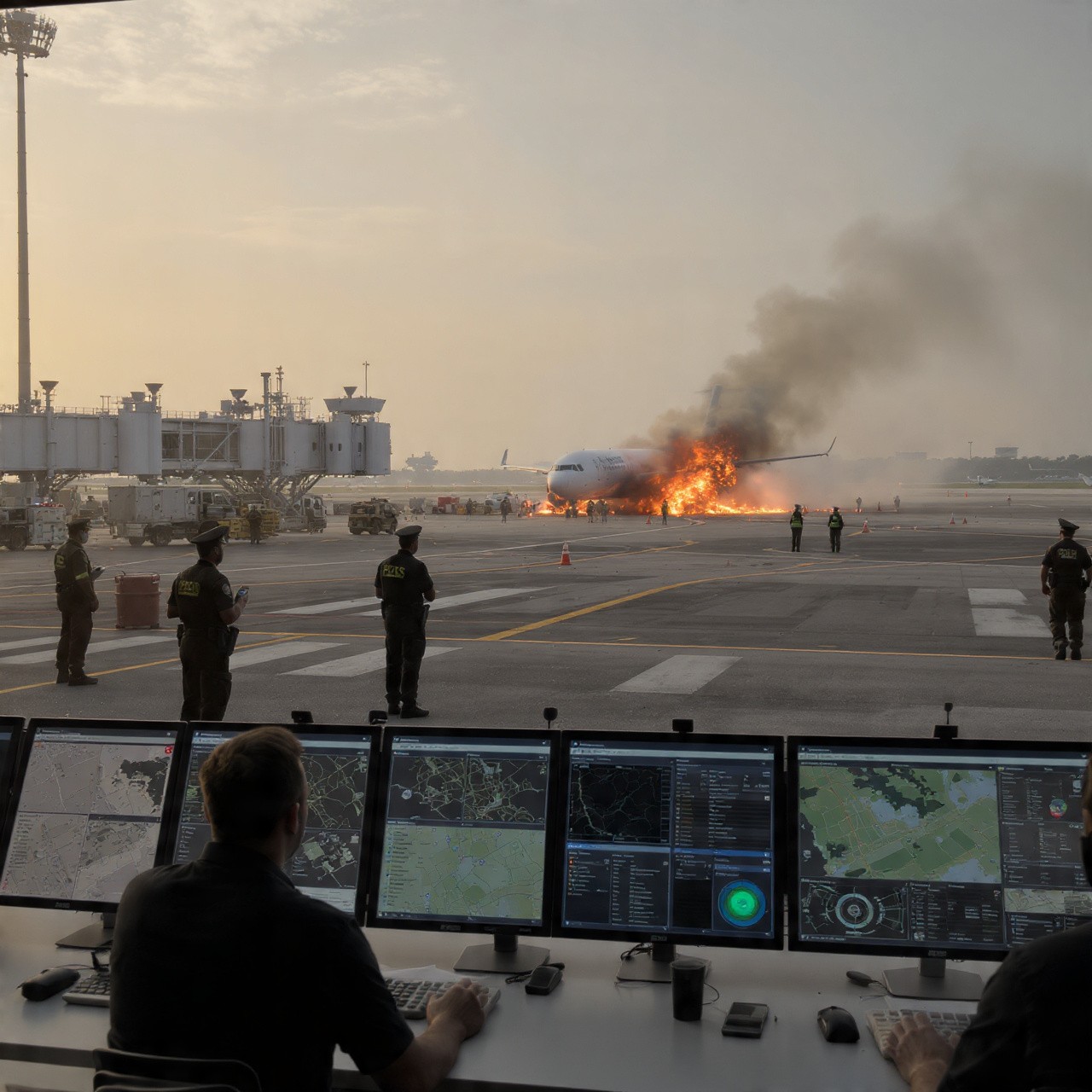
9:00 AM - The Scenario
The annual Disaster Exercise begins. Scenario: An international flight attempting to land experiences mechanical failure and crashes on the northern runway.
This is a drill. But it will test every agency's ability to respond together under pressure.
Participating agencies:
🛫 Airport Authority
🚓 Maldives Police Service
⚔️ Maldives Defence Force
🚒 Maldives Fire & Rescue Brigade
🏥 Hospital & Medical Teams
✈️ Civil Aviation Authority
🛂 Border & Immigration
✈️ Airline Operations
SOS
9:00 AM - The Scenario
The annual Disaster Exercise begins. Scenario: An international flight attempting to land experiences mechanical failure and crashes on the northern runway.
This is a drill. But it will test every agency's ability to respond together under pressure.
Participating agencies:
🛫 Airport Authority
🚓 Maldives Police Service
⚔️ Maldives Defence Force
🚒 Maldives Fire & Rescue Brigade
🏥 Hospital & Medical Teams
✈️ Civil Aviation Authority
🛂 Border & Immigration
✈️ Airline Operations
📡 9:02 AM - SOS Activated: Instant Alert to All Agencies
📡 9:02 AM - SOS Activated: Instant Alert to All Agencies
SOS
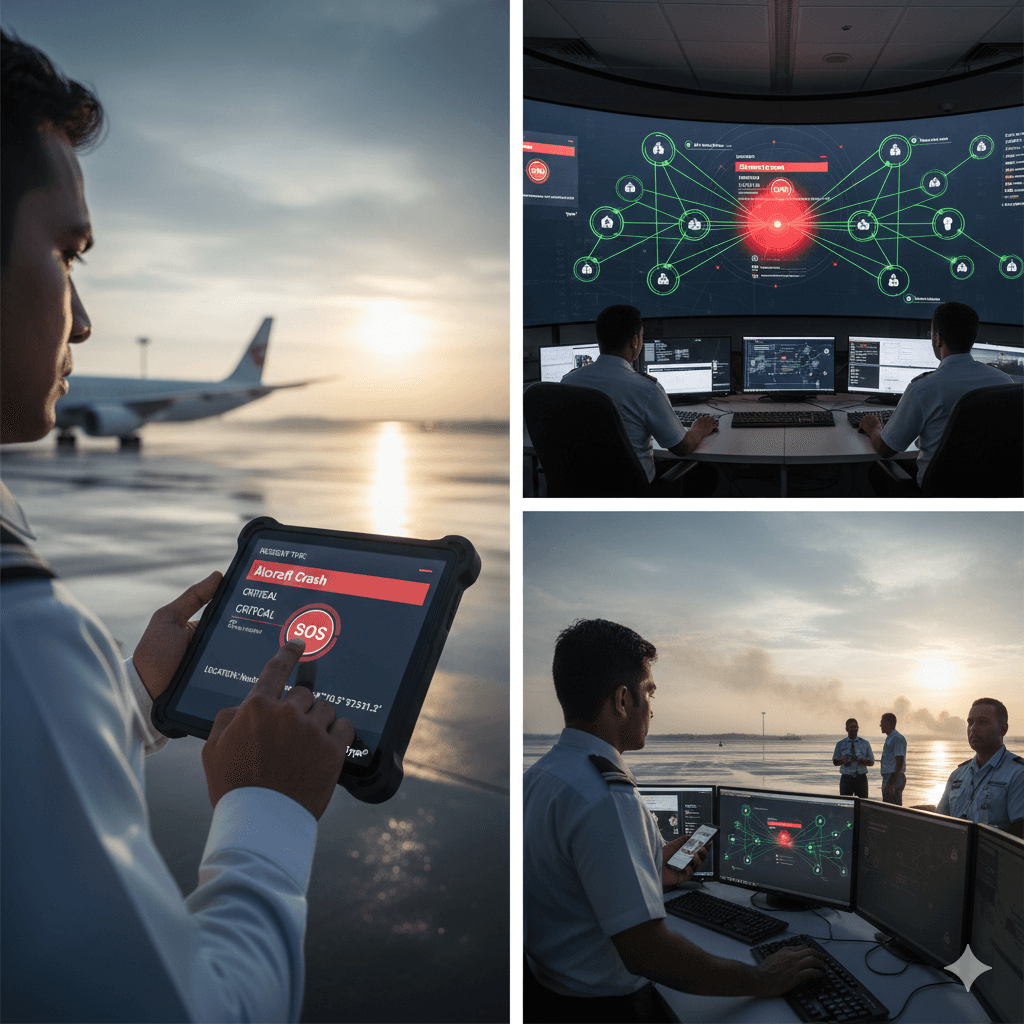
Airport Authority Triggers SOS
Airport Operations initiates SOS in Tyros®:
✓ Incident Type: Aircraft Crash
✓ Location: Northern Runway, exact coordinates
✓ Severity: CRITICAL
✓ Status: Active emergency response required
Within 2 seconds, every stakeholder receives the alert.
SOS
Airport Authority Triggers SOS
Airport Operations initiates SOS in Tyros®:
✓ Incident Type: Aircraft Crash
✓ Location: Northern Runway, exact coordinates
✓ Severity: CRITICAL
✓ Status: Active emergency response required
Within 2 seconds, every stakeholder receives the alert.
Location Visibility
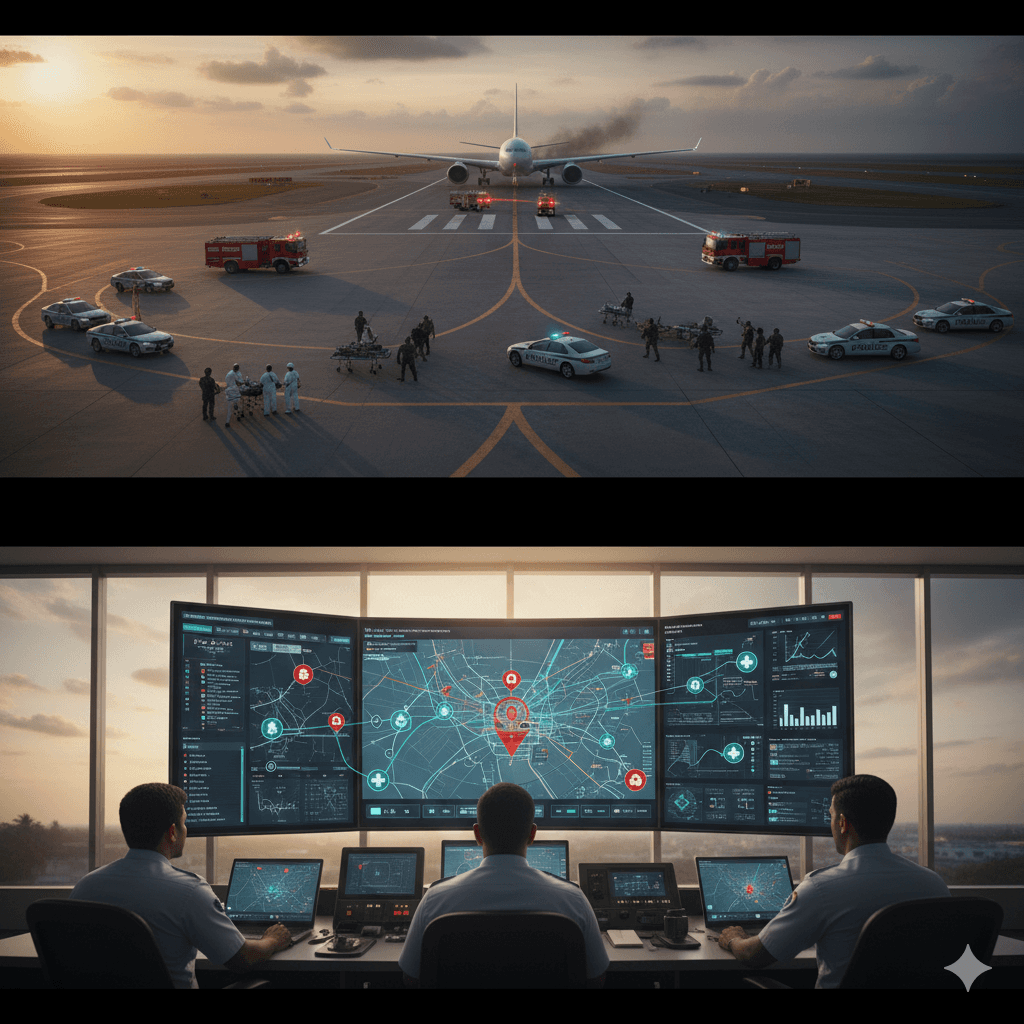
Real-Time Location Visibility
The moment SOS is activated, location tracking is live for all agencies:
📍 Live Location Map Shows:
• Fire & Rescue vehicles en route
• Police units deploying
• Defence Force positioning
• Medical teams mobilizing
• Airport personnel near crash site
Each agency can see where every other agency is positioned. No confusion. No duplicated efforts. Pure coordination.
Location Visibility
Real-Time Location Visibility
The moment SOS is activated, location tracking is live for all agencies:
📍 Live Location Map Shows:
• Fire & Rescue vehicles en route
• Police units deploying
• Defence Force positioning
• Medical teams mobilizing
• Airport personnel near crash site
Each agency can see where every other agency is positioned. No confusion. No duplicated efforts. Pure coordination.
💬 9:03-9:15 AM - Unified Command:
Multi-Agency Coordination
💬 9:03-9:15 AM - Unified Command:
Multi-Agency Coordination
Communication
Walkie-Talkie & Secure Chat Command
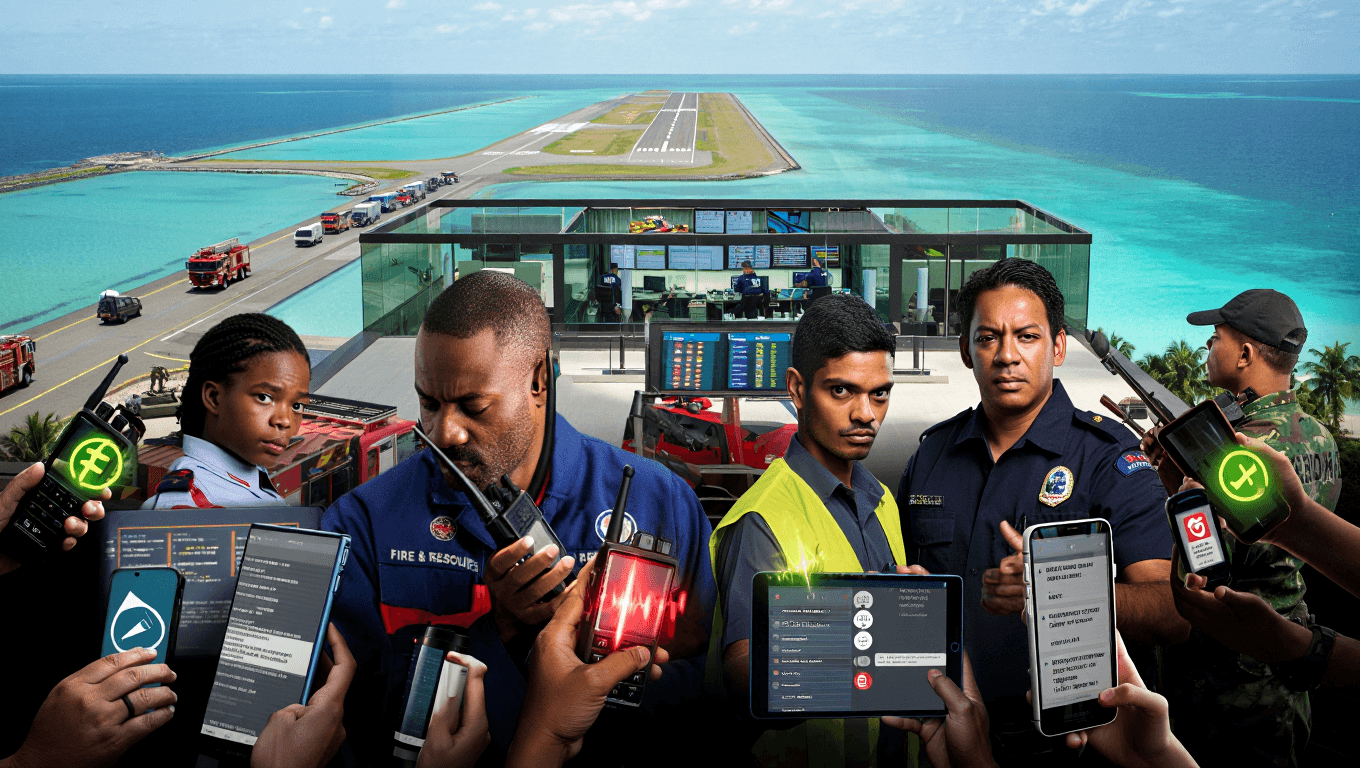
Real-time walkie-talkie communication across all agencies:
Fire Chief: "Fire team on site. Beginning evacuation operations. 150 simulated survivors identified."
Police Commander: "Police units establishing perimeter. Crowd control zones established."
Defence Force Lead: "Defence force units arriving. Standing by for support as needed."
Hospital Director: "Medical teams ready. Receiving simulated casualties now. Triage established."
Airport Operations: "All airspace cleared. Standby aircraft diverted. Emergency protocols active."
Communication
Walkie-Talkie & Secure Chat Command
Real-time walkie-talkie communication across all agencies:
Fire Chief: "Fire team on site. Beginning evacuation operations. 150 simulated survivors identified."
Police Commander: "Police units establishing perimeter. Crowd control zones established."
Defence Force Lead: "Defence force units arriving. Standing by for support as needed."
Hospital Director: "Medical teams ready. Receiving simulated casualties now. Triage established."
Airport Operations: "All airspace cleared. Standby aircraft diverted. Emergency protocols active."
Secure Chat
Secure Chat for Sensitive Information
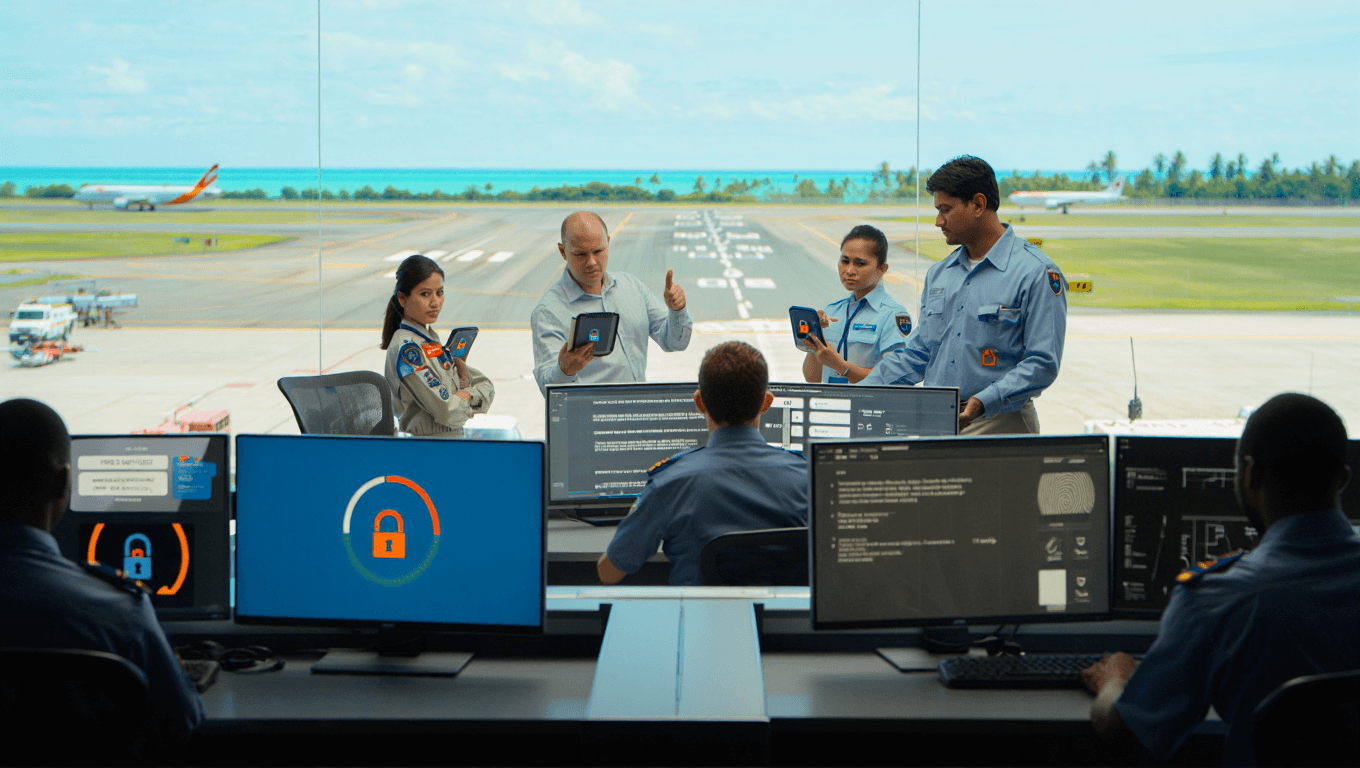
While walkie-talkie handles real-time coordination, Secure Chat is used for sensitive sharing:
Hospital Director: "Sharing updated casualty photos for medical staff awareness" [Photos encrypted, shared securely]
Police: "Sharing witness statements and incident details" [Secure documentation]
Airport Authority: "Aircraft manifest and passenger information shared" [Protected data]
All sensitive information stays within Tyros®. No public leaks. No confusion about what's official vs. rumor.
Secure Chat
Secure Chat for Sensitive Information
While walkie-talkie handles real-time coordination, Secure Chat is used for sensitive sharing:
Hospital Director: "Sharing updated casualty photos for medical staff awareness" [Photos encrypted, shared securely]
Police: "Sharing witness statements and incident details" [Secure documentation]
Airport Authority: "Aircraft manifest and passenger information shared" [Protected data]
All sensitive information stays within Tyros®. No public leaks. No confusion about what's official vs. rumor.
📊 9:10-9:25 AM - Advanced Tracking Features
📊 9:10-9:25 AM - Advanced Tracking Features
Geofencing
Geofencing: Perimeter Management
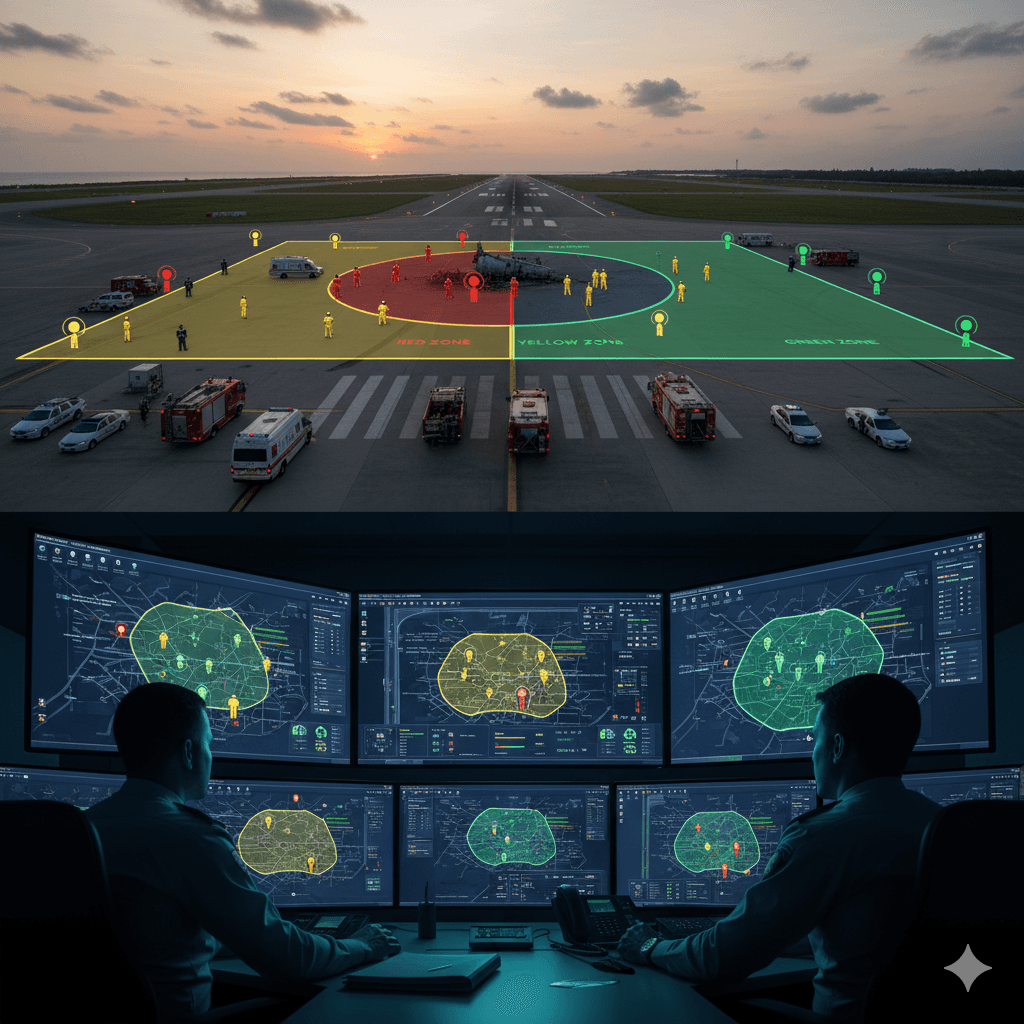
Airport Authority creates geofences around the crash site and operational areas:
🔴 Red Zone (Crash Site): Only authorized personnel
🟡 Yellow Zone (1km radius): Emergency responders only
🟢 Green Zone (General airfield): Restricted operations
Tyros® logs:
✓ Who enters each zone
✓ When they entered
✓ How long they stayed
✓ When they exited
This ensures no one wanders into danger zones and provides accountability.
Geofencing
Geofencing: Perimeter Management
Airport Authority creates geofences around the crash site and operational areas:
🔴 Red Zone (Crash Site): Only authorized personnel
🟡 Yellow Zone (1km radius): Emergency responders only
🟢 Green Zone (General airfield): Restricted operations
Tyros® logs:
✓ Who enters each zone
✓ When they entered
✓ How long they stayed
✓ When they exited
This ensures no one wanders into danger zones and provides accountability.
Path Tracing
Path Tracing: Response Efficiency Analysis
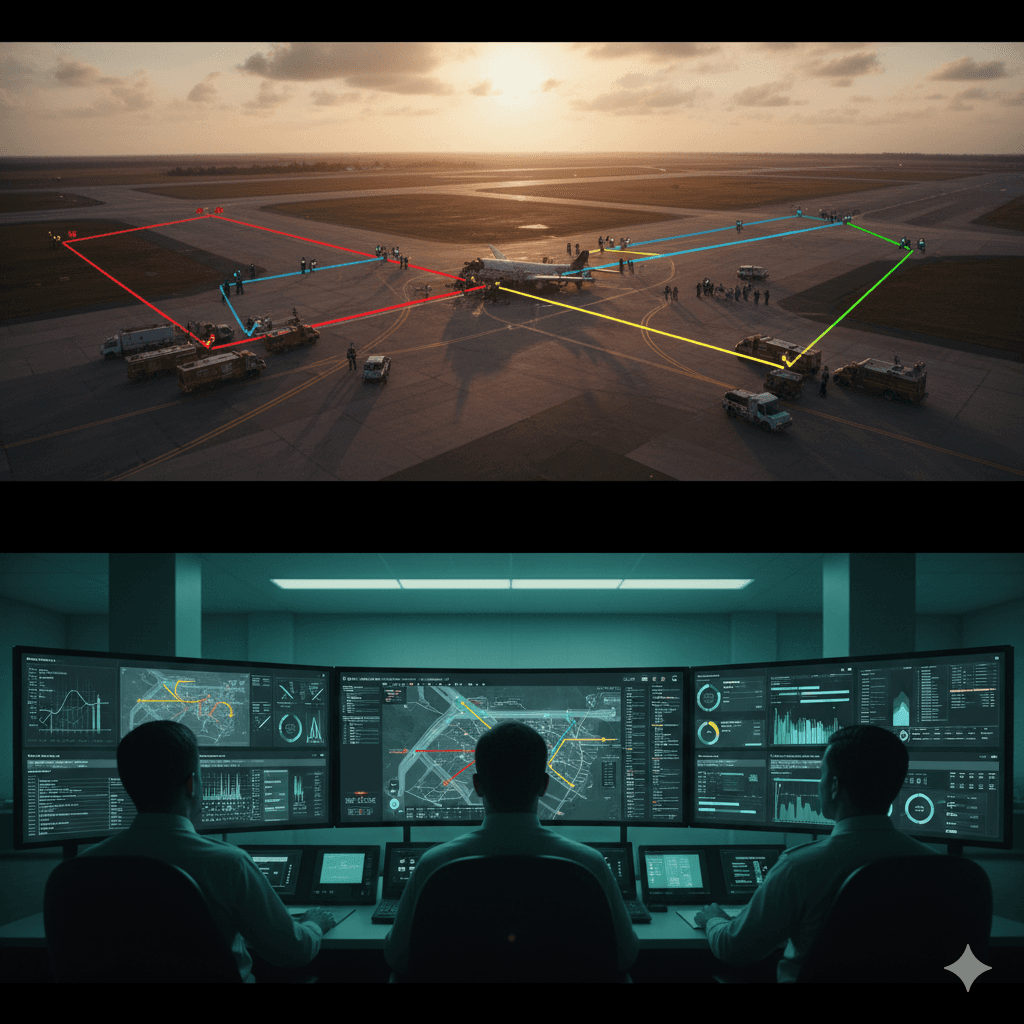
Tyros® automatically records the movement paths of all responders:
🚒 Fire team route from station to crash site
🚓 Police deployment and perimeter establishment
🏥 Medical team evacuation route
⚔️ Defence force positioning and movement
After the exercise, these paths can be analyzed:
📍 Post-Exercise Analysis:
✓ Fire team took 4 minutes from station to site - acceptable
✓ Police could have established perimeter 30 seconds faster
✓ Medical team route had 1 traffic bottleneck - needs optimization
✓ Overall coordination was excellent - response time improved 15% vs. last year
Path Tracing
Path Tracing: Response Efficiency Analysis
Tyros® automatically records the movement paths of all responders:
🚒 Fire team route from station to crash site
🚓 Police deployment and perimeter establishment
🏥 Medical team evacuation route
⚔️ Defence force positioning and movement
After the exercise, these paths can be analyzed:
📍 Post-Exercise Analysis:
✓ Fire team took 4 minutes from station to site - acceptable
✓ Police could have established perimeter 30 seconds faster
✓ Medical team route had 1 traffic bottleneck - needs optimization
✓ Overall coordination was excellent - response time improved 15% vs. last year
📋 9:25-9:45 AM - Real-Time Incident Documentation
📋 9:25-9:45 AM - Real-Time Incident Documentation
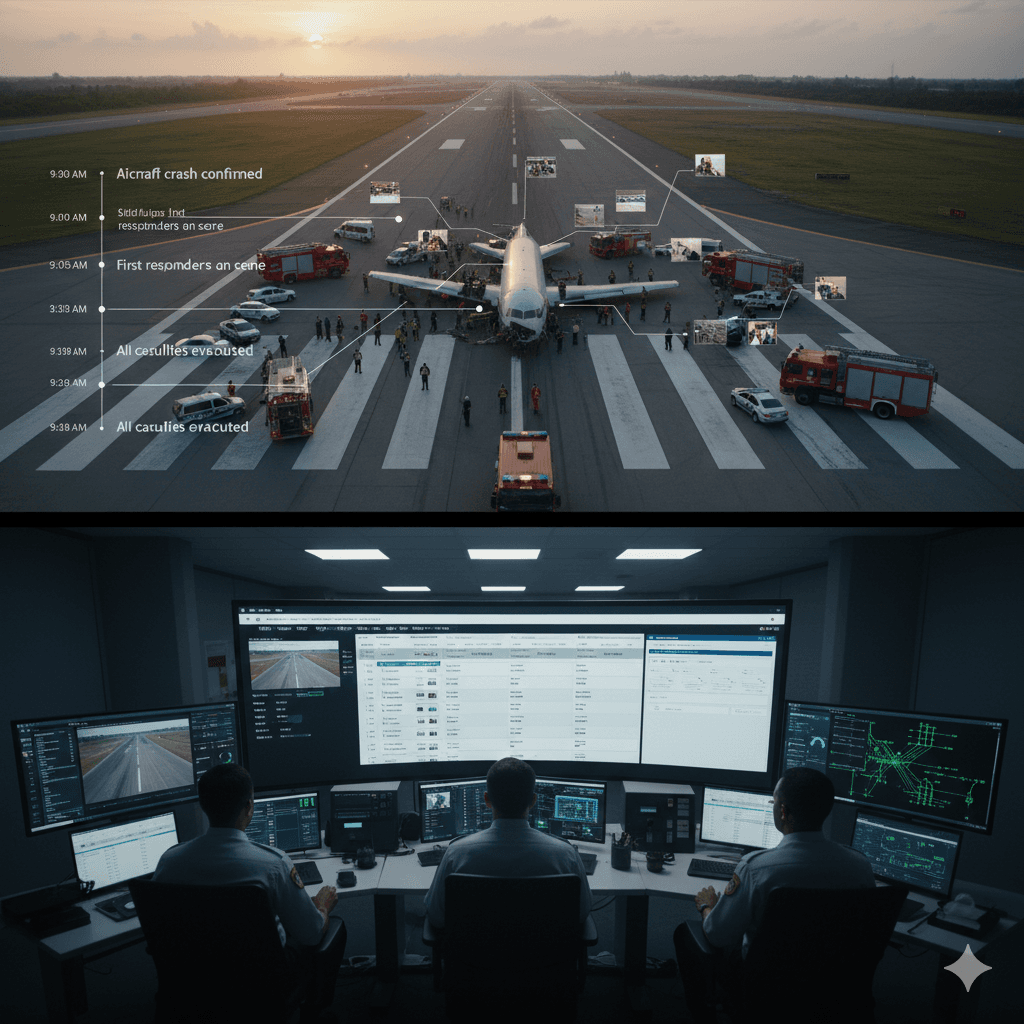
Incident Logging
Continuous Incident Logging
Throughout the exercise, each agency files incident reports in Tyros®:
9:03 - Aircraft crash confirmed
9:05 - First responders on scene
9:07 - 150 simulated casualties identified
9:10 - Evacuation operations began
9:12 - Medical triage established
9:18 - All casualties evacuated
9:25 - Crash site secured
Every action is timestamped. Every decision is documented. Complete accountability.
Incident Logging
Continuous Incident Logging
Throughout the exercise, each agency files incident reports in Tyros®:
9:03 - Aircraft crash confirmed
9:05 - First responders on scene
9:07 - 150 simulated casualties identified
9:10 - Evacuation operations began
9:12 - Medical triage established
9:18 - All casualties evacuated
9:25 - Crash site secured
Every action is timestamped. Every decision is documented. Complete accountability.
✅ 9:45 AM - Exercise Complete: Full Documentation Generated
✅ 9:45 AM - Exercise Complete: Full Documentation Generated
Report
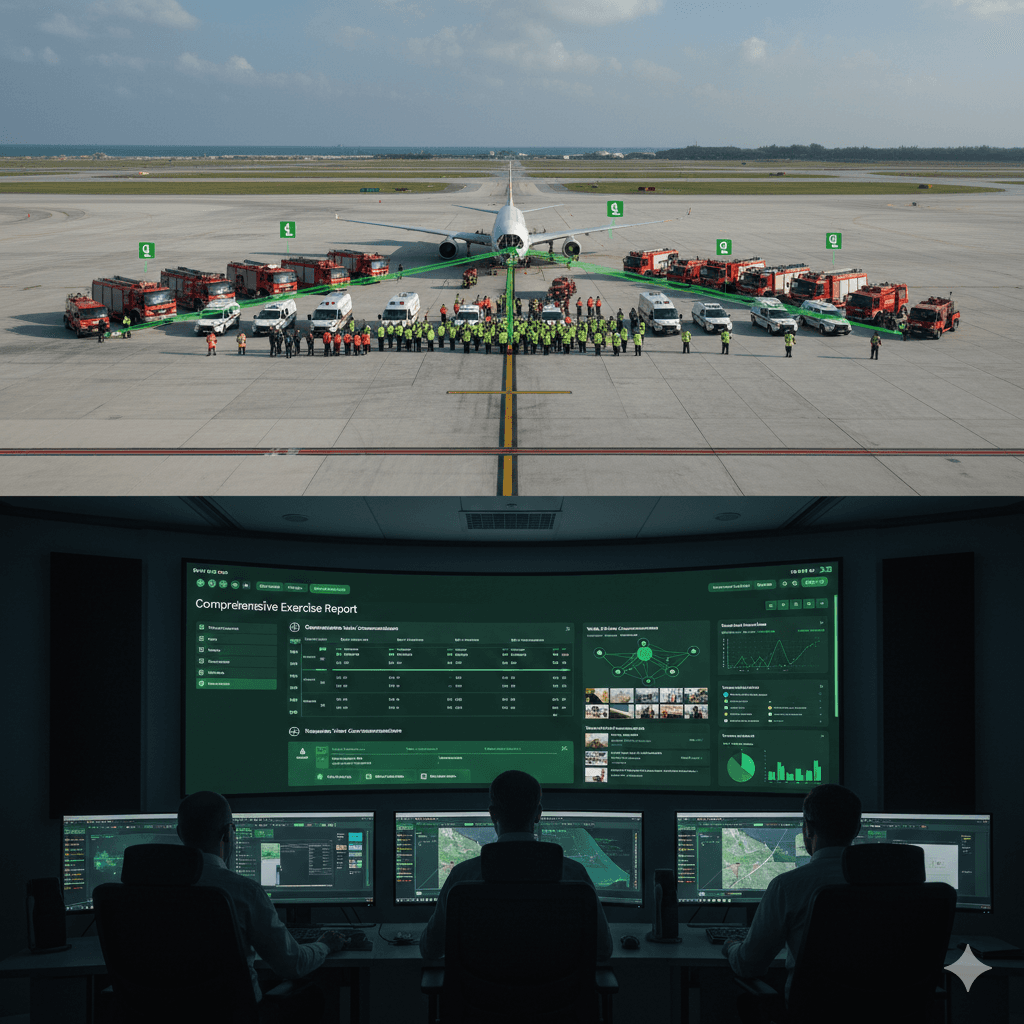
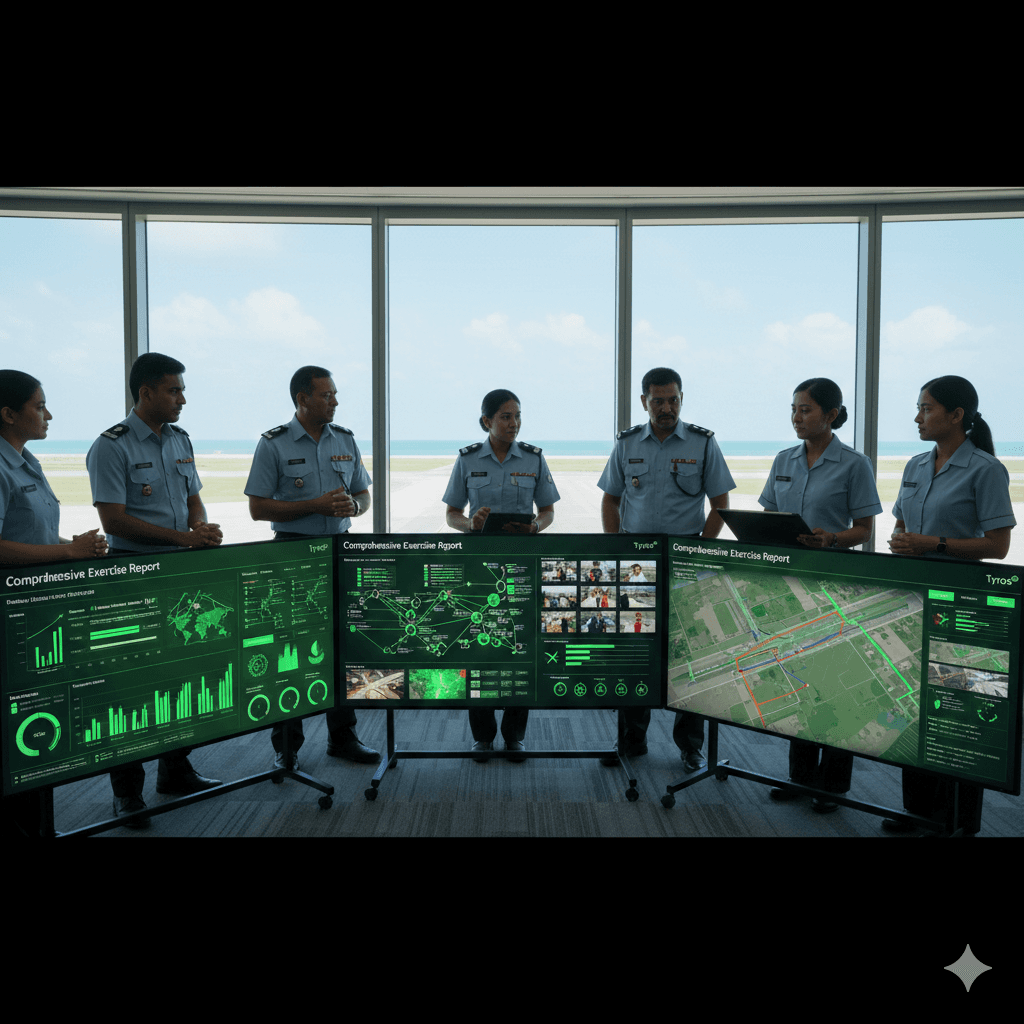
Automatic Report Generation
The moment the exercise is marked "Complete," Tyros® generates a comprehensive report:
📊 Exercise Timeline (minute-by-minute)
💬 All chat conversations (Safe/No Safe conversations only)
📸 All photos and videos shared
🗺️ All location data and paths
👥 All personnel involved and their actions
⏱️ Response times by agency
Report
Automatic Report Generation
The moment the exercise is marked "Complete," Tyros® generates a comprehensive report:
📊 Exercise Timeline (minute-by-minute)
💬 All chat conversations (Safe/No Safe conversations only)
📸 All photos and videos shared
🗺️ All location data and paths
👥 All personnel involved and their actions
⏱️ Response times by agency
Learning & Improvement
Multi-Agency Learning & Improvement
The next day, all agency leaders review the exercise in Tyros®:
🎯 Key Findings:
What Worked:
✓ Multi-agency communication was seamless via Tyros®
✓ Location tracking prevented overlapping efforts
✓ Secure chat protected sensitive information
✓ Response time improved 15% from previous year
Areas to Improve:
• Police perimeter setup: 30 seconds faster next time
• Medical route optimization: Avoid one traffic zone
• Hospital communication: Add dedicated liaison officer
For Next Year's Exercise:
• Use optimized routes identified in path analysis
• Pre-position additional medical teams
• Test inter-agency radio integration
Every agency has the same data. Every agency can identify improvements. Coordination becomes better every year.
Learning & Improvement
Multi-Agency Learning & Improvement
The next day, all agency leaders review the exercise in Tyros®:
🎯 Key Findings:
What Worked:
✓ Multi-agency communication was seamless via Tyros®
✓ Location tracking prevented overlapping efforts
✓ Secure chat protected sensitive information
✓ Response time improved 15% from previous year
Areas to Improve:
• Police perimeter setup: 30 seconds faster next time
• Medical route optimization: Avoid one traffic zone
• Hospital communication: Add dedicated liaison officer
For Next Year's Exercise:
• Use optimized routes identified in path analysis
• Pre-position additional medical teams
• Test inter-agency radio integration
Every agency has the same data. Every agency can identify improvements. Coordination becomes better every year.
Why Tyros® Transforms Disaster Exercises
Why Tyros® Transforms Disaster Exercises
Benefits
Why This Matters for Airports
Instant SOS alert to all agencies simultaneously
Real-time location visibility prevents confusion and coordination gaps
Unified walkie-talkie eliminates radio confusion
Secure chat allows safe information sharing without public leaks
Geofencing ensures zone safety and access control
Path tracing reveals response efficiency and bottlenecks
Complete incident documentation for every agency
Automatic comprehensive report generation
Data-driven analysis for continuous improvement
All agencies learn from the same complete record
Response times measurable and improveable year after year
When real disasters occur, teams are fully prepared
Benefits
Why This Matters for Airports
Instant SOS alert to all agencies simultaneously
Real-time location visibility prevents confusion and coordination gaps
Unified walkie-talkie eliminates radio confusion
Secure chat allows safe information sharing without public leaks
Geofencing ensures zone safety and access control
Path tracing reveals response efficiency and bottlenecks
Complete incident documentation for every agency
Automatic comprehensive report generation
Data-driven analysis for continuous improvement
All agencies learn from the same complete record
Response times measurable and improveable year after year
When real disasters occur, teams are fully prepared